
Today's AI Tip
← All posts

ChatGPT keeps a list of facts about you. Here's how to see and delete it.

· View on Instagram · View on Facebook

ChatGPT keeps a list of facts about you. Here's how to see and delete it.
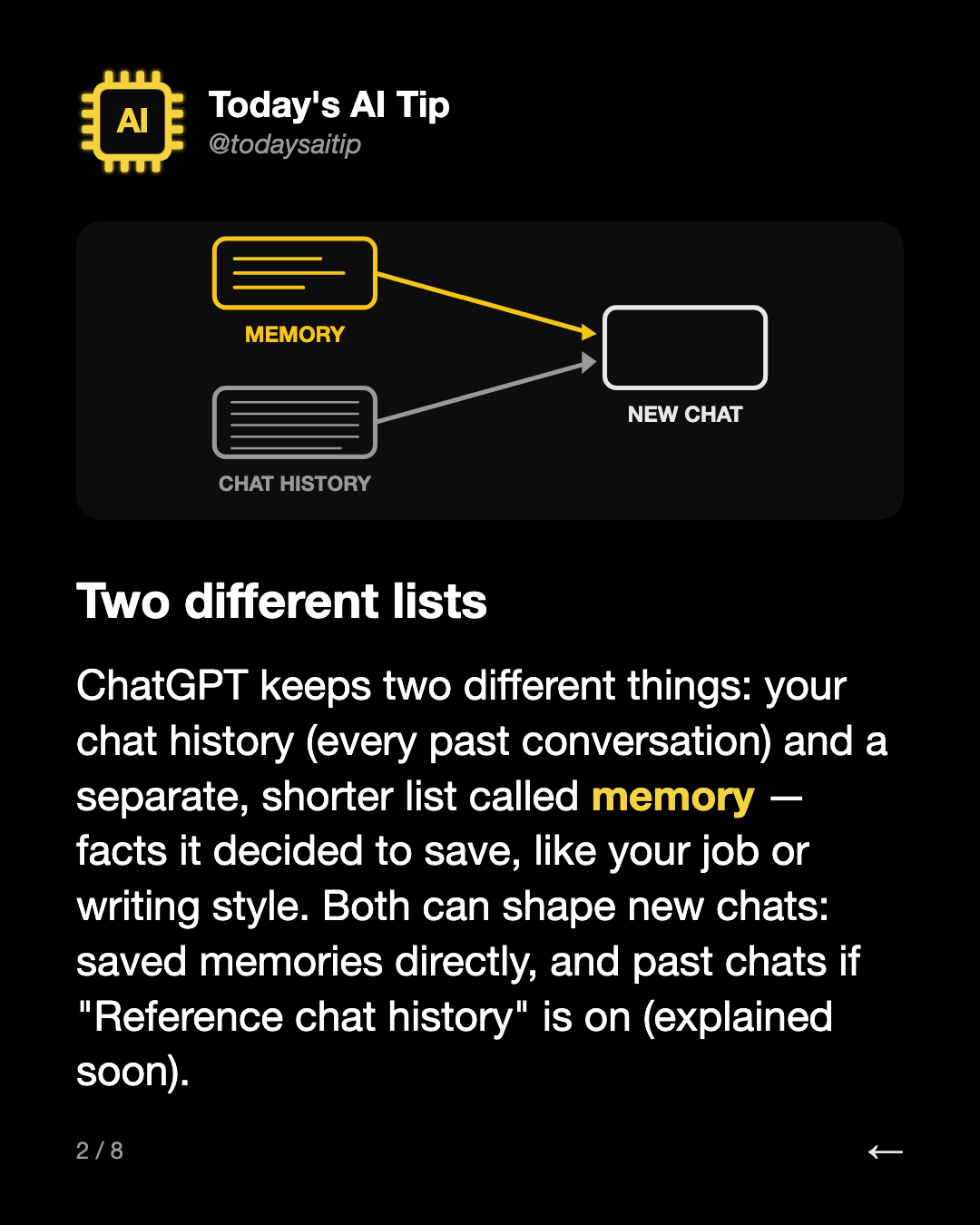
Two different lists. ChatGPT keeps two different things: your chat history (every past conversation) and a separate, shorter list called memory — facts it decided to save, like your job or writing style. Both can shape new chats: saved memories directly, and past chats if "Reference chat history" is

Two different lists

ChatGPT keeps two different things: your chat history (every past conversation) and a separate, shorter list called memory — facts it decided to save, like your job or writing style. Both can shape new chats: saved memories directly, and past chats if "Reference chat history" is on (explained soon).
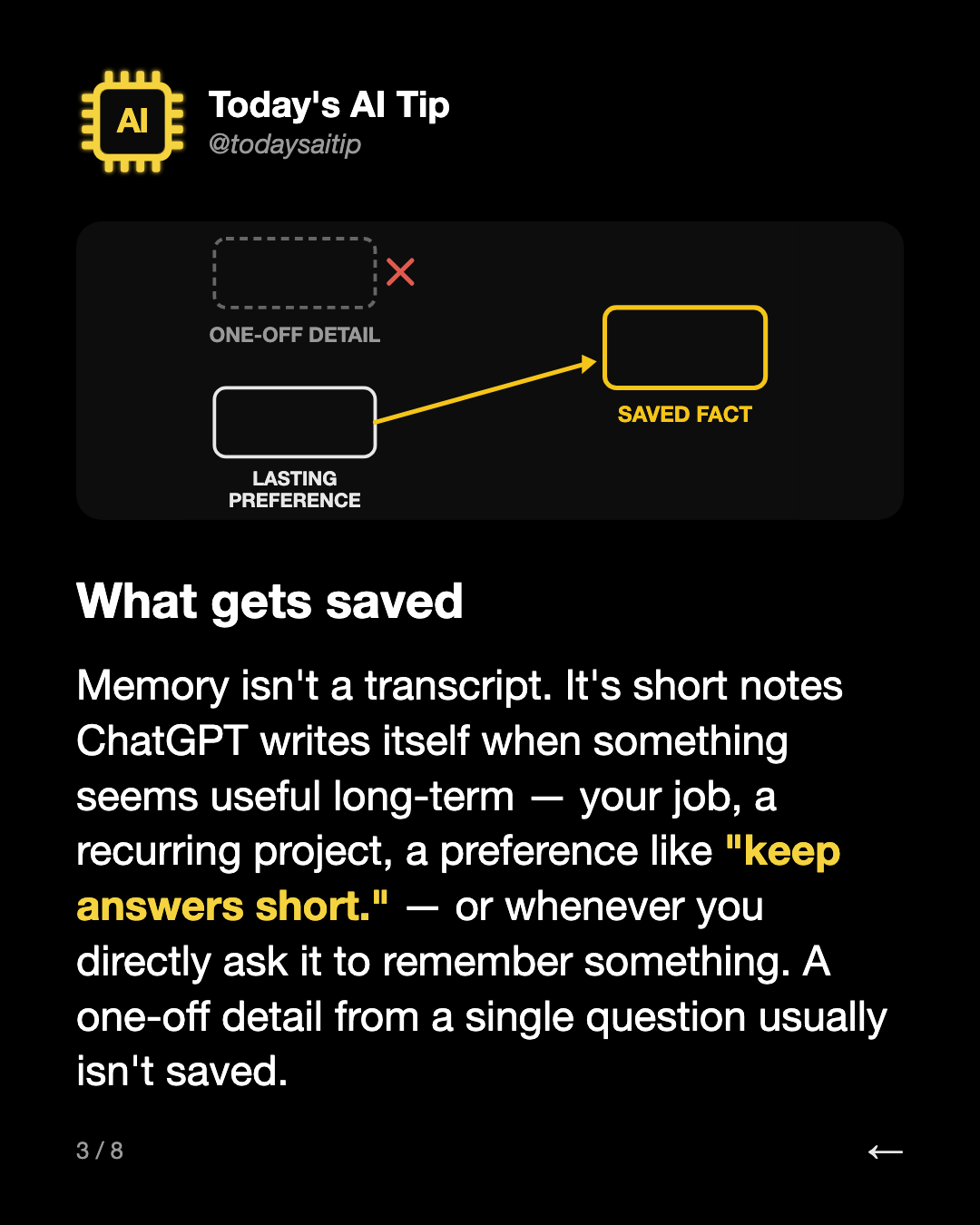
What gets saved. Memory isn't a transcript. It's short notes ChatGPT writes itself when something seems useful long-term — your job, a recurring project, a preference like "keep answers short." — or whenever you directly ask it to remember something. A one-off detail from a single question usually i

What gets saved

Memory isn't a transcript. It's short notes ChatGPT writes itself when something seems useful long-term — your job, a recurring project, a preference like "keep answers short." — or whenever you directly ask it to remember something. A one-off detail from a single question usually isn't saved.
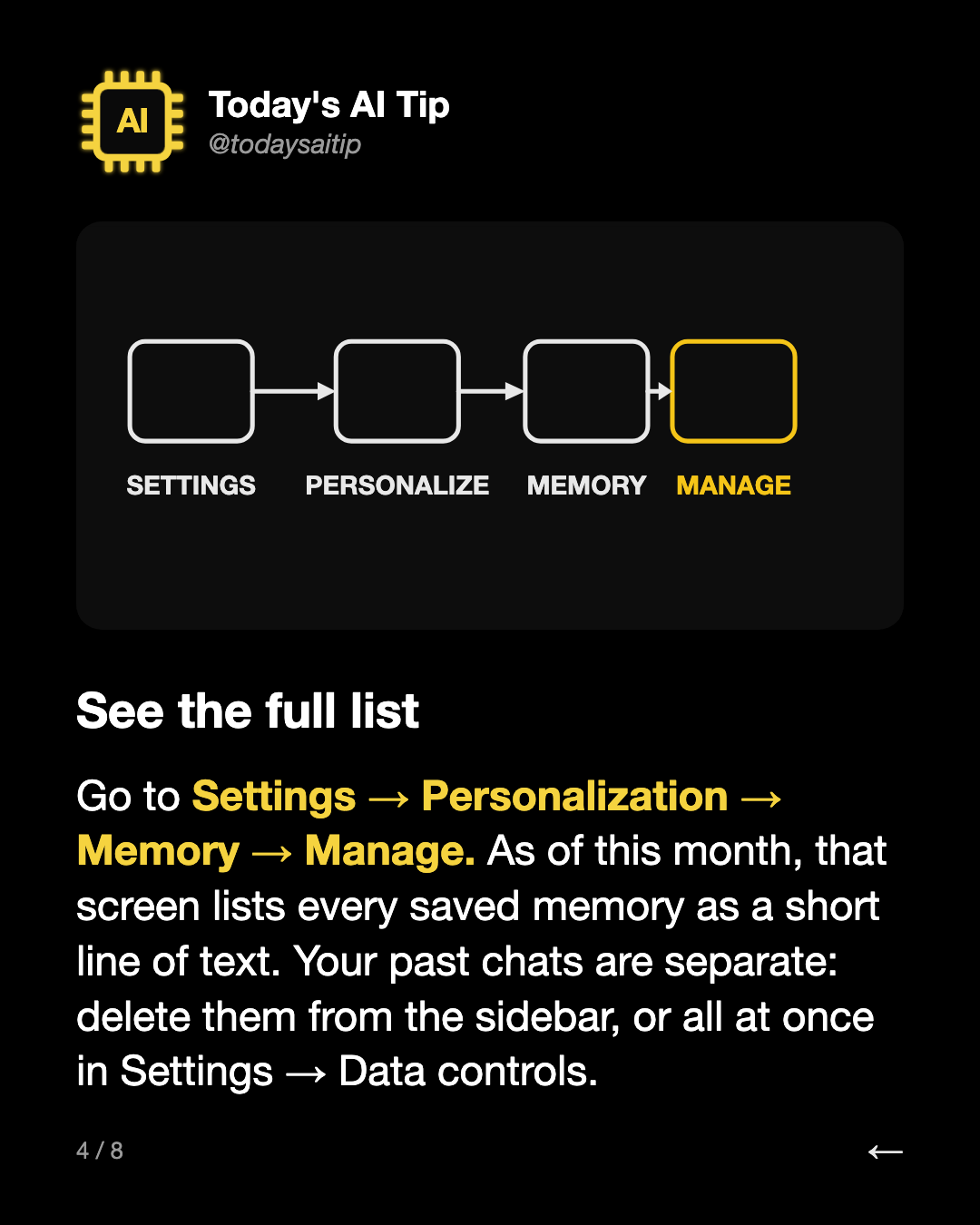
See the full list. Go to Settings → Personalization → Memory → Manage. As of this month, that screen lists every saved memory as a short line of text. Your past chats are separate: delete them from the sidebar, or all at once in Settings → Data controls.
See the full list

Go to Settings → Personalization → Memory → Manage. As of this month, that screen lists every saved memory as a short line of text. Your past chats are separate: delete them from the sidebar, or all at once in Settings → Data controls.

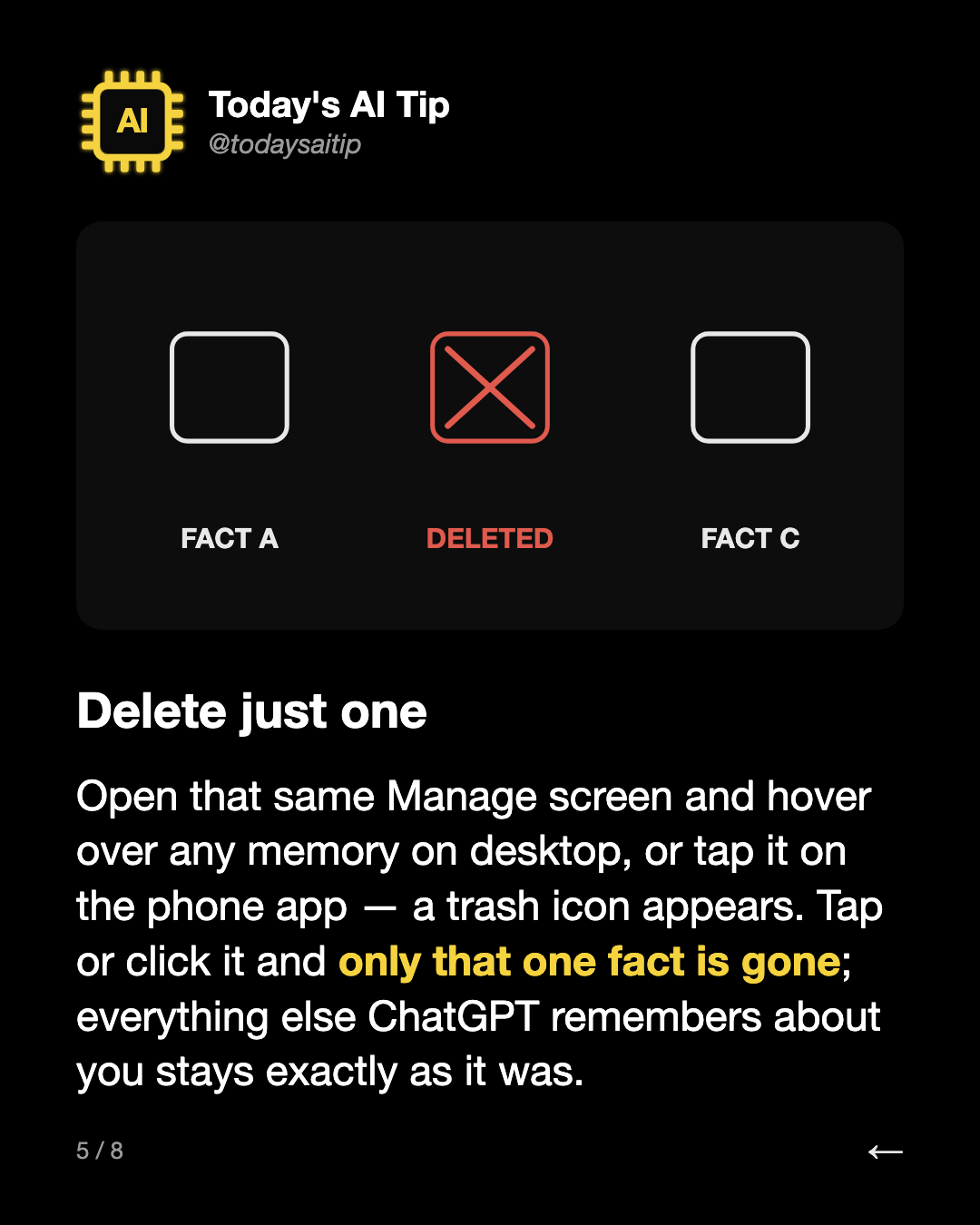
Delete just one. Open that same Manage screen and hover over any memory on desktop, or tap it on the phone app — a trash icon appears. Tap or click it and only that one fact is gone; everything else ChatGPT remembers about you stays exactly as it was.
Delete just one

Open that same Manage screen and hover over any memory on desktop, or tap it on the phone app — a trash icon appears. Tap or click it and only that one fact is gone; everything else ChatGPT remembers about you stays exactly as it was.

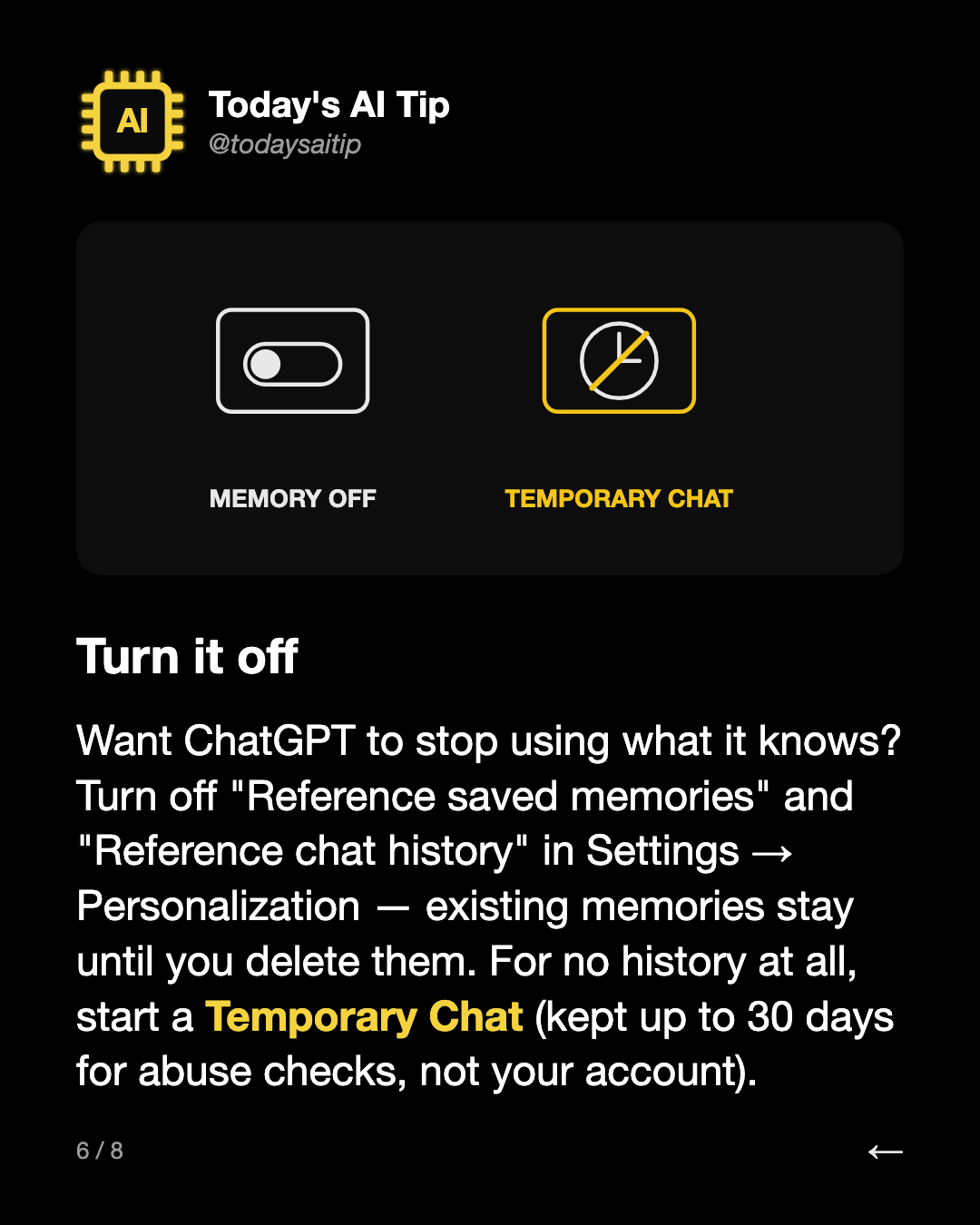
Turn it off. Want ChatGPT to stop using what it knows? Turn off "Reference saved memories" and "Reference chat history" in Settings → Personalization — existing memories stay until you delete them. For no history at all, start a Temporary Chat (kept up to 30 days for abuse checks, not your account).
Turn it off

Want ChatGPT to stop using what it knows? Turn off "Reference saved memories" and "Reference chat history" in Settings → Personalization — existing memories stay until you delete them. For no history at all, start a Temporary Chat (kept up to 30 days for abuse checks, not your account).

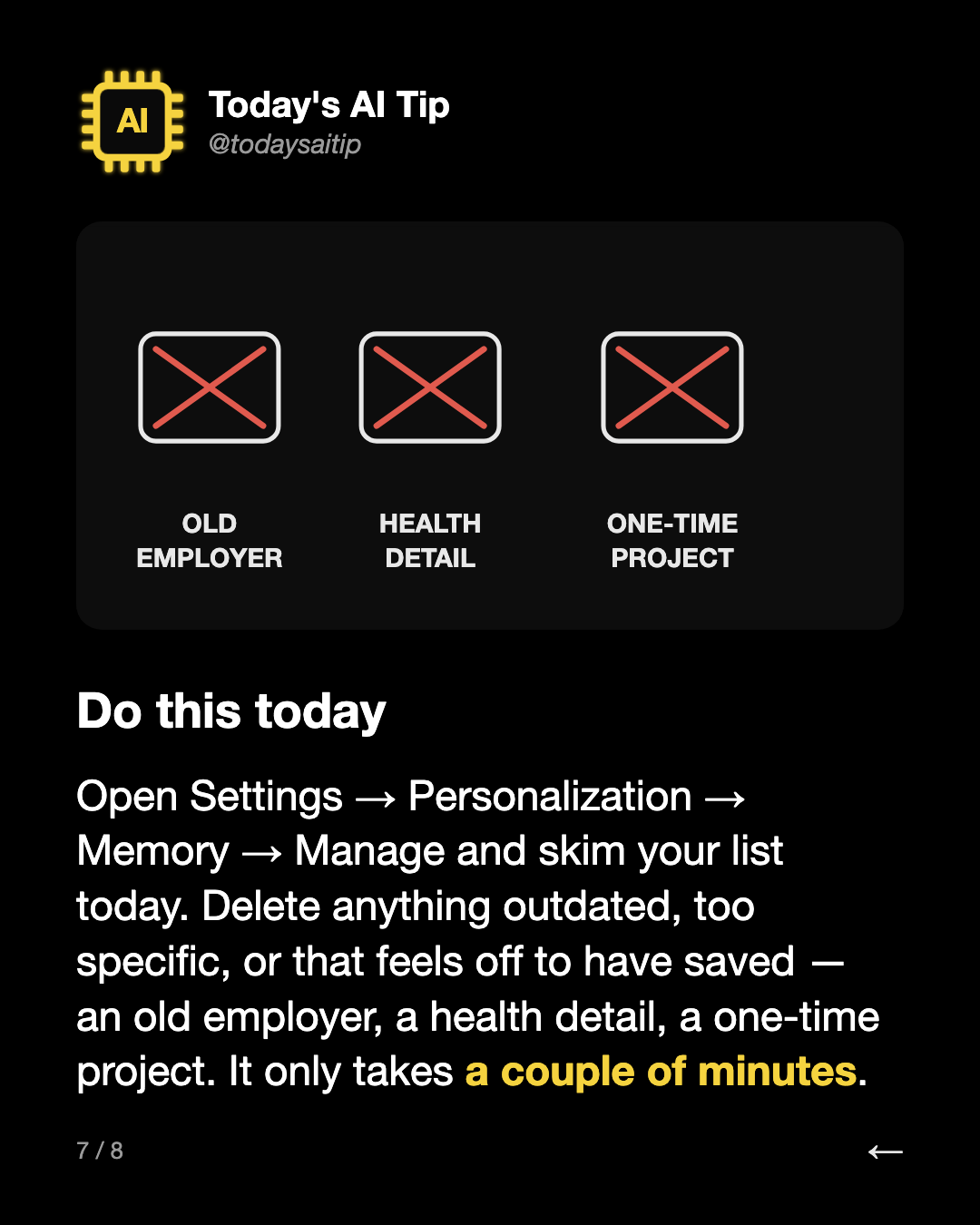
Do this today. Open Settings → Personalization → Memory → Manage and skim your list today. Delete anything outdated, too specific, or that feels off to have saved — an old employer, a health detail, a one-time project. It only takes a couple of minutes.


Do this today

Open Settings → Personalization → Memory → Manage and skim your list today. Delete anything outdated, too specific, or that feels off to have saved — an old employer, a health detail, a one-time project. It only takes a couple of minutes.

Follow @todaysaitipSave this post on Instagram

More posts