
Today's AI Tip
← All posts

Turn a shoebox of receipts into a spreadsheet with a few chat messages

· View on Instagram · View on Facebook

Turn a shoebox of receipts into a spreadsheet with a few chat messages
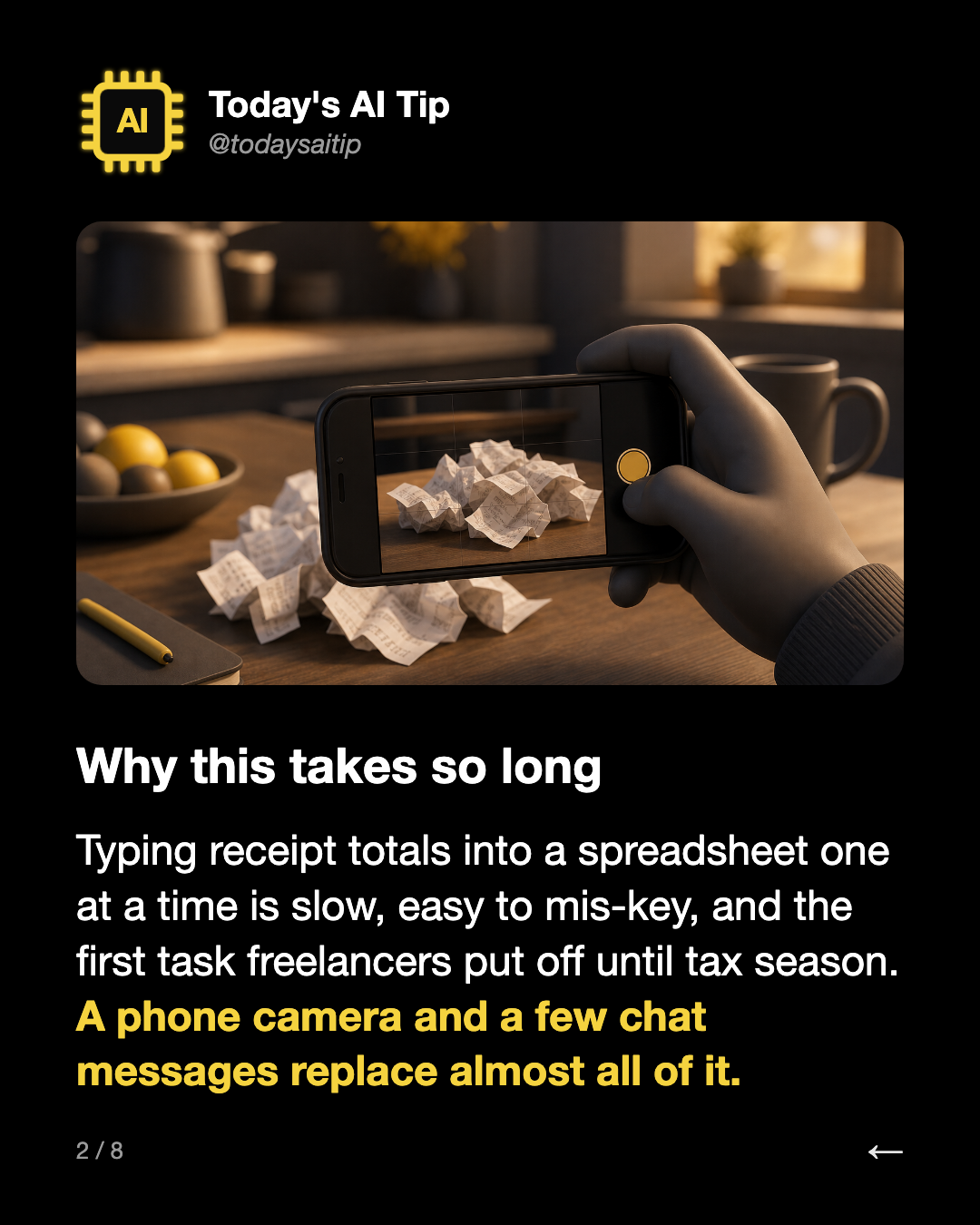
Why this takes so long. Typing receipt totals into a spreadsheet one at a time is slow, easy to mis-key, and the first task freelancers put off until tax season. A phone camera and a few chat messages replace almost all of it.
Why this takes so long

Typing receipt totals into a spreadsheet one at a time is slow, easy to mis-key, and the first task freelancers put off until tax season. A phone camera and a few chat messages replace almost all of it.

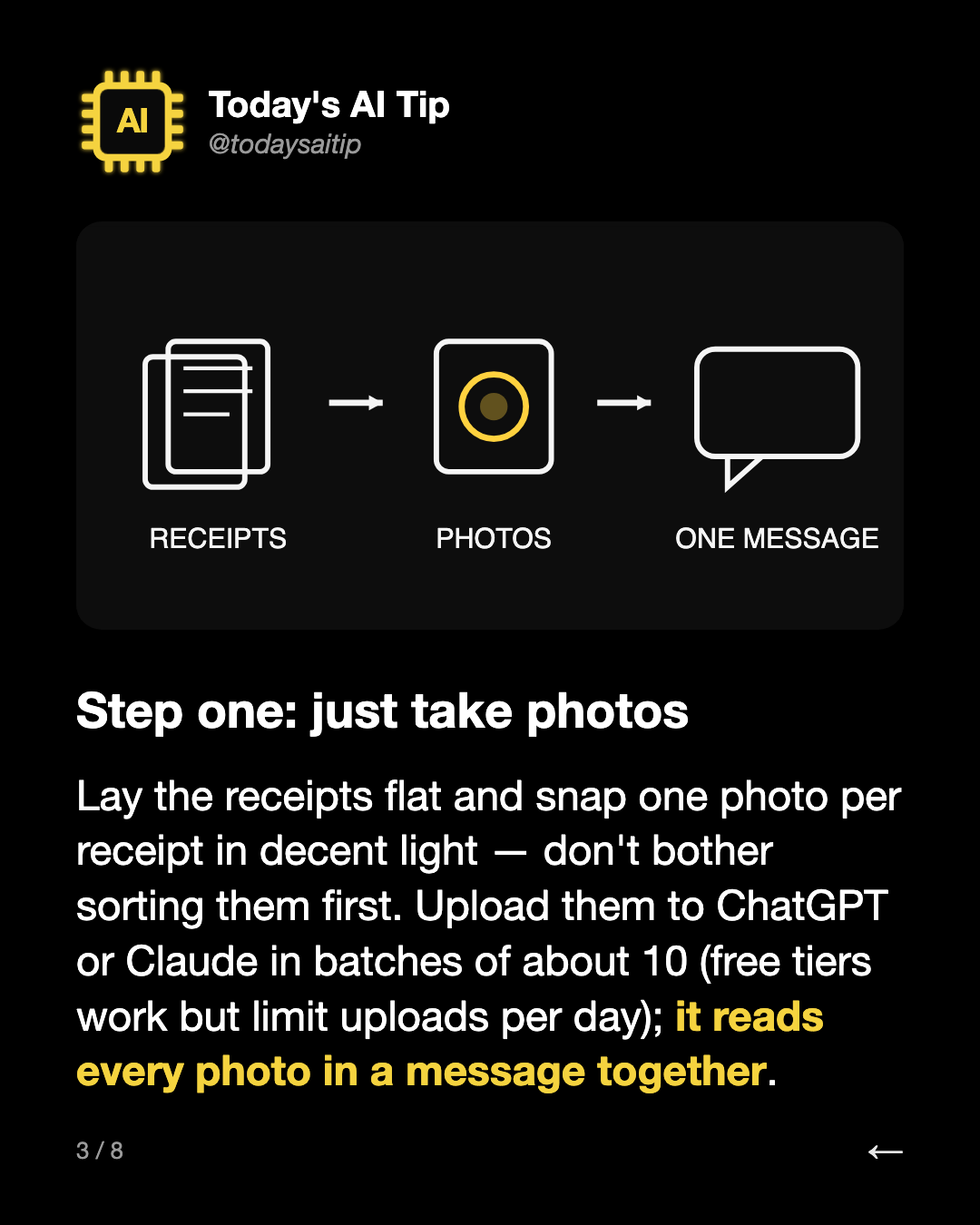
Step one: just take photos. Lay the receipts flat and snap one photo per receipt in decent light — don't bother sorting them first. Upload them to ChatGPT or Claude in batches of about 10 (free tiers work but limit uploads per day); it reads every photo in a message together.
Step one: just take photos

Lay the receipts flat and snap one photo per receipt in decent light — don't bother sorting them first. Upload them to ChatGPT or Claude in batches of about 10 (free tiers work but limit uploads per day); it reads every photo in a message together.

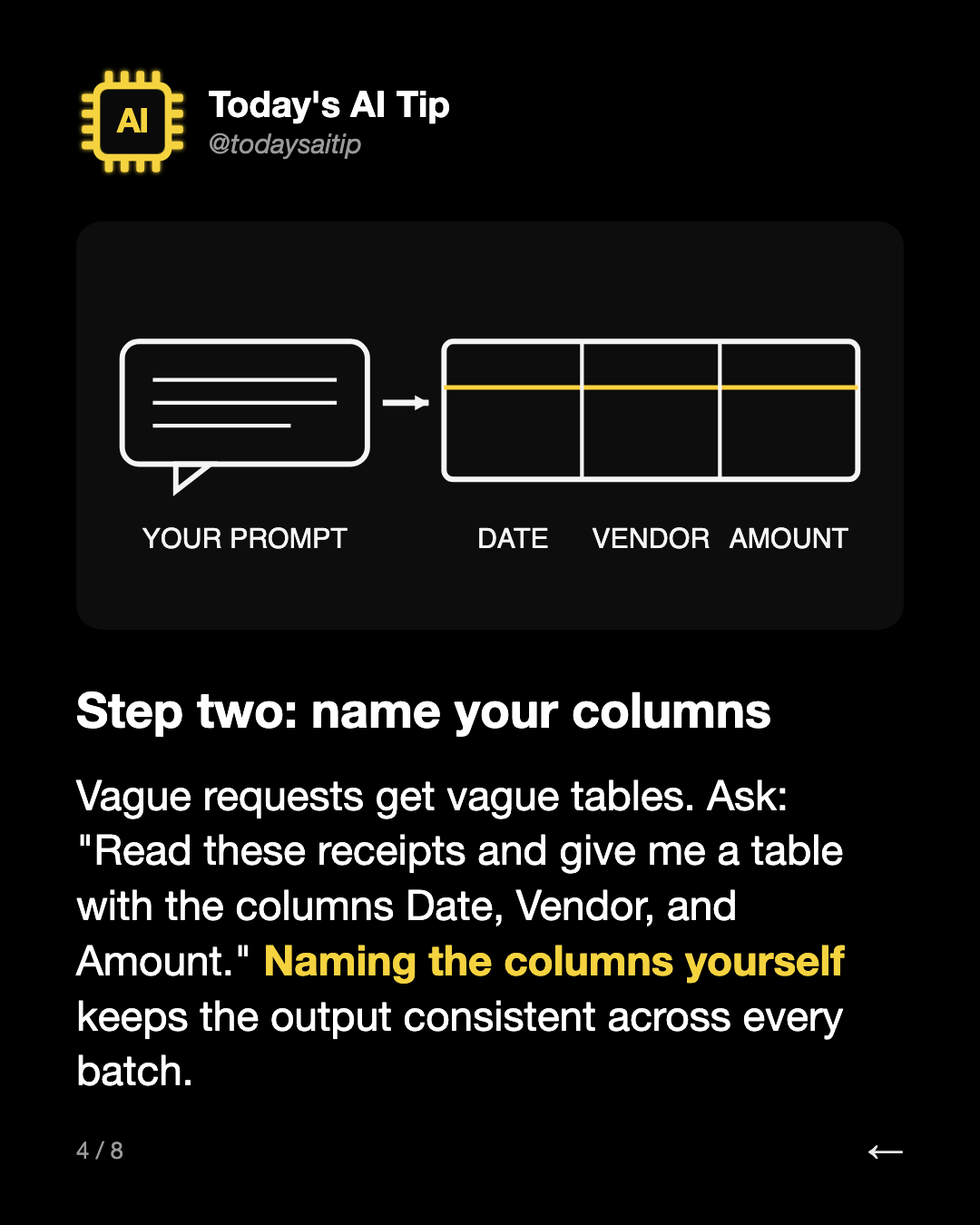
Step two: name your columns. Vague requests get vague tables. Ask: "Read these receipts and give me a table with the columns Date, Vendor, and Amount." Naming the columns yourself keeps the output consistent across every batch.
Step two: name your columns

Vague requests get vague tables. Ask: "Read these receipts and give me a table with the columns Date, Vendor, and Amount." Naming the columns yourself keeps the output consistent across every batch.

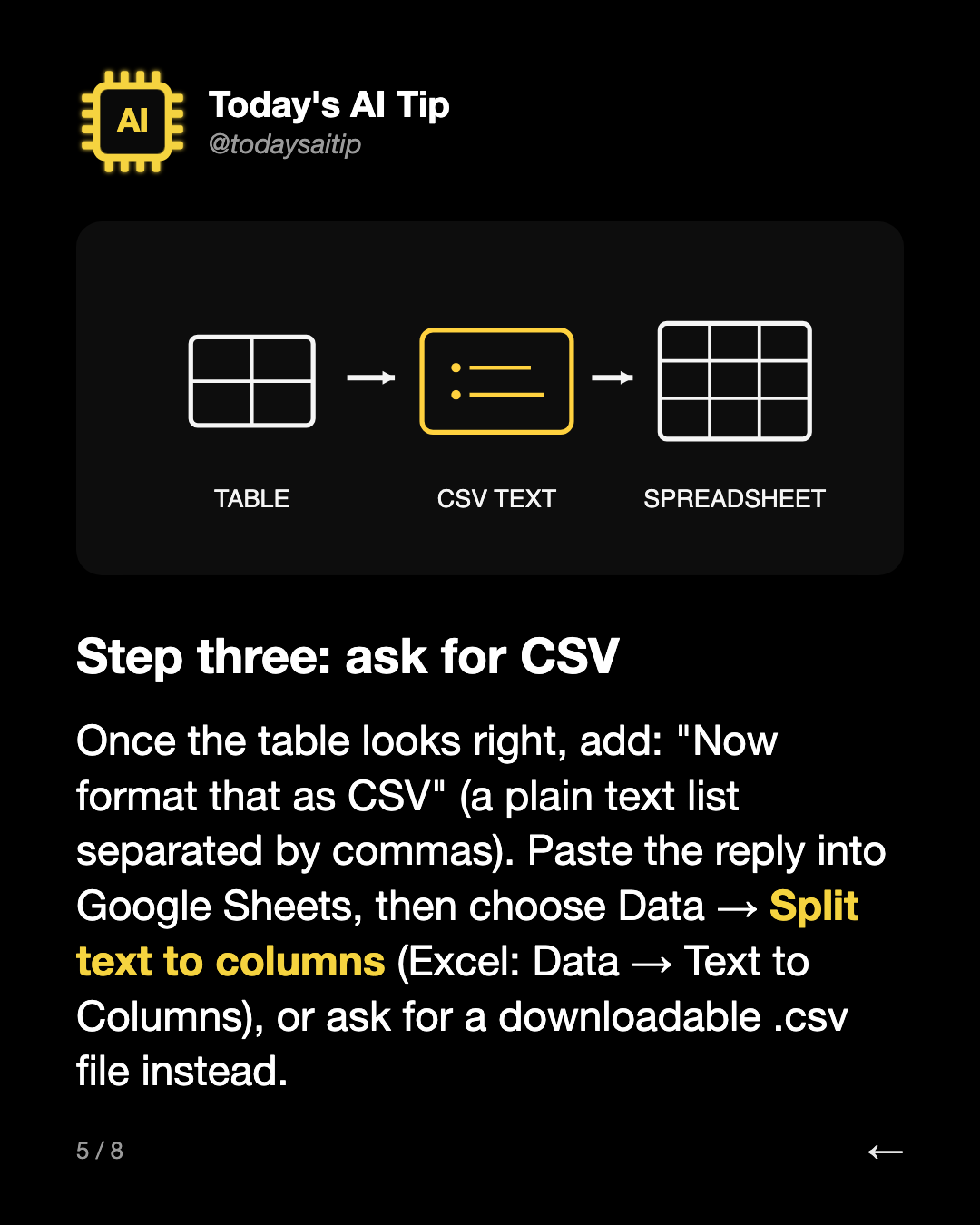
Step three: ask for CSV. Once the table looks right, add: "Now format that as CSV" (a plain text list separated by commas). Paste the reply into Google Sheets, then choose Data → Split text to columns (Excel: Data → Text to Columns), or ask for a downloadable .csv file instead.
Step three: ask for CSV

Once the table looks right, add: "Now format that as CSV" (a plain text list separated by commas). Paste the reply into Google Sheets, then choose Data → Split text to columns (Excel: Data → Text to Columns), or ask for a downloadable .csv file instead.

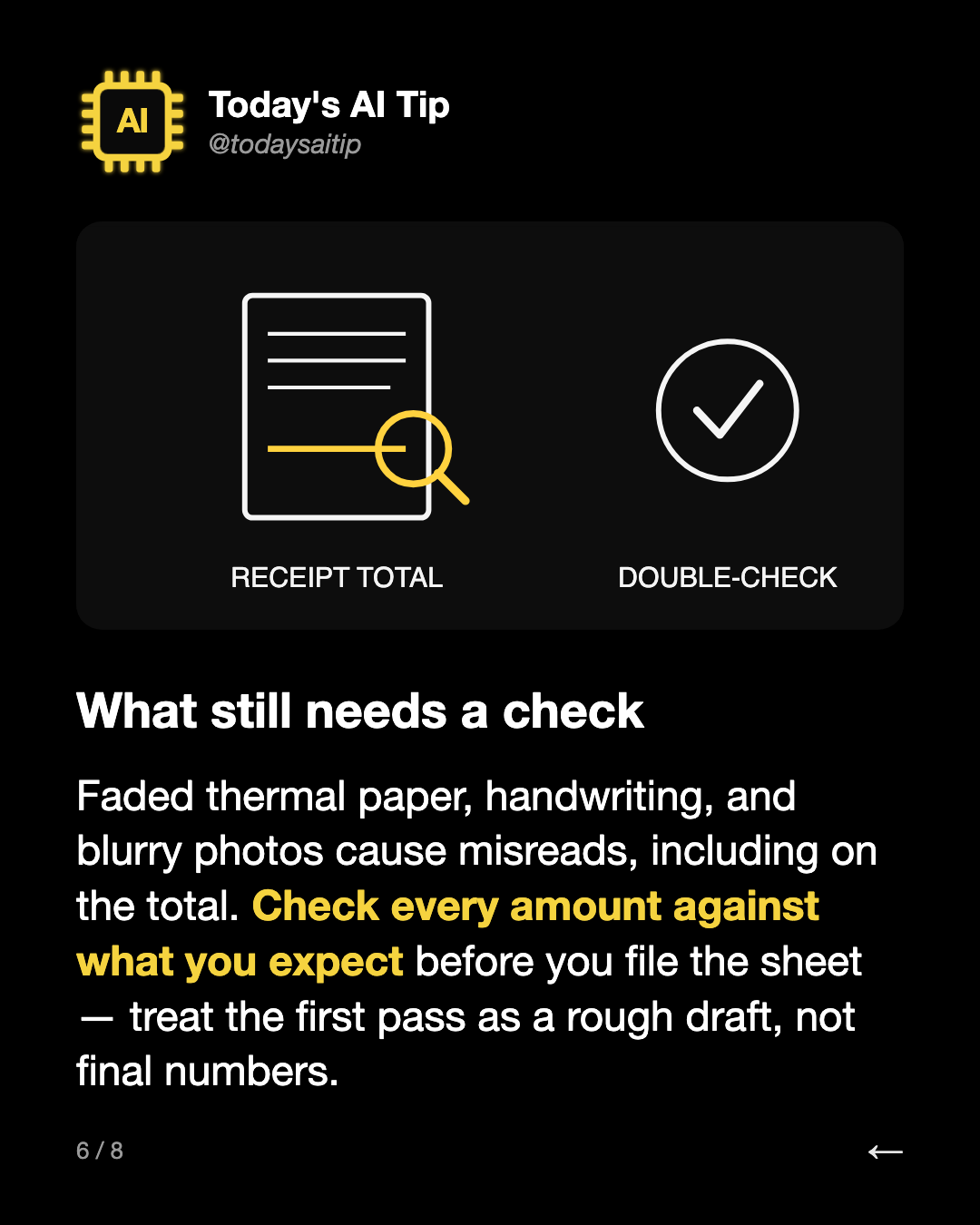
What still needs a check. Faded thermal paper, handwriting, and blurry photos cause misreads, including on the total. Check every amount against what you expect before you file the sheet — treat the first pass as a rough draft, not final numbers.
What still needs a check

Faded thermal paper, handwriting, and blurry photos cause misreads, including on the total. Check every amount against what you expect before you file the sheet — treat the first pass as a rough draft, not final numbers.

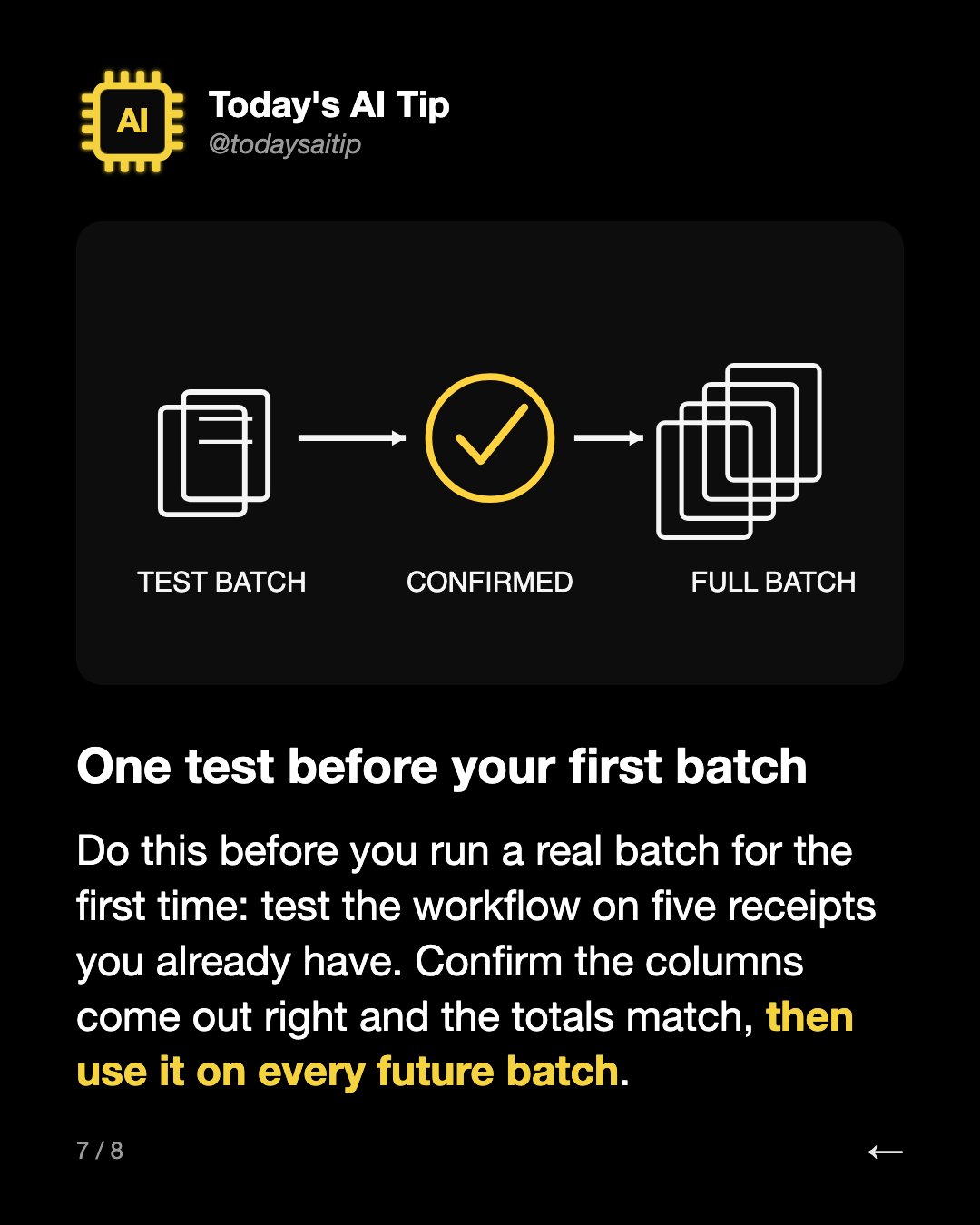
One test before your first batch. Do this before you run a real batch for the first time: test the workflow on five receipts you already have. Confirm the columns come out right and the totals match, then use it on every future batch.


One test before your first batch

Do this before you run a real batch for the first time: test the workflow on five receipts you already have. Confirm the columns come out right and the totals match, then use it on every future batch.

Follow @todaysaitipSave this post on Instagram

More posts