 Today's AI Tip
This free Google tool answers questions about your PDF and shows the exact passage
The trust problem
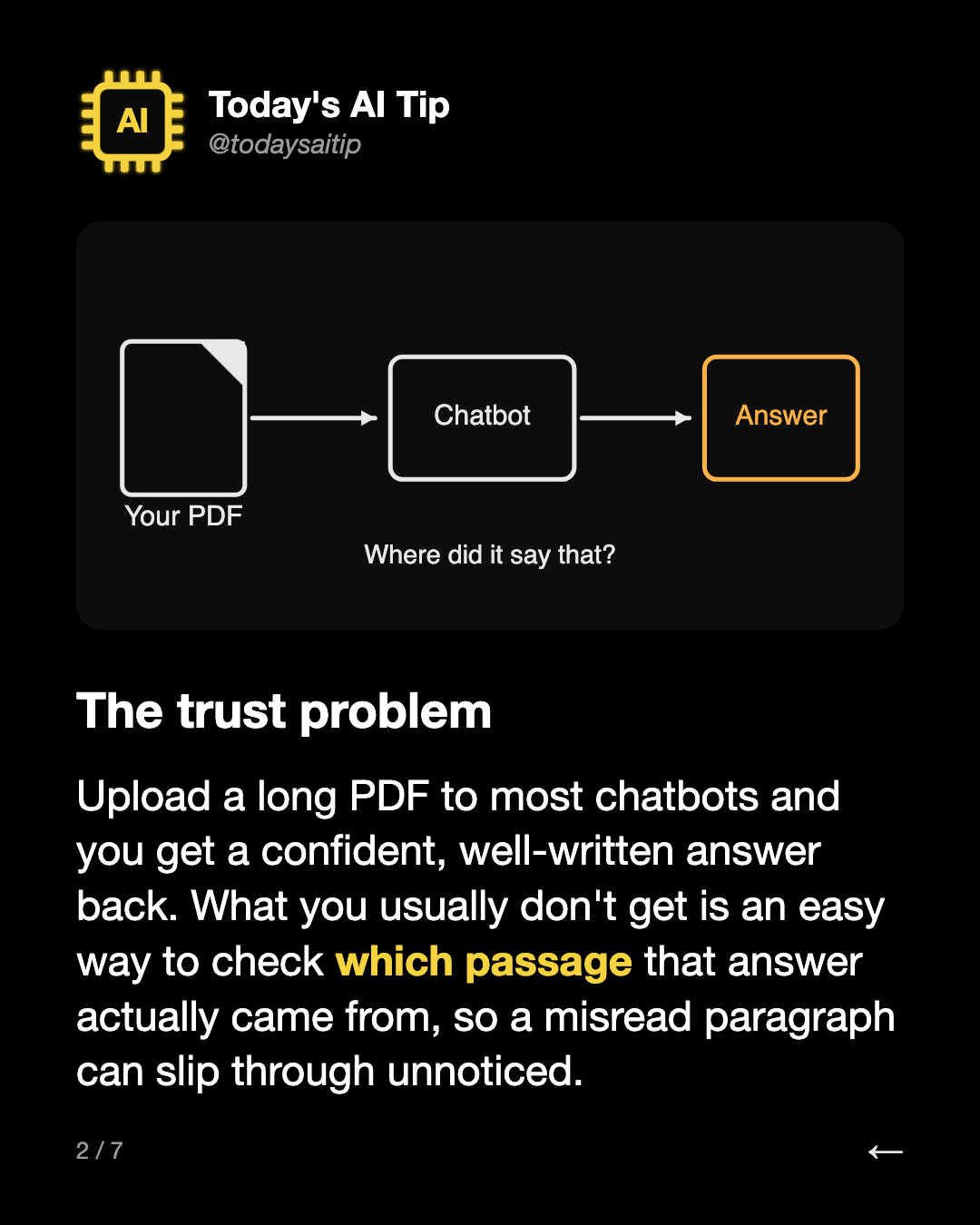
Upload a long PDF to most chatbots and you get a confident, well-written answer back. What you usually don't get is an easy way to check which passage that answer actually came from, so a misread paragraph can slip through unnoticed.
ChatGPT: fast, but hard to check
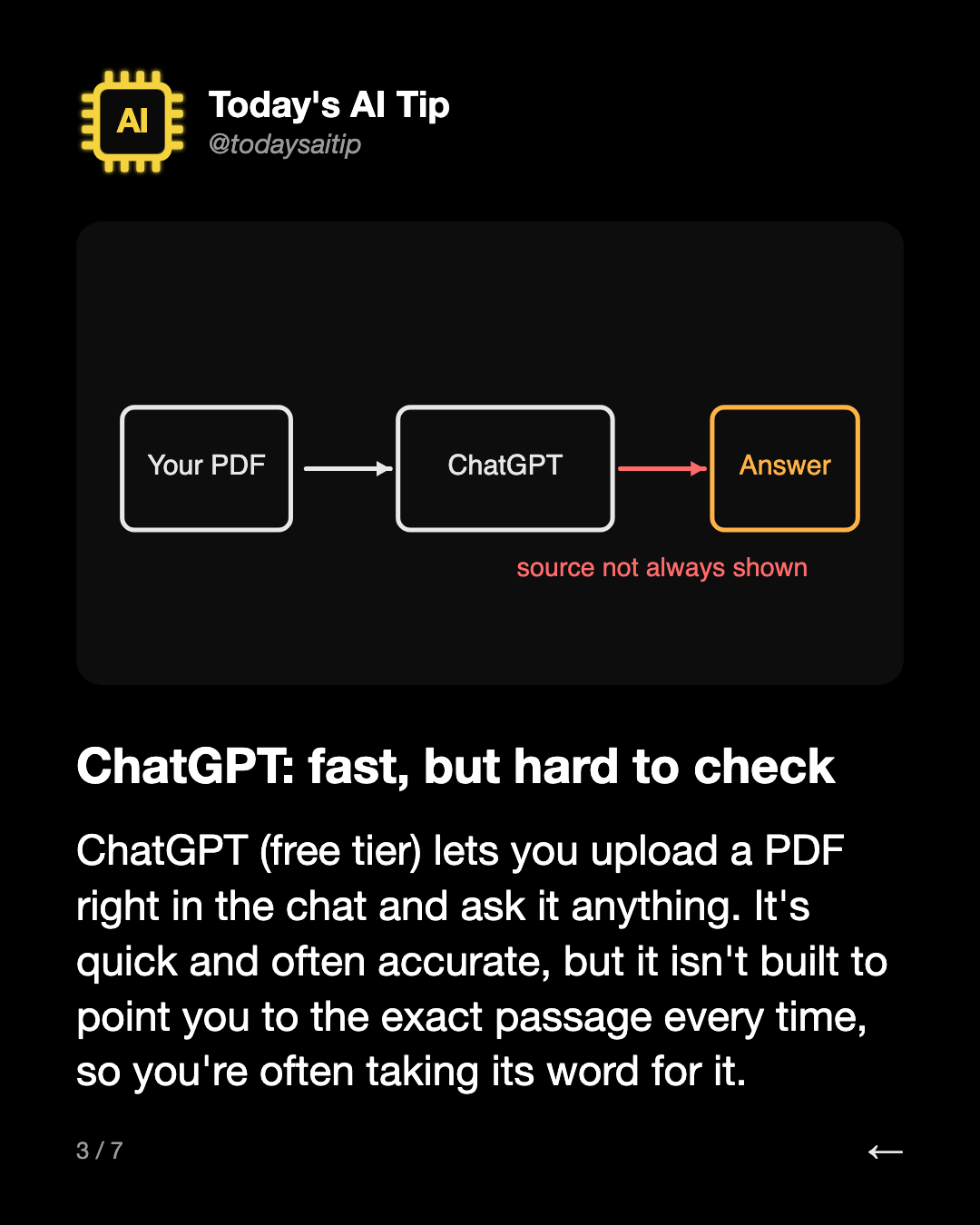
ChatGPT (free tier) lets you upload a PDF right in the chat and ask it anything. It's quick and often accurate, but it isn't built to point you to the exact passage every time, so you're often taking its word for it.
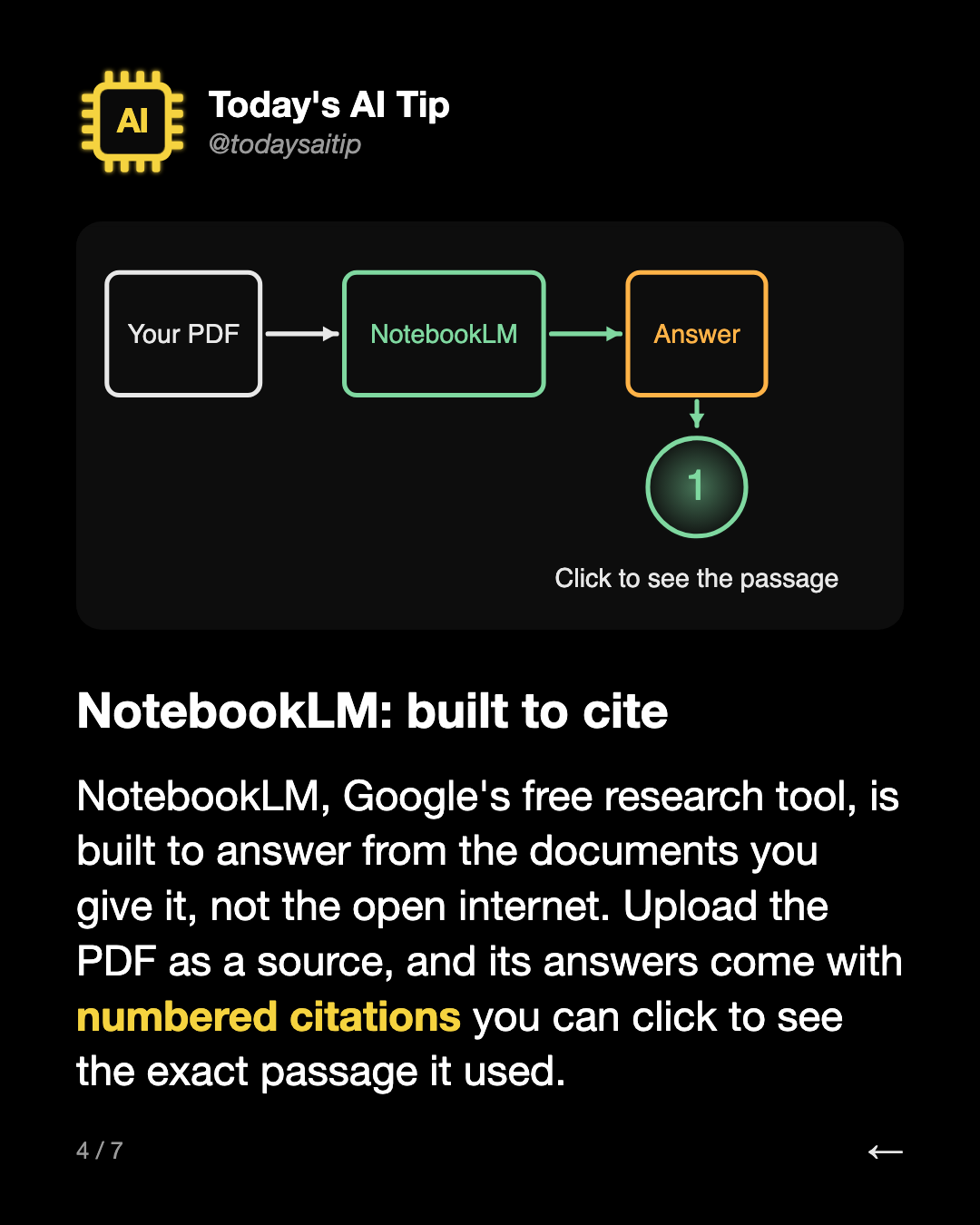
NotebookLM: built to cite
NotebookLM, Google's free research tool, is built to answer from the documents you give it, not the open internet. Upload the PDF as a source, and its answers come with numbered citations you can click to see the exact passage it used.
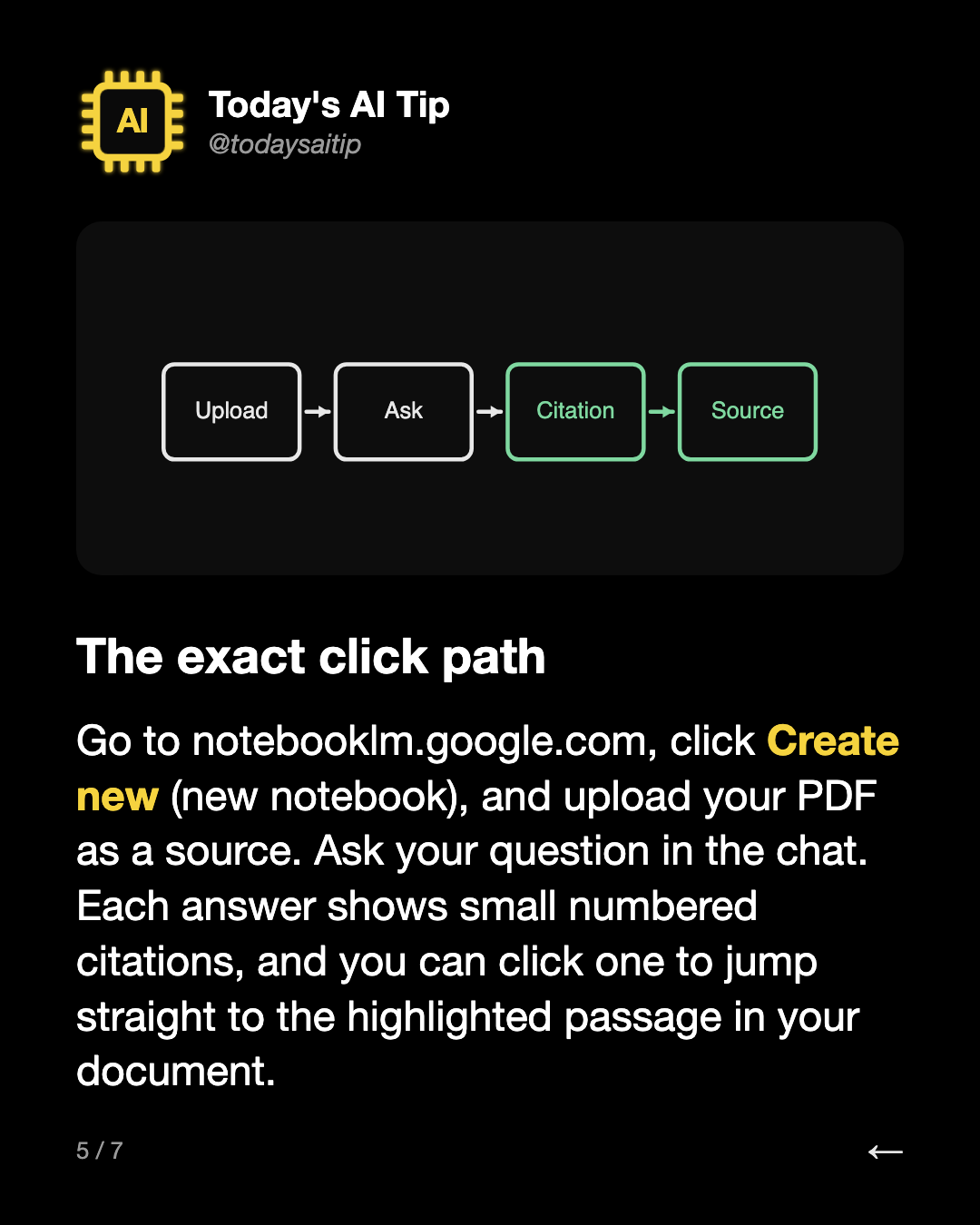
The exact click path
Go to notebooklm.google.com, click Create new (new notebook), and upload your PDF as a source. Ask your question in the chat. Each answer shows small numbered citations, and you can click one to jump straight to the highlighted passage in your document.
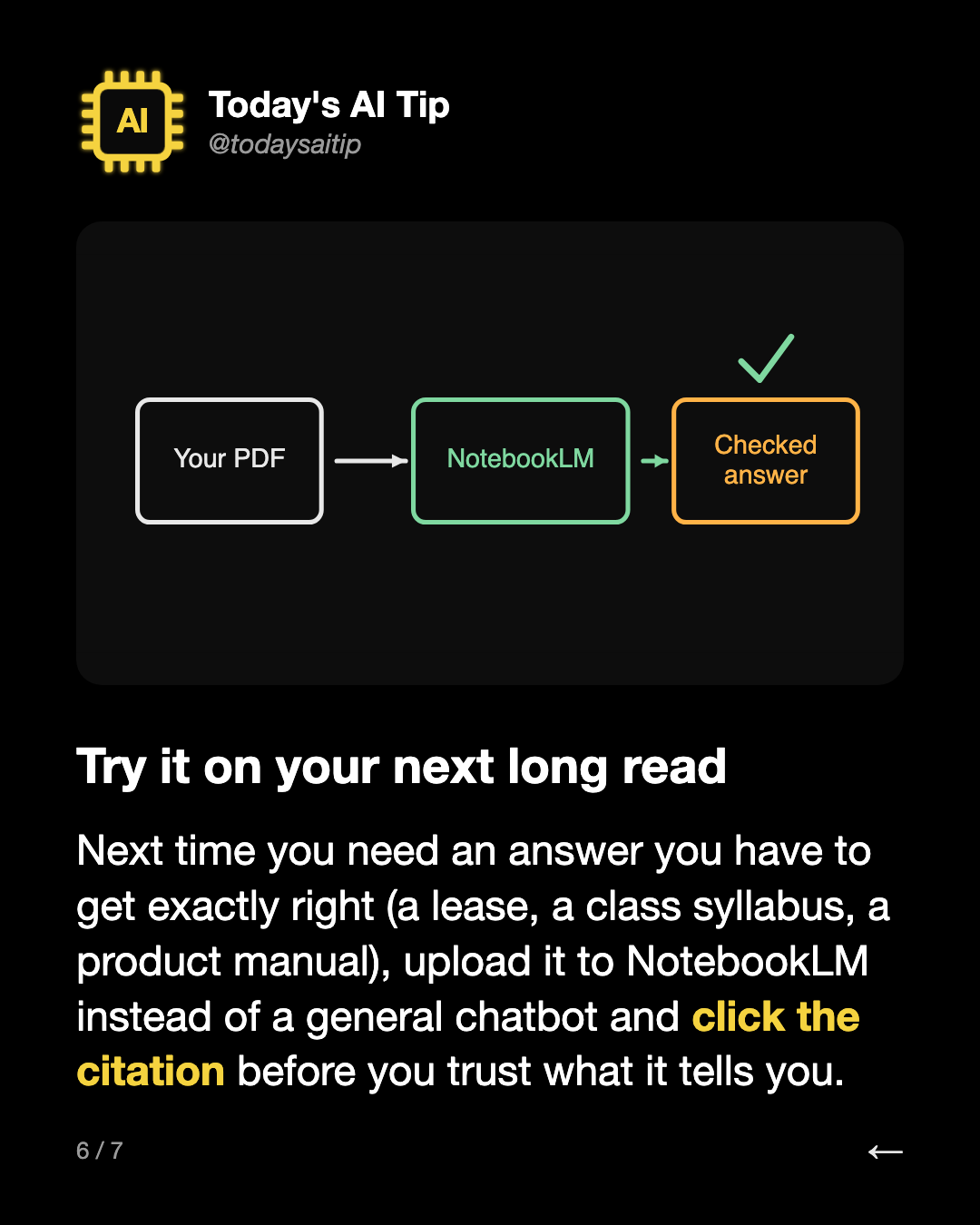
Try it on your next long read
Next time you need an answer you have to get exactly right (a lease, a class syllabus, a product manual), upload it to NotebookLM instead of a general chatbot and click the citation before you trust what it tells you.