 Today's AI Tip
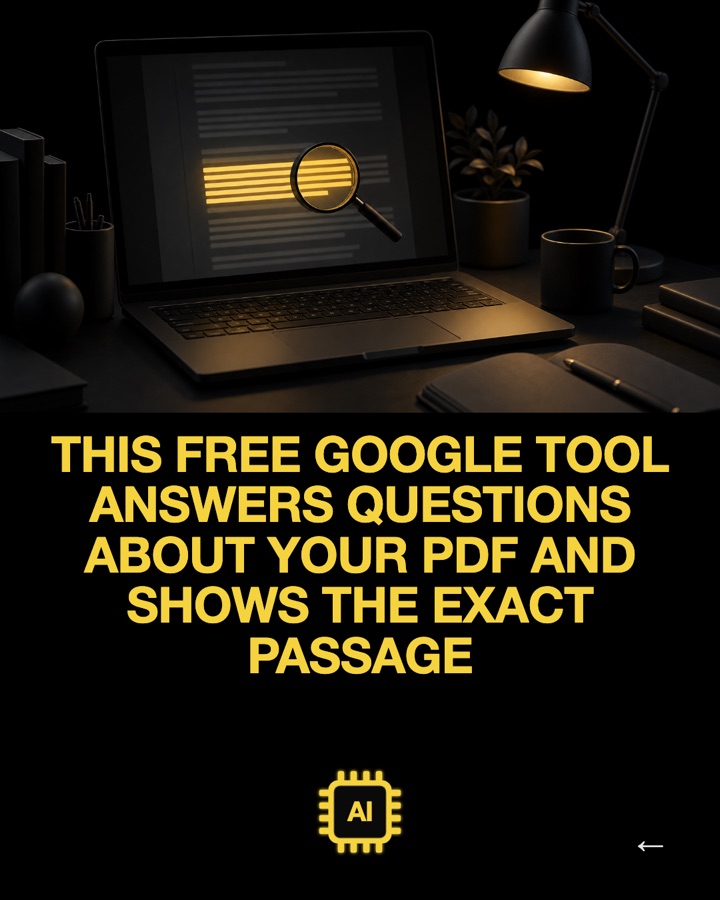
6 things ChatGPT can actually do when you show it a photo
You're only using half of it
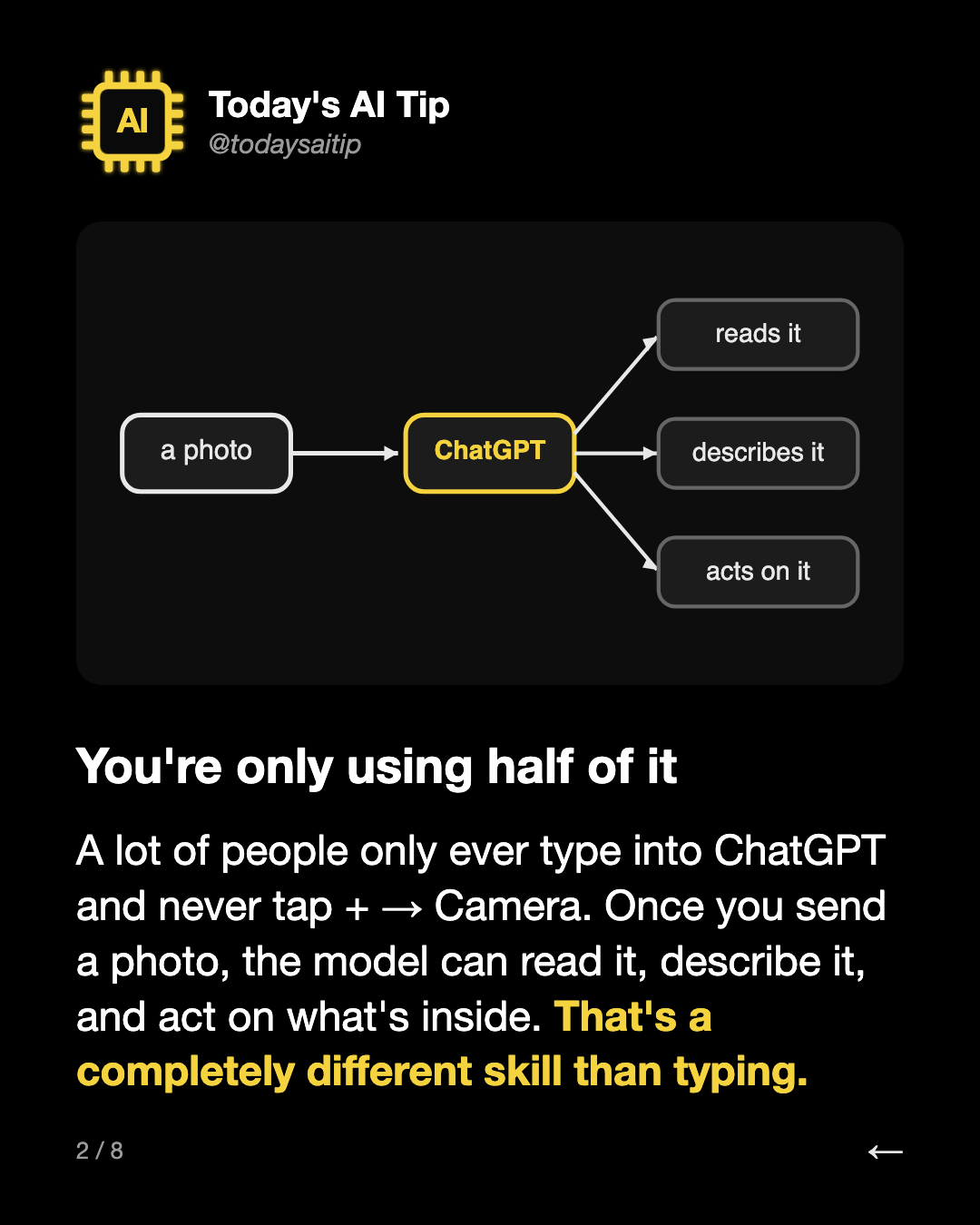
A lot of people only ever type into ChatGPT and never tap + → Camera. Once you send a photo, the model can read it, describe it, and act on what's inside. That's a completely different skill than typing.
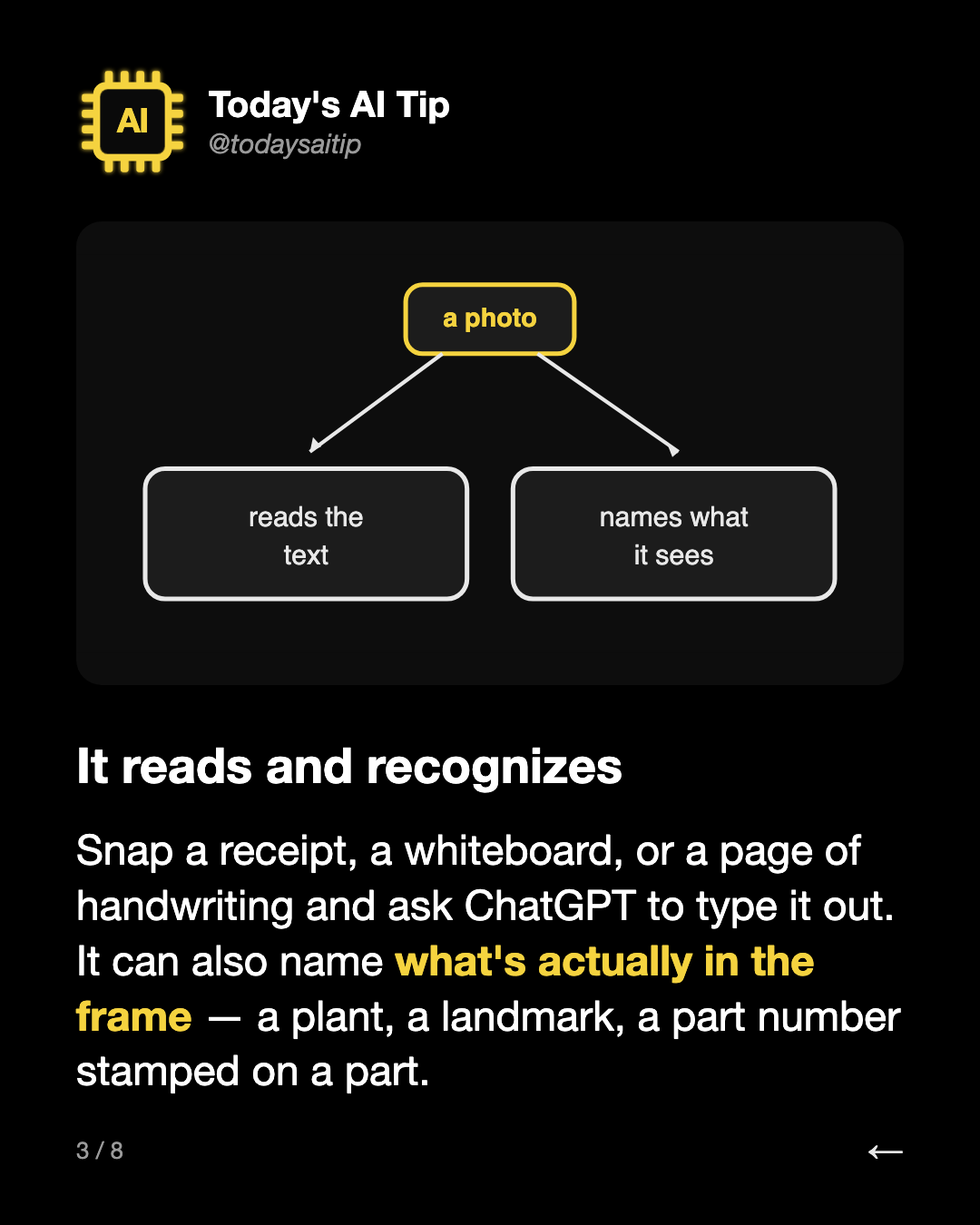
It reads and recognizes
Snap a receipt, a whiteboard, or a page of handwriting and ask ChatGPT to type it out. It can also name what's actually in the frame — a plant, a landmark, a part number stamped on a part.
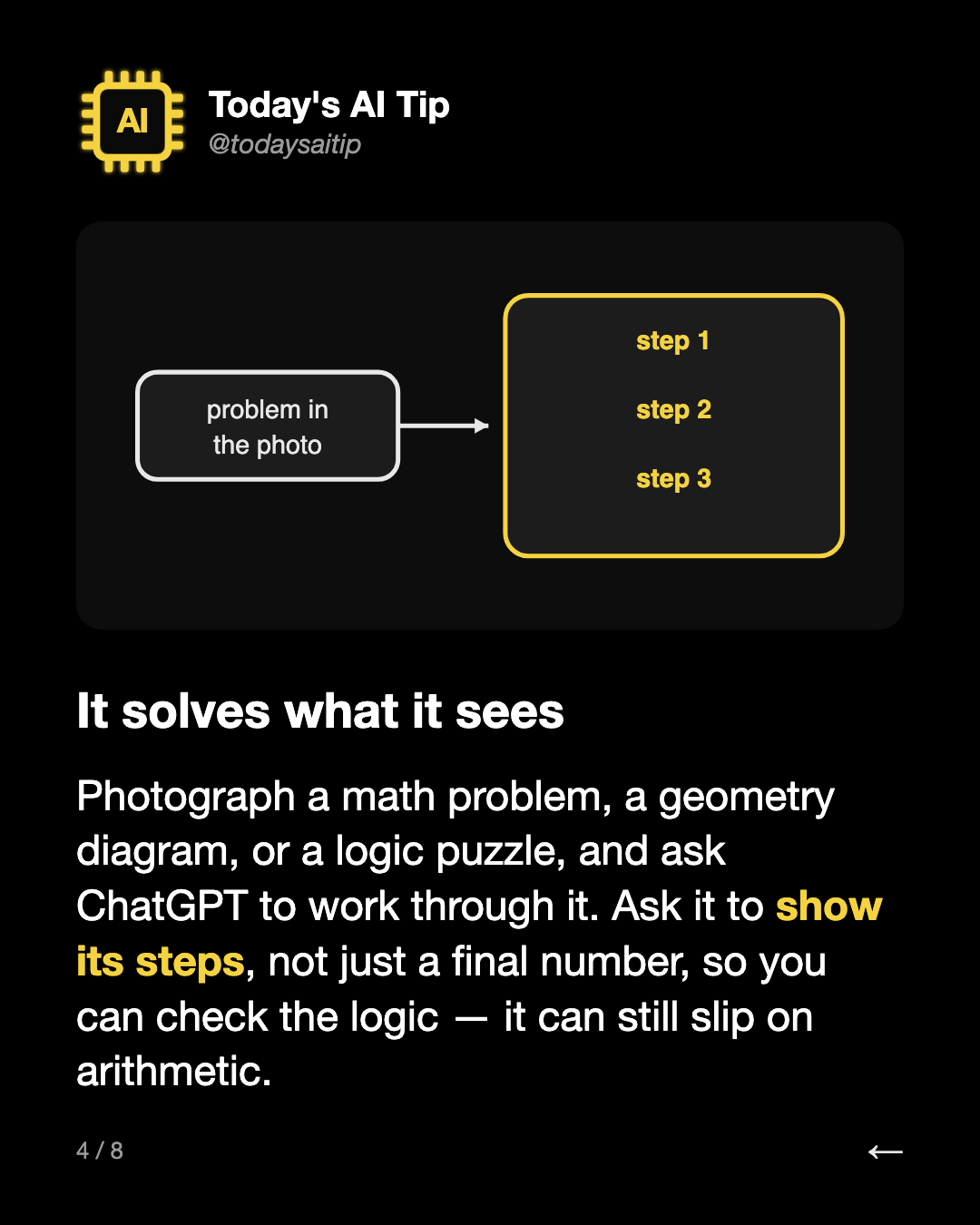
It solves what it sees
Photograph a math problem, a geometry diagram, or a logic puzzle, and ask ChatGPT to work through it. Ask it to show its steps, not just a final number, so you can check the logic — it can still slip on arithmetic.
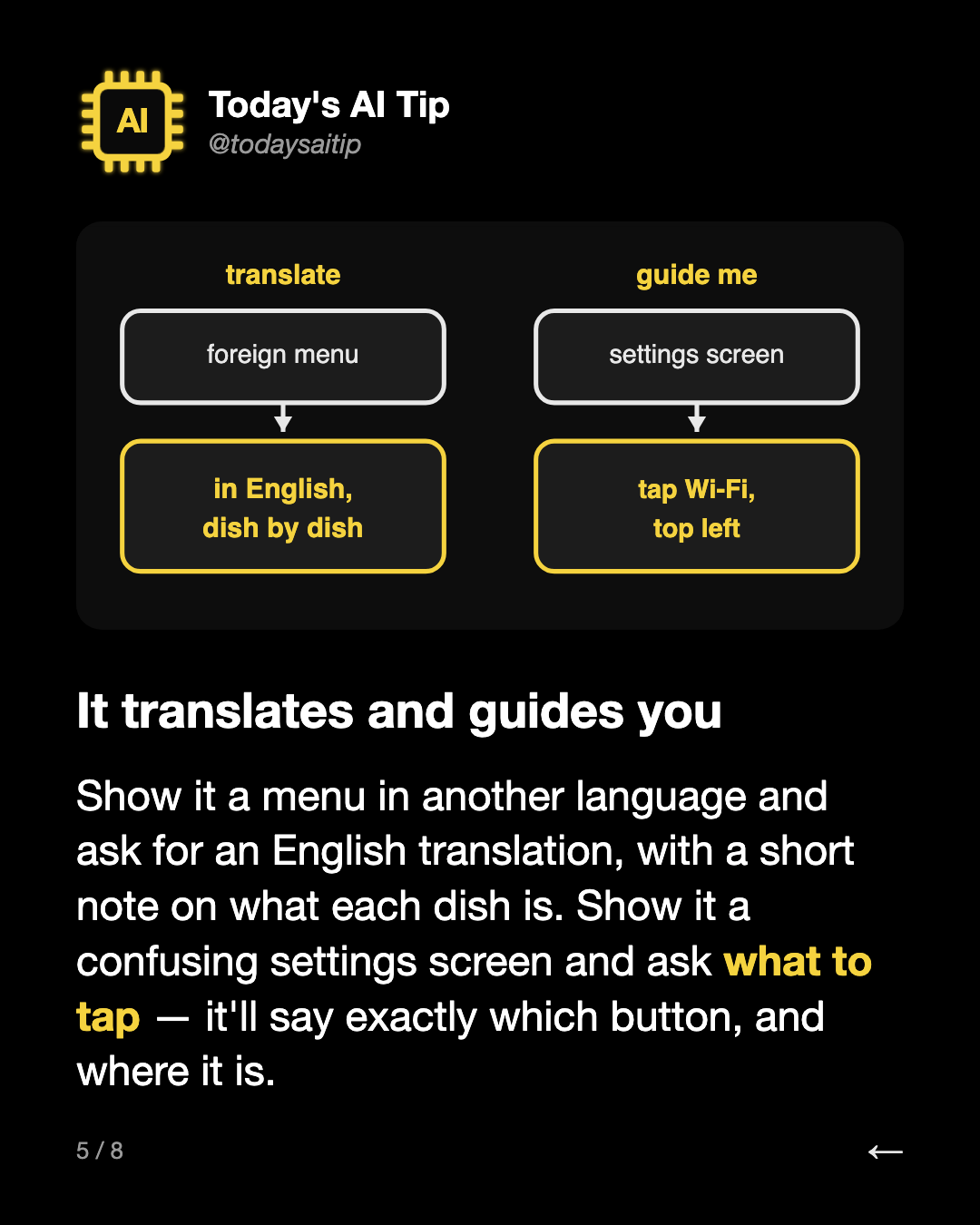
It translates and guides you
Show it a menu in another language and ask for an English translation, with a short note on what each dish is. Show it a confusing settings screen and ask what to tap — it'll say exactly which button, and where it is.
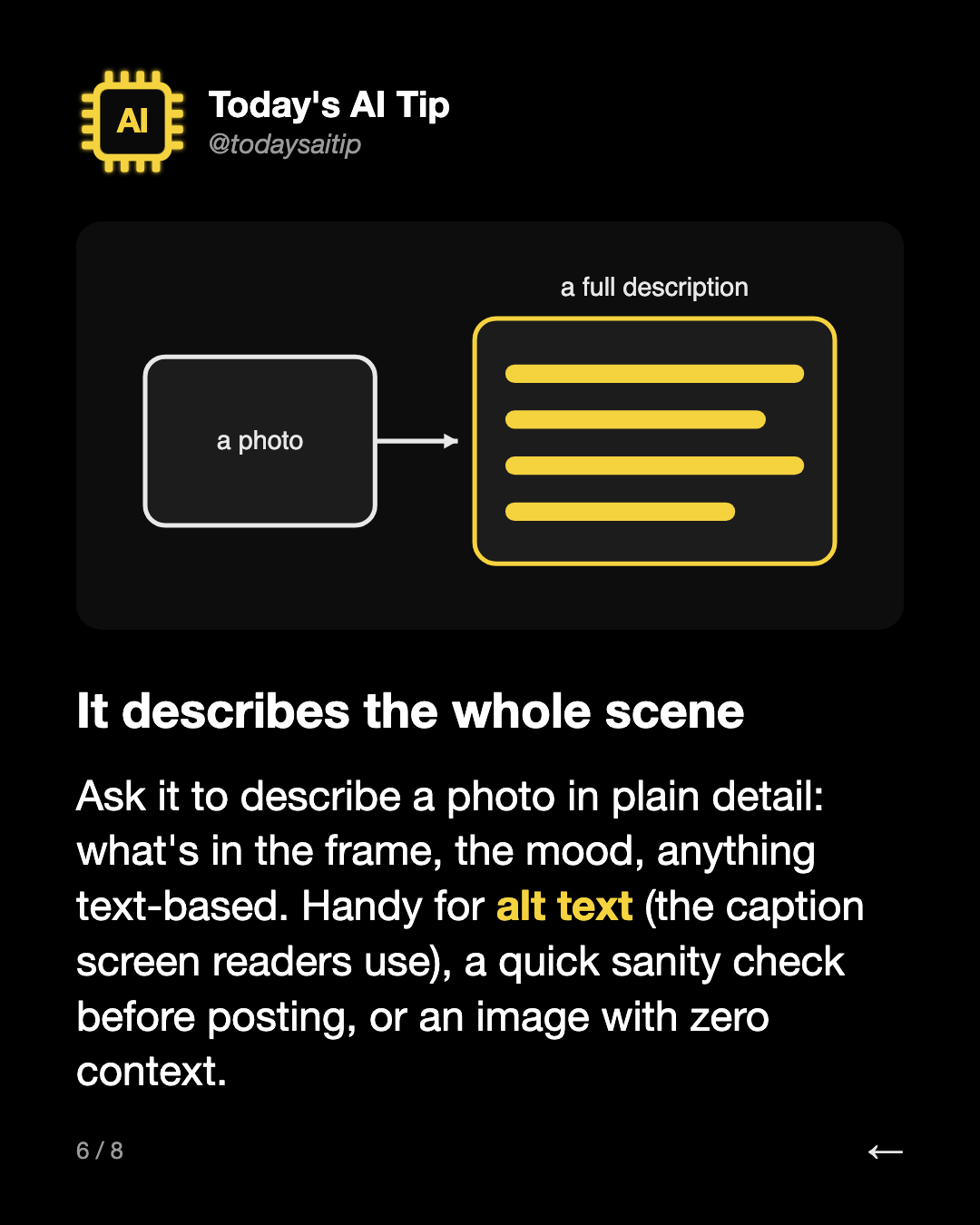
It describes the whole scene
Ask it to describe a photo in plain detail: what's in the frame, the mood, anything text-based. Handy for alt text (the caption screen readers use), a quick sanity check before posting, or an image with zero context.
Try it today
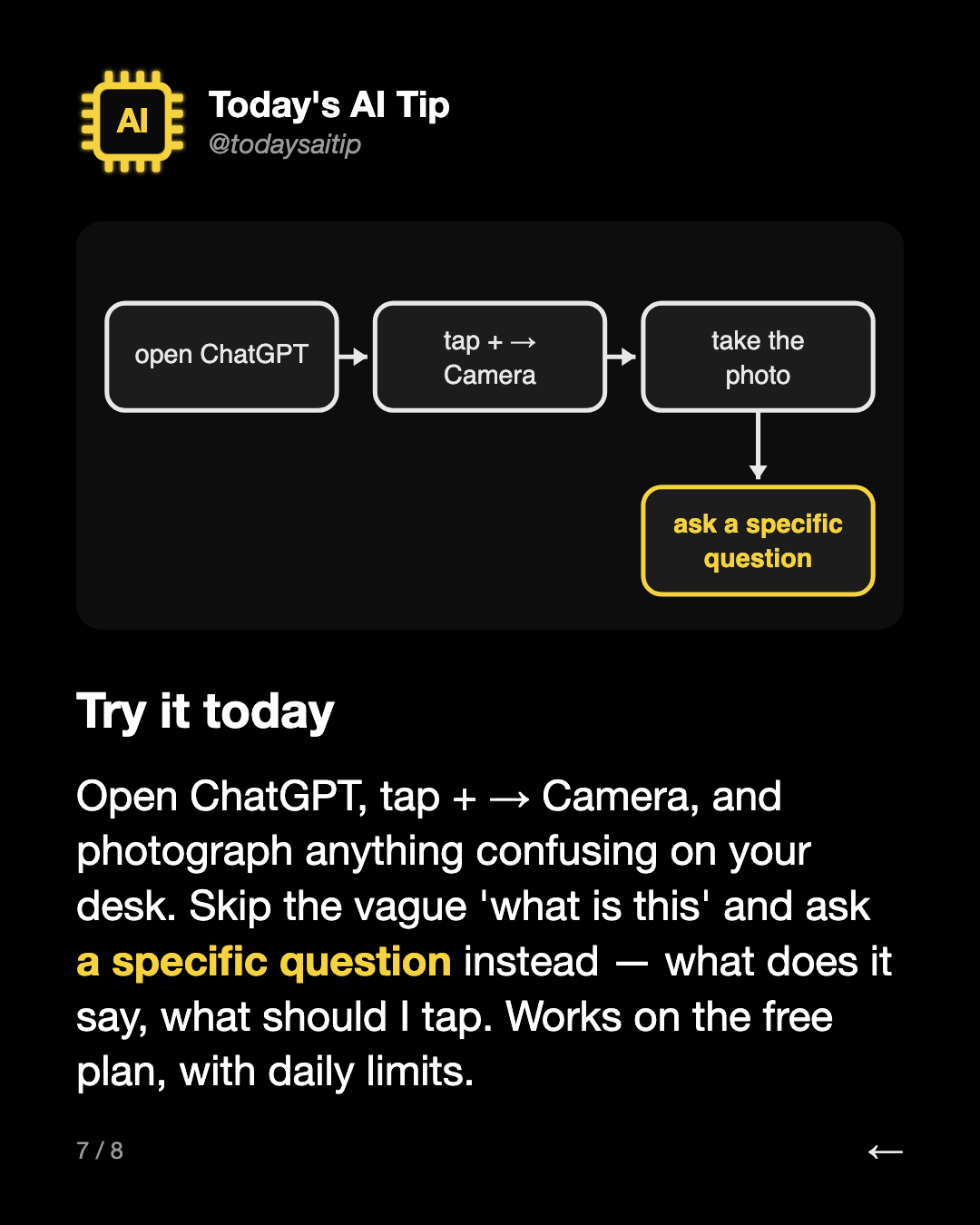
Open ChatGPT, tap + → Camera, and photograph anything confusing on your desk. Skip the vague 'what is this' and ask a specific question instead — what does it say, what should I tap. Works on the free plan, with daily limits.