 Today's AI Tip
Gmail’s free Gemini summary reads a 40-message thread and hands you the short version
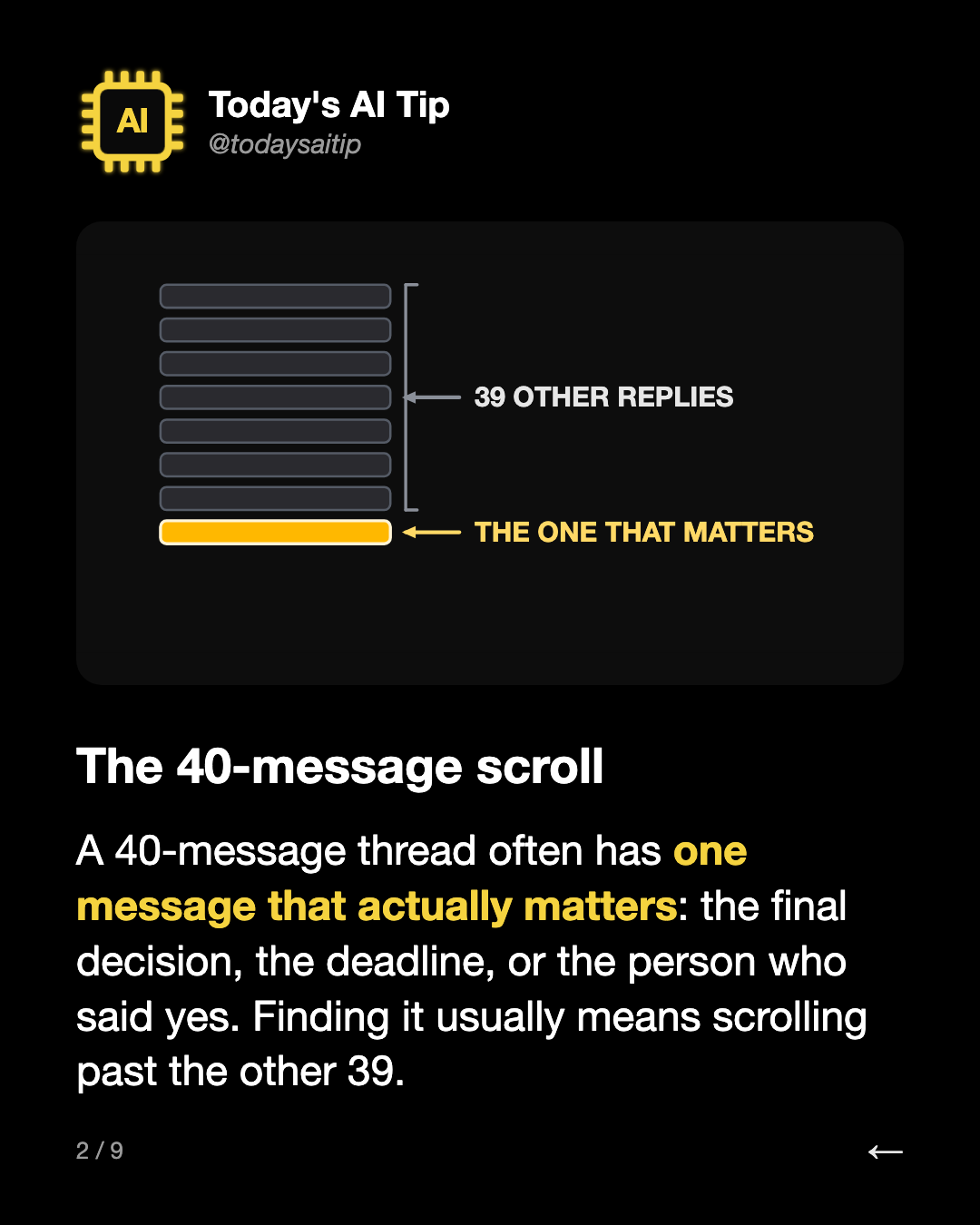
The 40-message scroll
A 40-message thread often has one message that actually matters: the final decision, the deadline, or the person who said yes. Finding it usually means scrolling past the other 39.
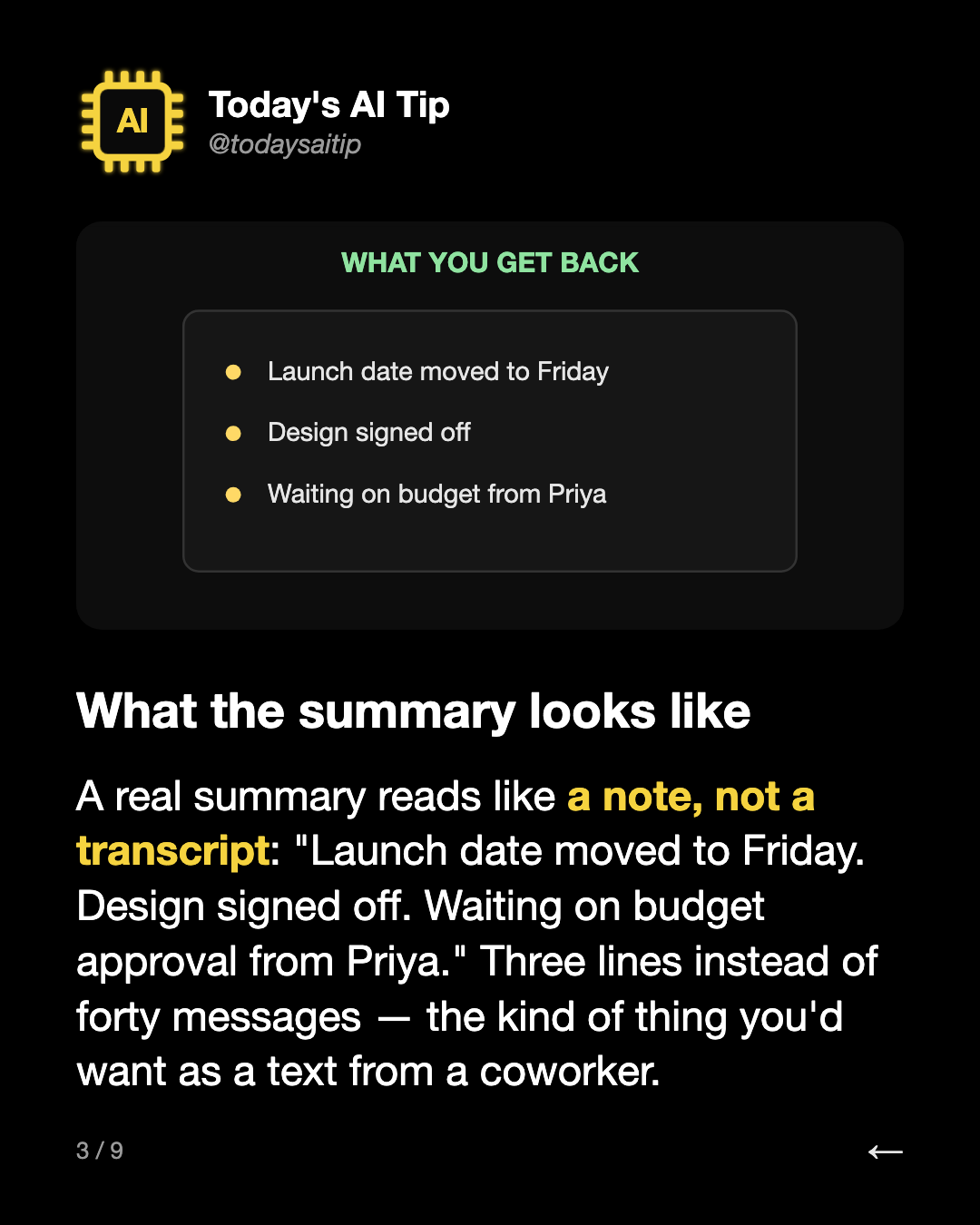
What the summary looks like
A real summary reads like a note, not a transcript: "Launch date moved to Friday. Design signed off. Waiting on budget approval from Priya." Three lines instead of forty messages — the kind of thing you'd want as a text from a coworker.
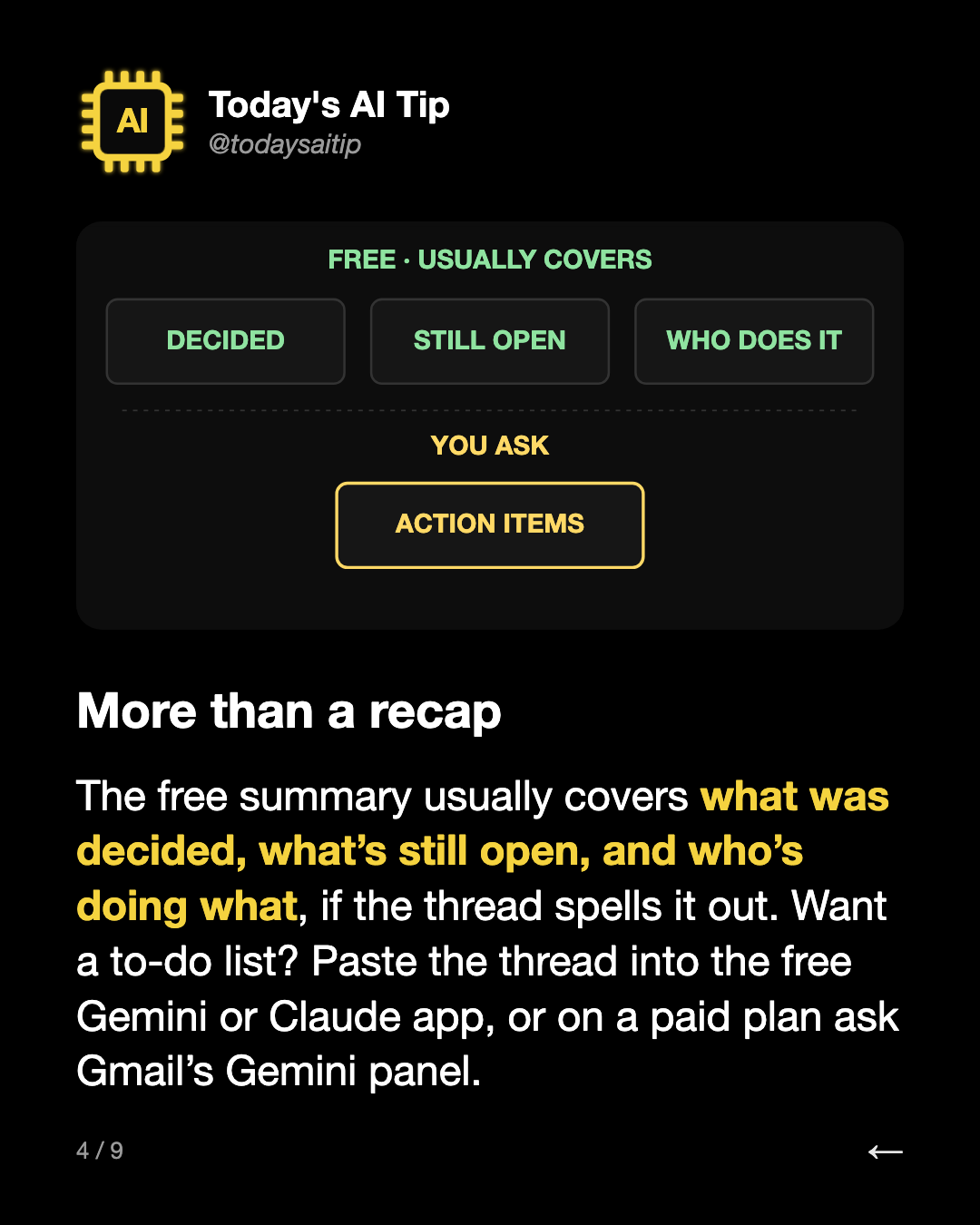
More than a recap
The free summary usually covers what was decided, what’s still open, and who’s doing what, if the thread spells it out. Want a to-do list? Paste the thread into the free Gemini or Claude app, or on a paid plan ask Gmail’s Gemini panel.
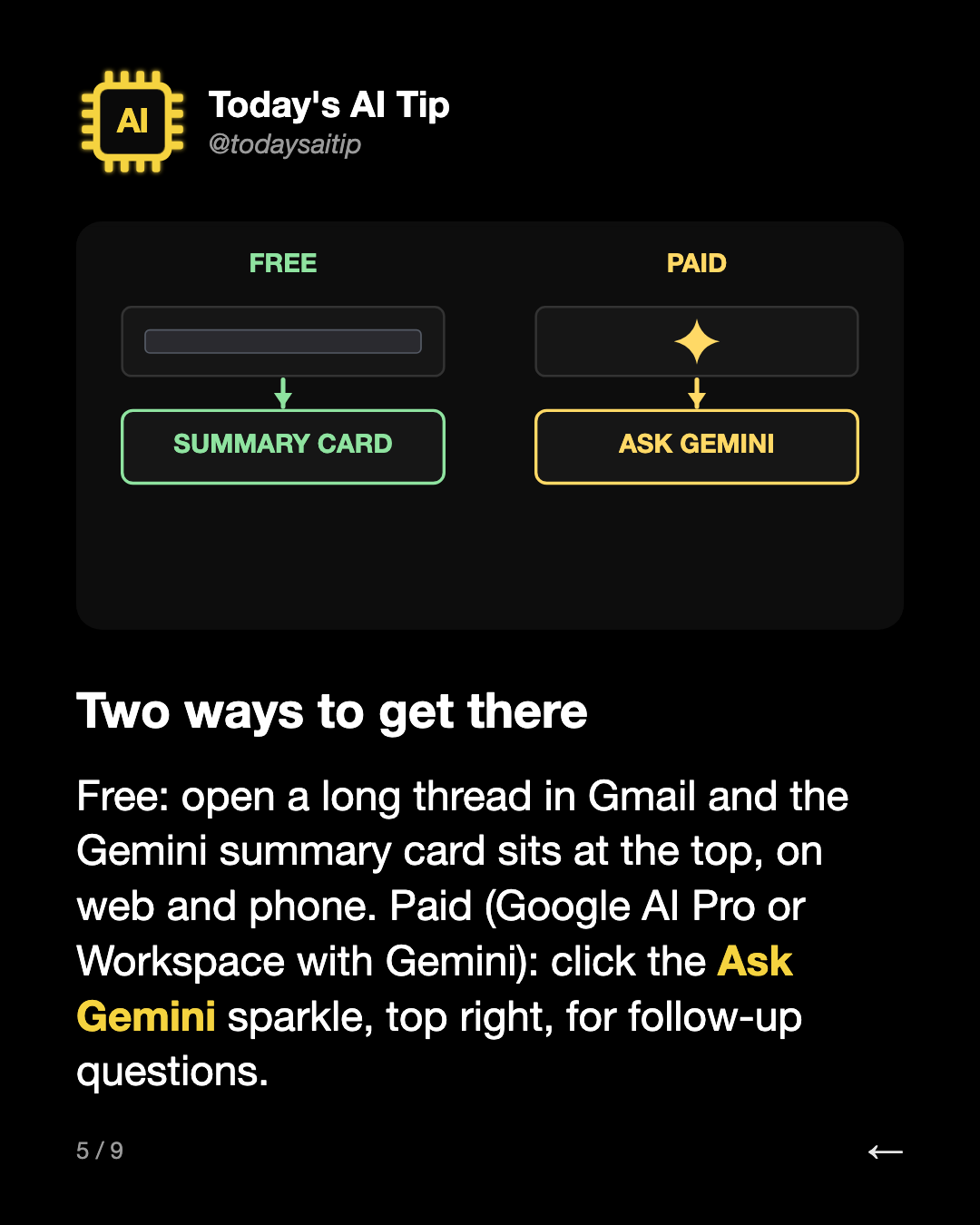
Two ways to get there
Free: open a long thread in Gmail and the Gemini summary card sits at the top, on web and phone. Paid (Google AI Pro or Workspace with Gemini): click the Ask Gemini sparkle, top right, for follow-up questions.
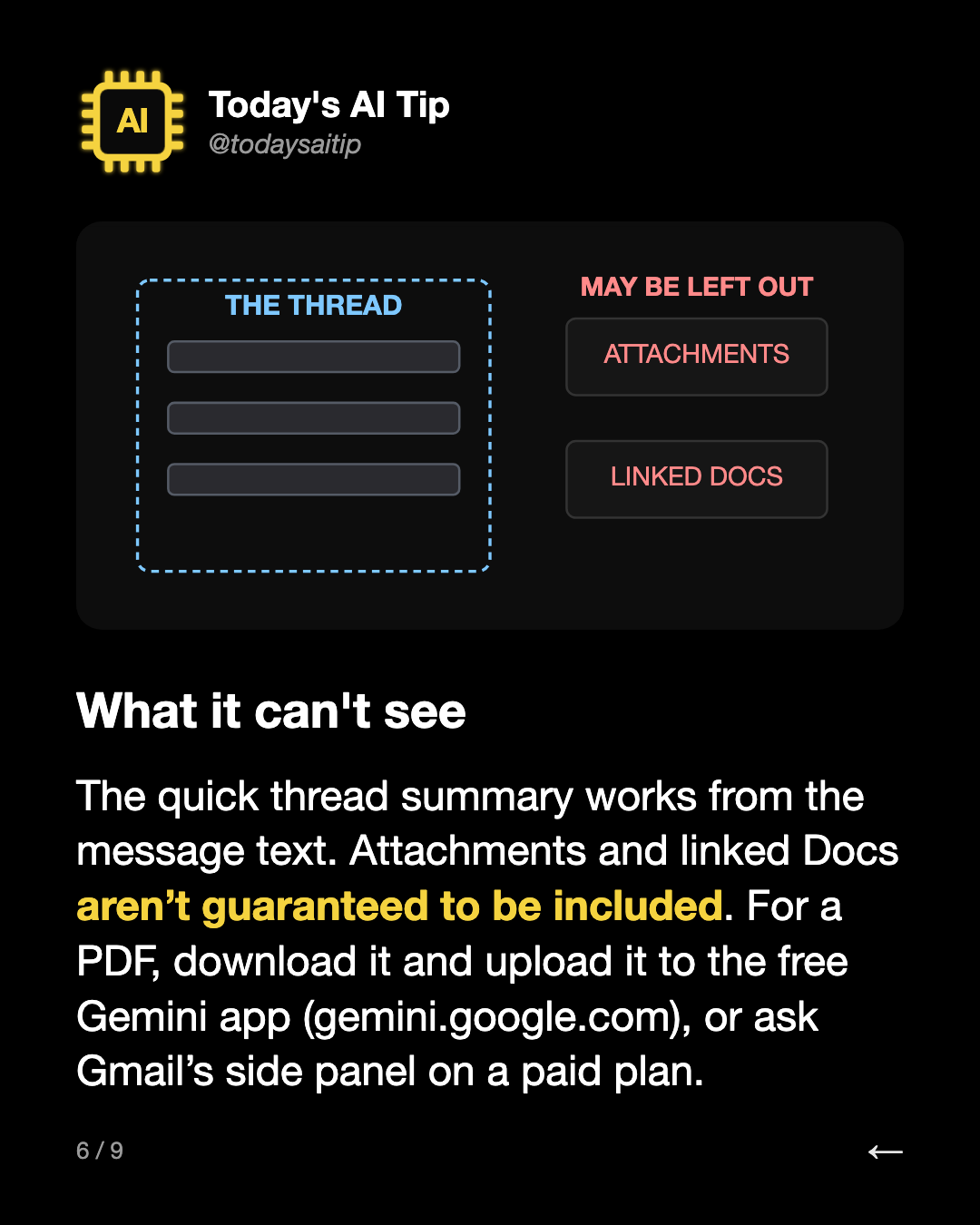
What it can't see
The quick thread summary works from the message text. Attachments and linked Docs aren’t guaranteed to be included. For a PDF, download it and upload it to the free Gemini app (gemini.google.com), or ask Gmail’s side panel on a paid plan.
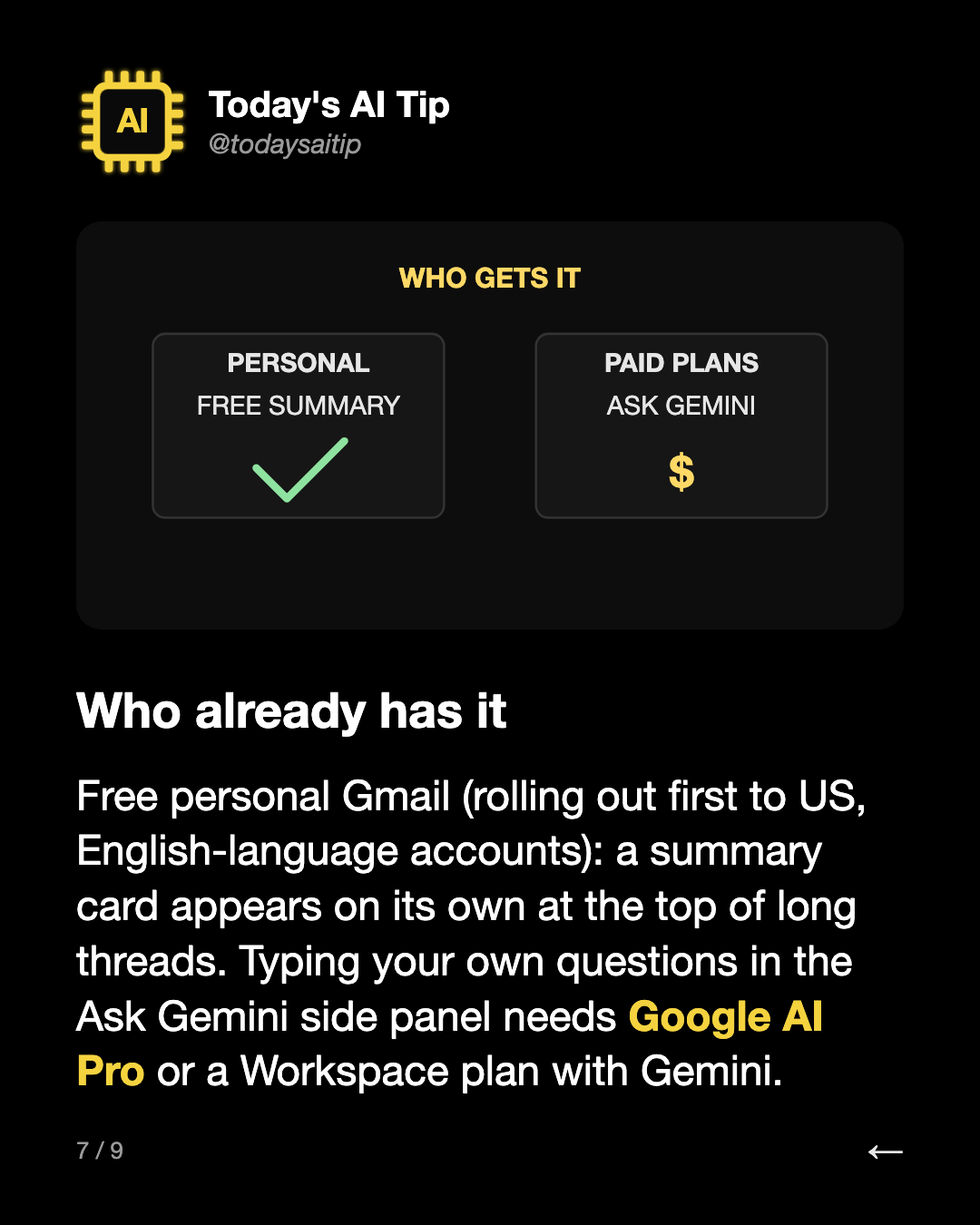
Who already has it
Free personal Gmail (rolling out first to US, English-language accounts): a summary card appears on its own at the top of long threads. Typing your own questions in the Ask Gemini side panel needs Google AI Pro or a Workspace plan with Gemini.
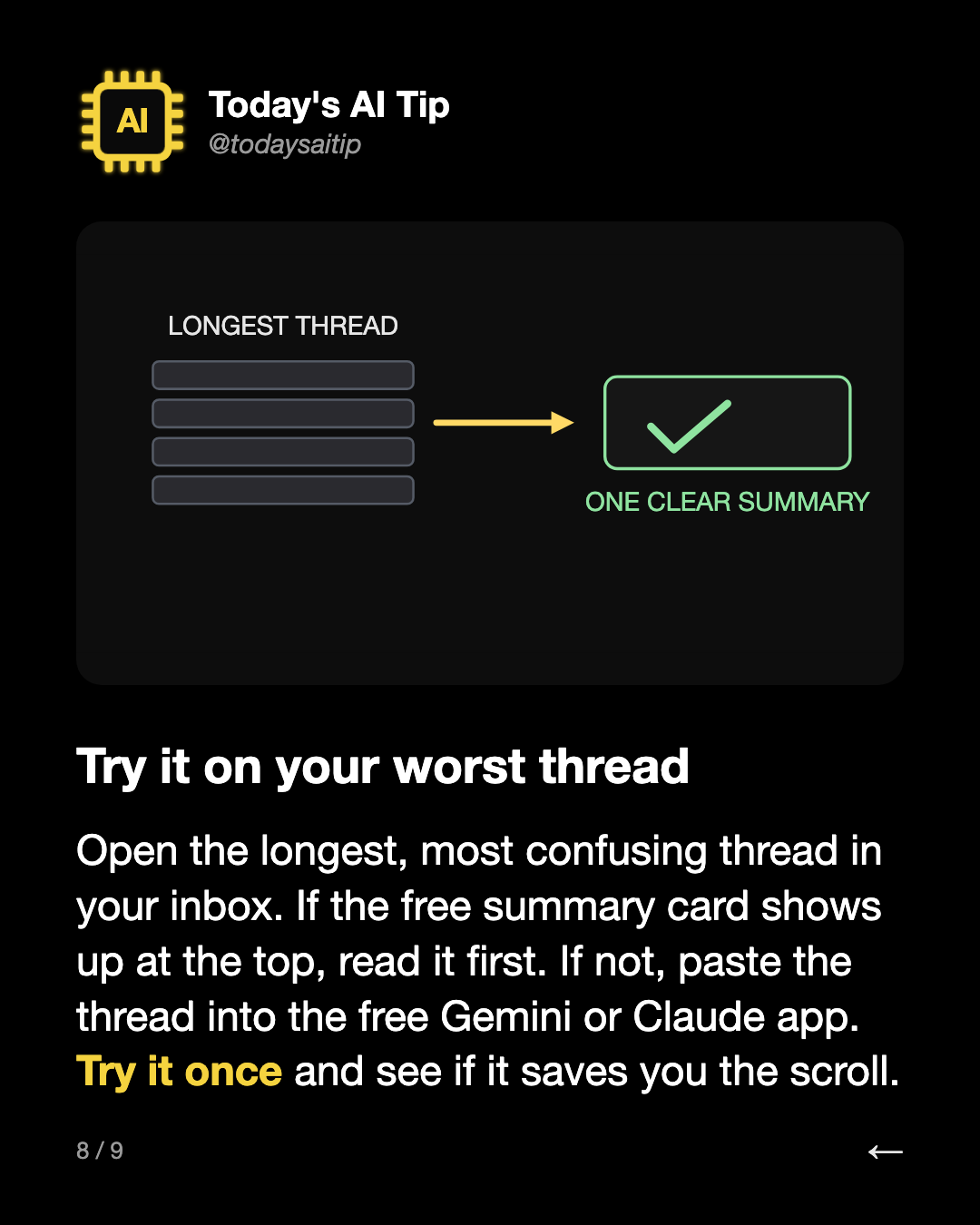
Try it on your worst thread
Open the longest, most confusing thread in your inbox. If the free summary card shows up at the top, read it first. If not, paste the thread into the free Gemini or Claude app. Try it once and see if it saves you the scroll.