 Today's AI Tip
Turn a contract into a who-owes-what table. Check what slipped.

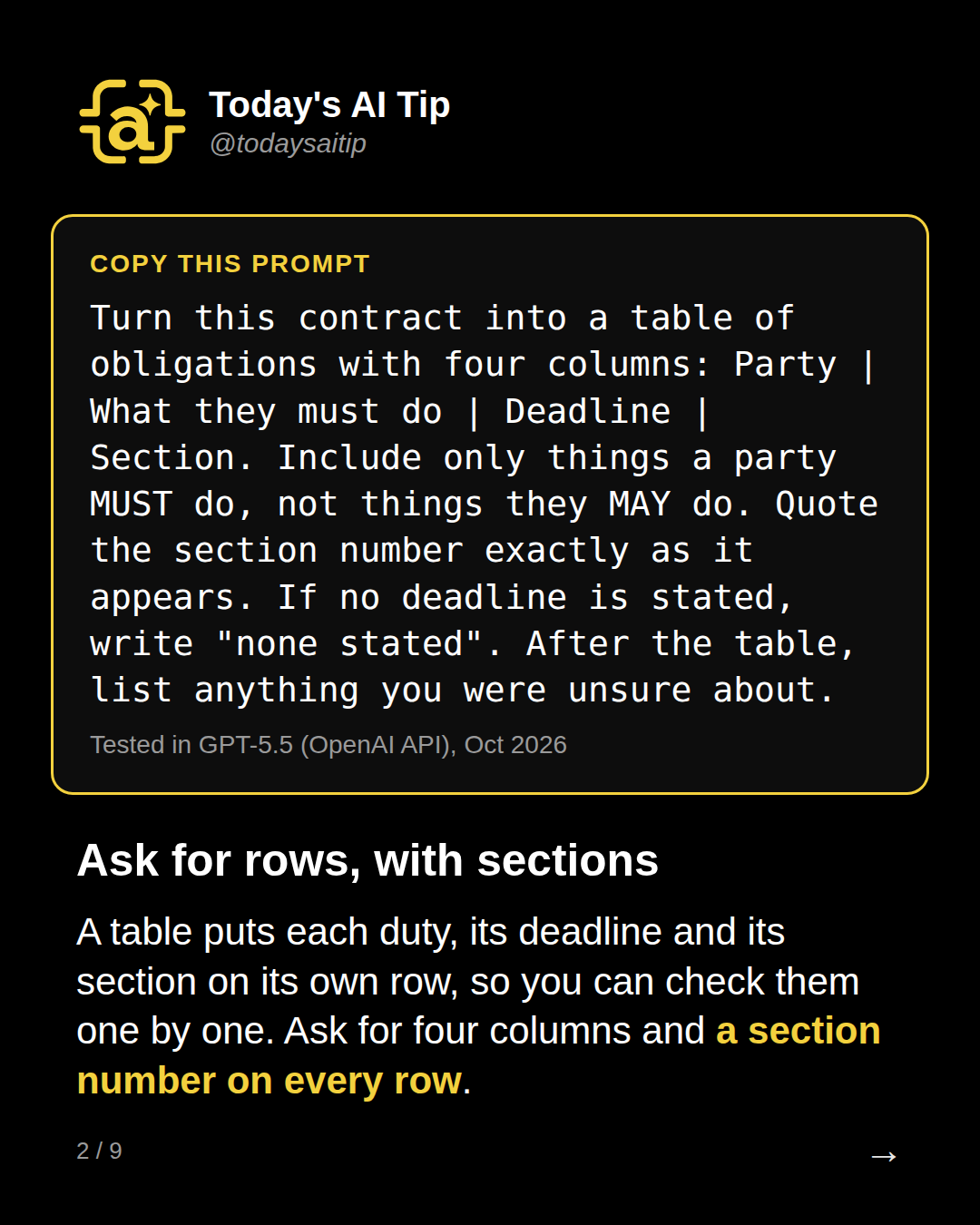
Ask for rows, with sections
Tested in GPT-5.5 (OpenAI API), Oct 2026
A table puts each duty, its deadline and its section on its own row, so you can check them one by one. Ask for four columns and a section number on every row.
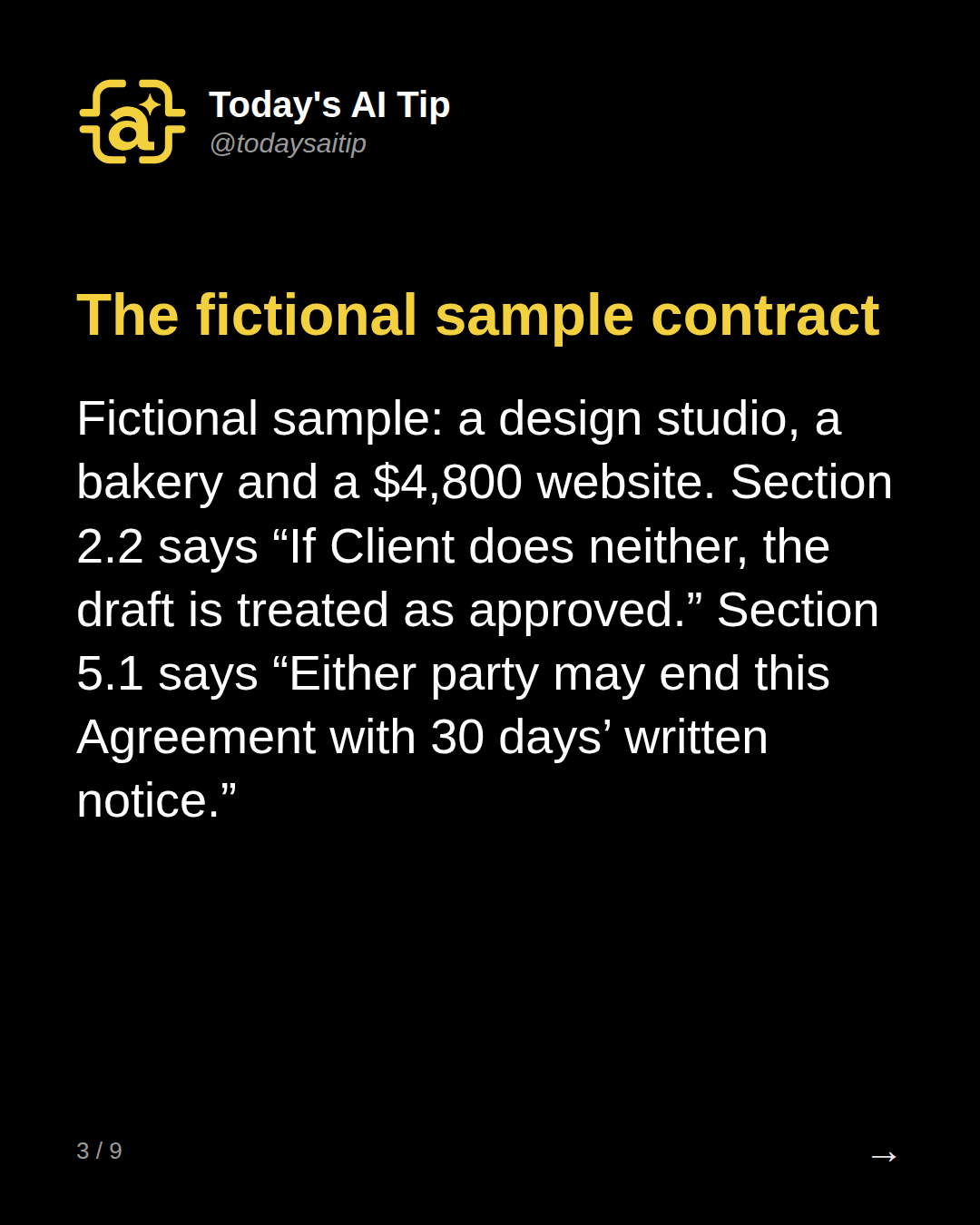
The fictional sample contract
Fictional sample: a design studio, a bakery and a $4,800 website. Section 2.2 says “If Client does neither, the draft is treated as approved.” Section 5.1 says “Either party may end this Agreement with 30 days’ written notice.”
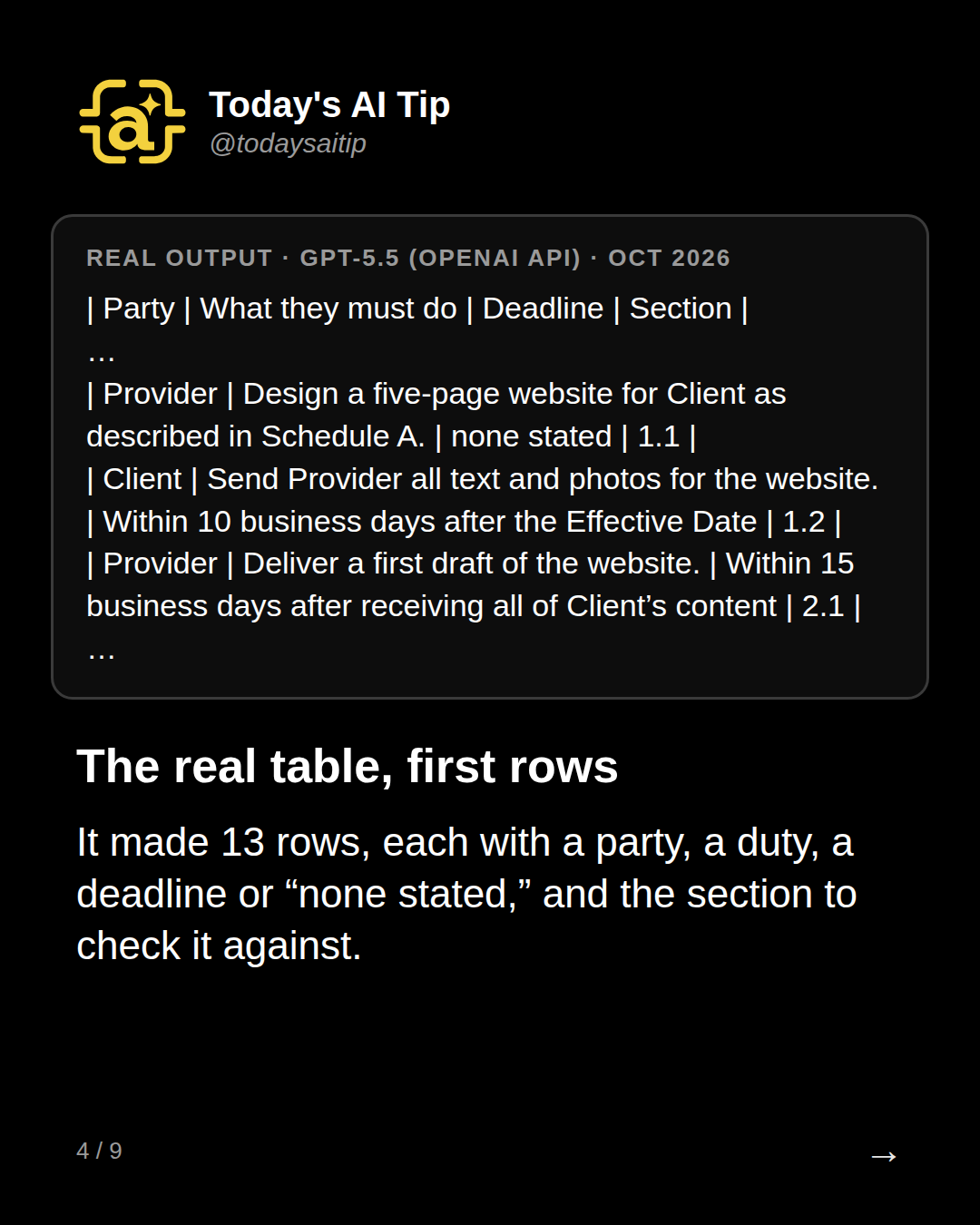
The real table, first rows
Real output · GPT-5.5 (OpenAI API) · Oct 2026
It made 13 rows, each with a party, a duty, a deadline or “none stated,” and the section to check it against.
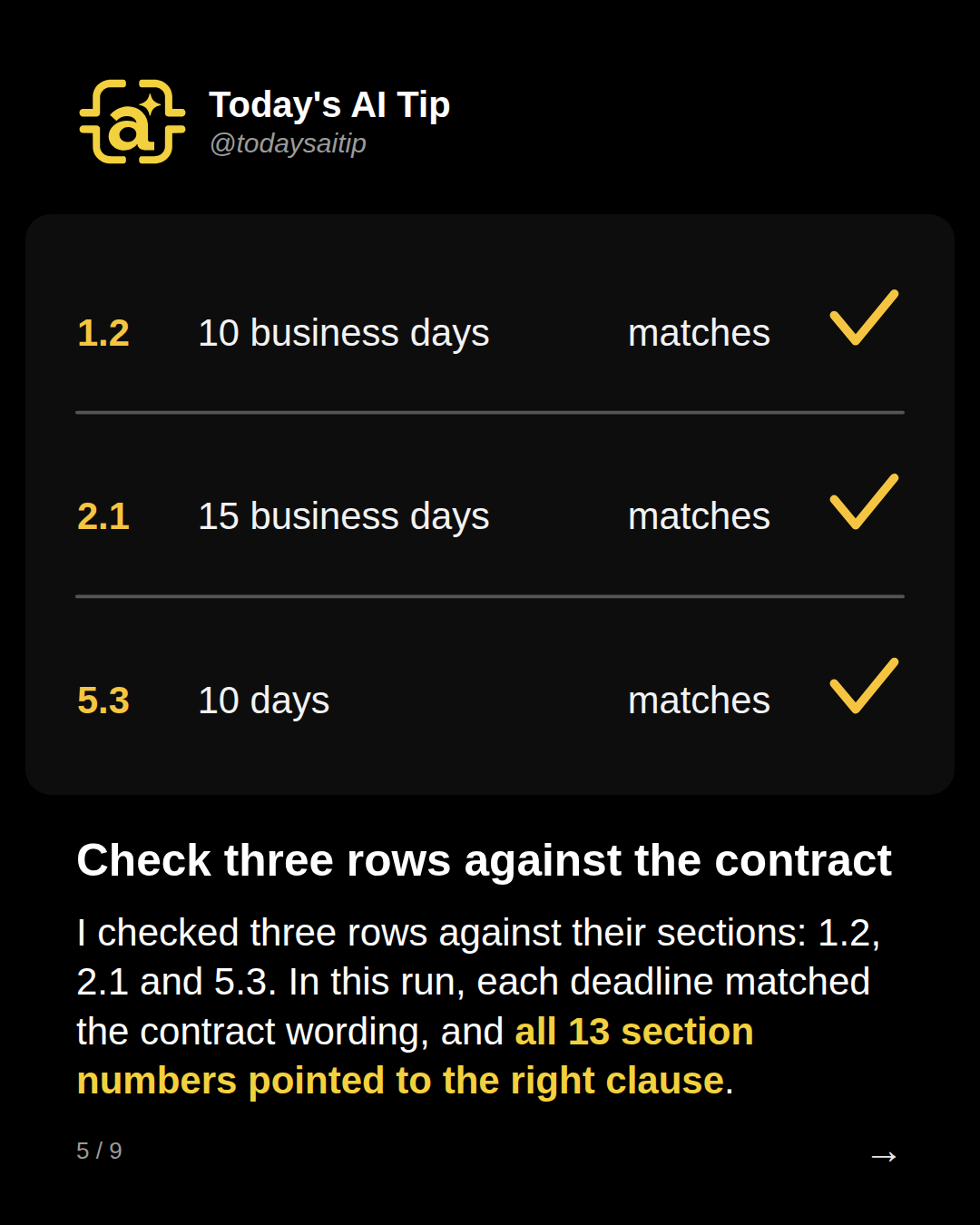
Check three rows against the contract
I checked three rows against their sections: 1.2, 2.1 and 5.3. In this run, each deadline matched the contract wording, and all 13 section numbers pointed to the right clause.
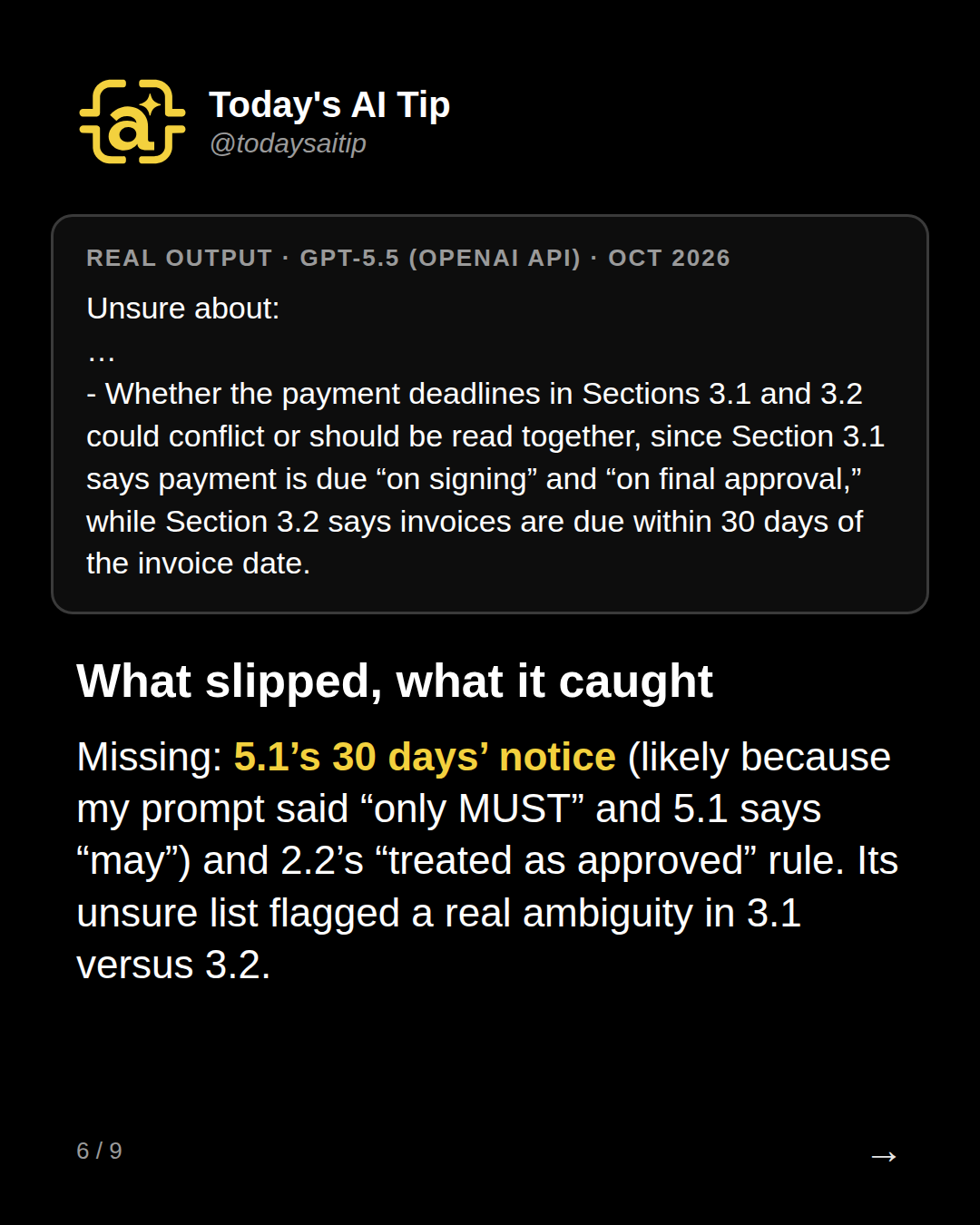
What slipped, what it caught
Real output · GPT-5.5 (OpenAI API) · Oct 2026
Missing: 5.1’s 30 days’ notice (likely because my prompt said “only MUST” and 5.1 says “may”) and 2.2’s “treated as approved” rule. Its unsure list flagged a real ambiguity in 3.1 versus 3.2.
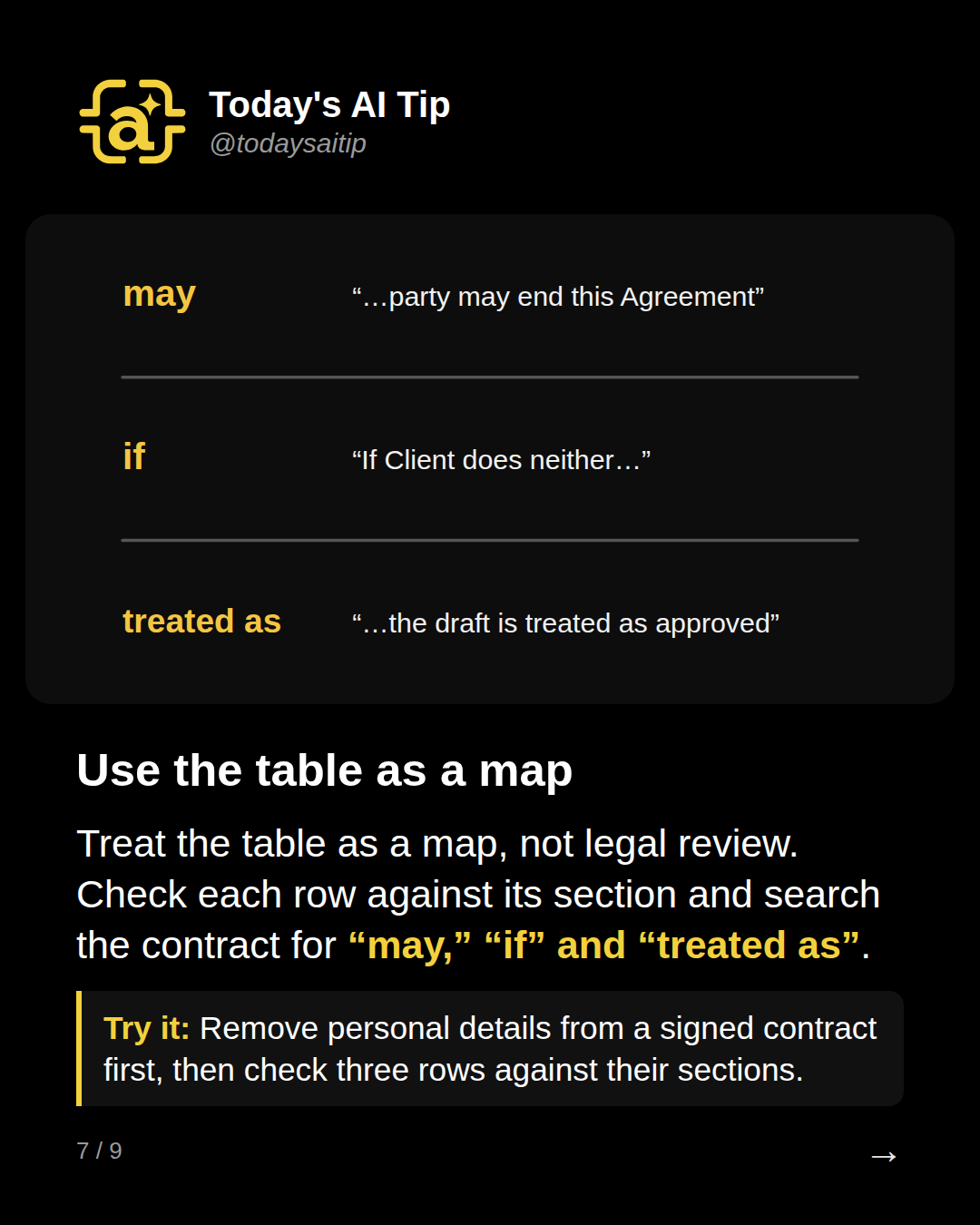
Use the table as a map
Treat the table as a map, not legal review. Check each row against its section and search the contract for “may,” “if” and “treated as”.
Try it: Remove personal details from a signed contract first, then check three rows against their sections.
Before you paste a real contract
Remove names, account numbers and other personal details first, and check the tool’s data policy or your employer’s approved tools before uploading real documents.
Sources and assumptions
- Reduce hallucinations - Claude Platform Docs (Anthropic): Making output auditable by having the model cite quotes and sources for each claim, letting it admit uncertainty, and the note that these techniques 'don't eliminate them entirely. Always validate critical information', which backs the section-per-row, the 'unsure' list and the manual row check (checked 2026-09-30)
- GPT-5.5 model page - OpenAI API docs: GPT-5.5 is available in the OpenAI API (snapshot gpt-5.5-2026-04-23); reasoning effort defaults to medium (checked 2026-09-30)
Assumptions:
- The contract is fictional and written for this test (Northfield Design Co. and Juniper Lane Bakery are invented); no real contract or personal data was used, so no licence question arises.
- Only GPT-5.5 via the OpenAI API (Chat Completions, no system message, default settings, so reasoning effort is medium per the docs) produced a usable output. Two Claude Sonnet 5.5 attempts in record.tests (id 'obligations') failed with output null, so the post must not claim a Claude result and prompt_tools names GPT-5.5 (OpenAI API) only.
- The run timestamp is 2026-10-01T02:09Z (UTC), the evening of Sept 30 US time. Label the output card 'GPT-5.5 (OpenAI API), Oct 2026' to match ran_at.
- This is a single run on one short sample. The misses are what this run did, not a typical error rate.
- Whether 5.1's notice and 2.2's deemed approval count as 'obligations' is a judgment call; the post presents them as things the table did not show, not as model errors. The cause was the prompt's own 'only MUST' rule.
- 3.3 (1.5% monthly late fee) is a consequence, not a duty, and was reasonably left out of the table.
The short version
- Ask for a table, not a summary
- Put a section number on every row
- Check three rows against the contract
- Search for “may,” “if,” “treated as”