 Today's AI Tip
ChatGPT's Temporary Chat isn't gone when you close it


Temporary Chat is a ChatGPT mode that keeps a conversation out of your chat history. People use it for private questions or sensitive drafts, and many assume nothing is kept at all.
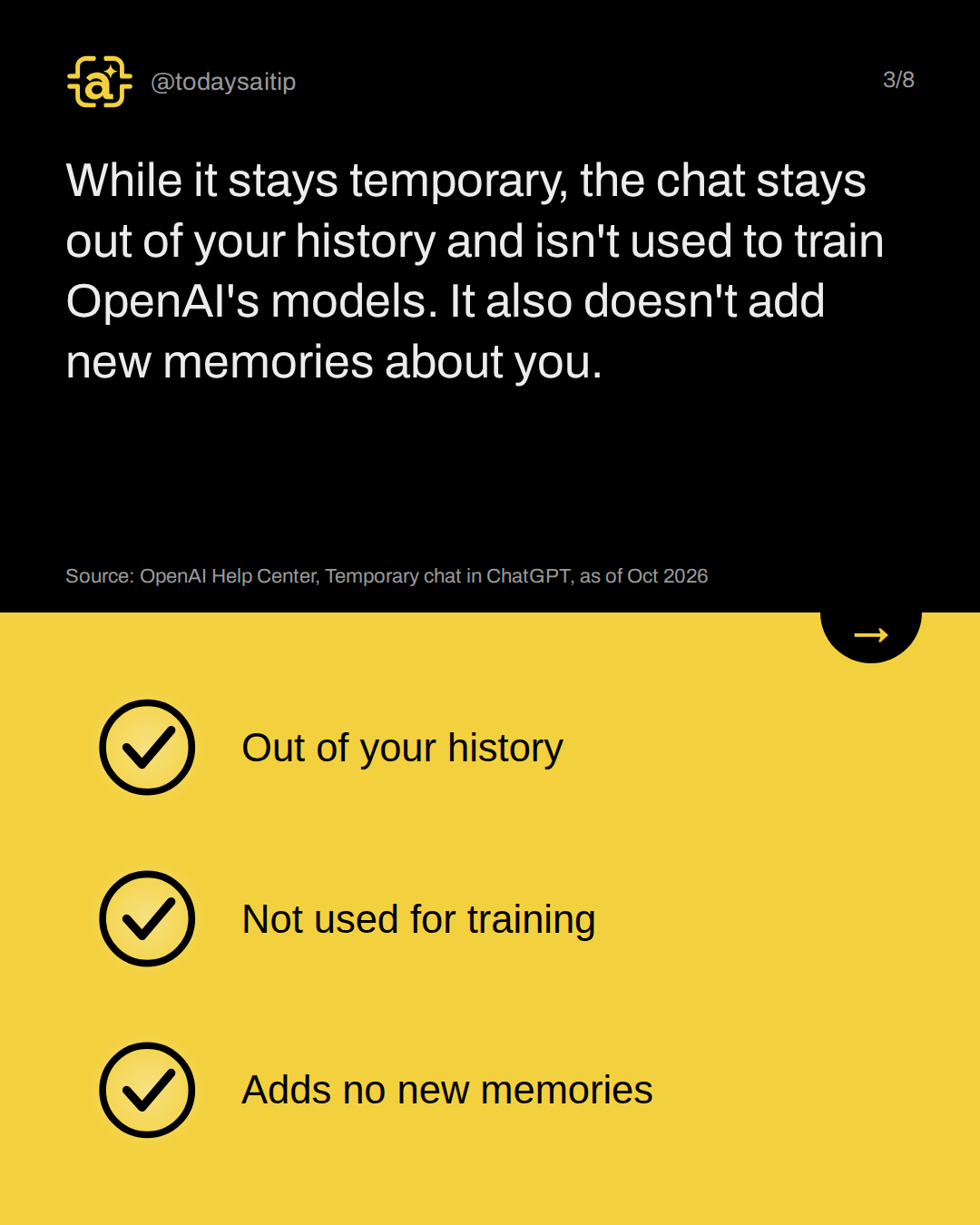
While it stays temporary, the chat stays out of your history and isn't used to train OpenAI's models. It also doesn't add new memories about you.
Source: OpenAI Help Center, Temporary chat in ChatGPT, as of Oct 2026
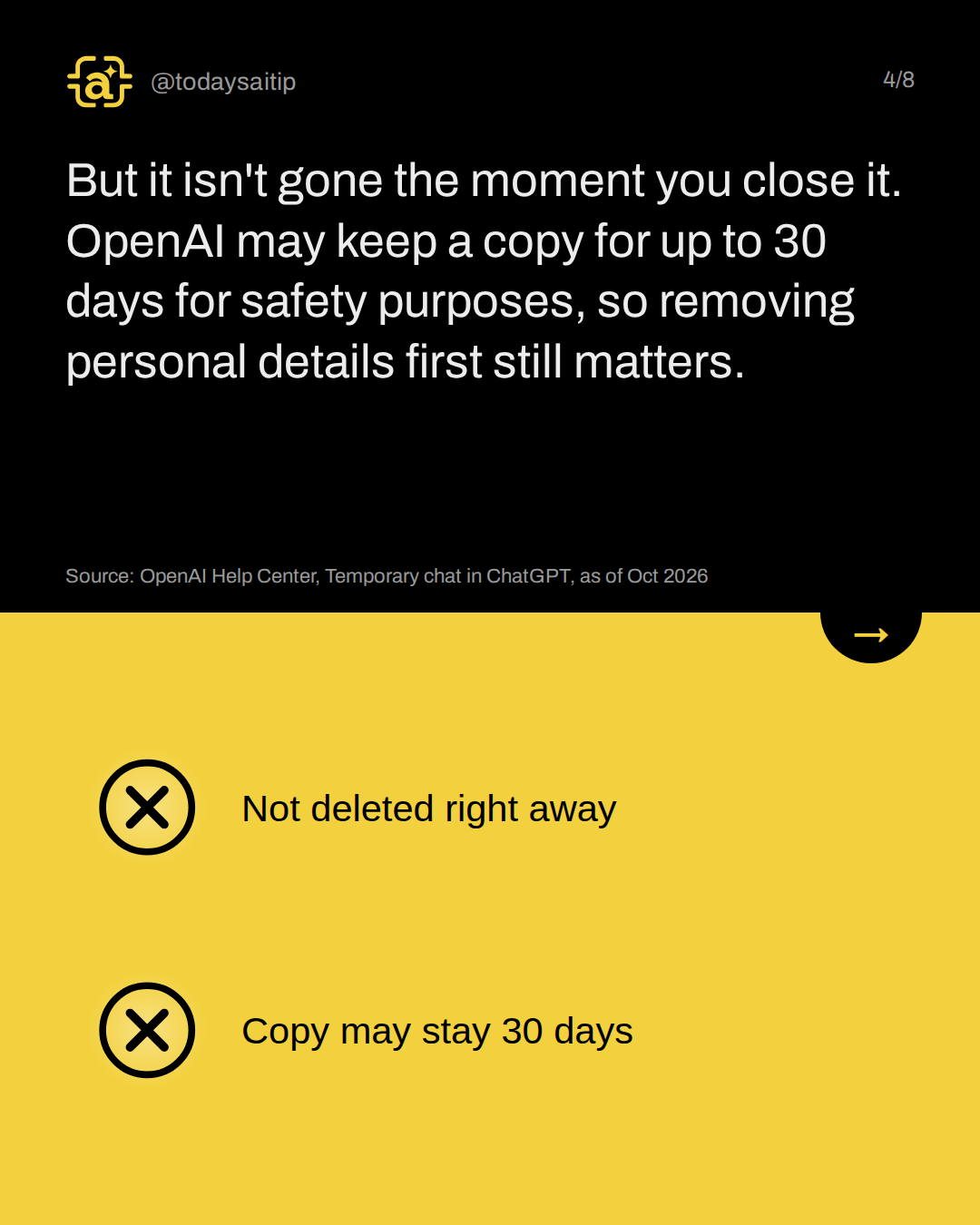
But it isn't gone the moment you close it. OpenAI may keep a copy for up to 30 days for safety purposes, so removing personal details first still matters.
Source: OpenAI Help Center, Temporary chat in ChatGPT, as of Oct 2026
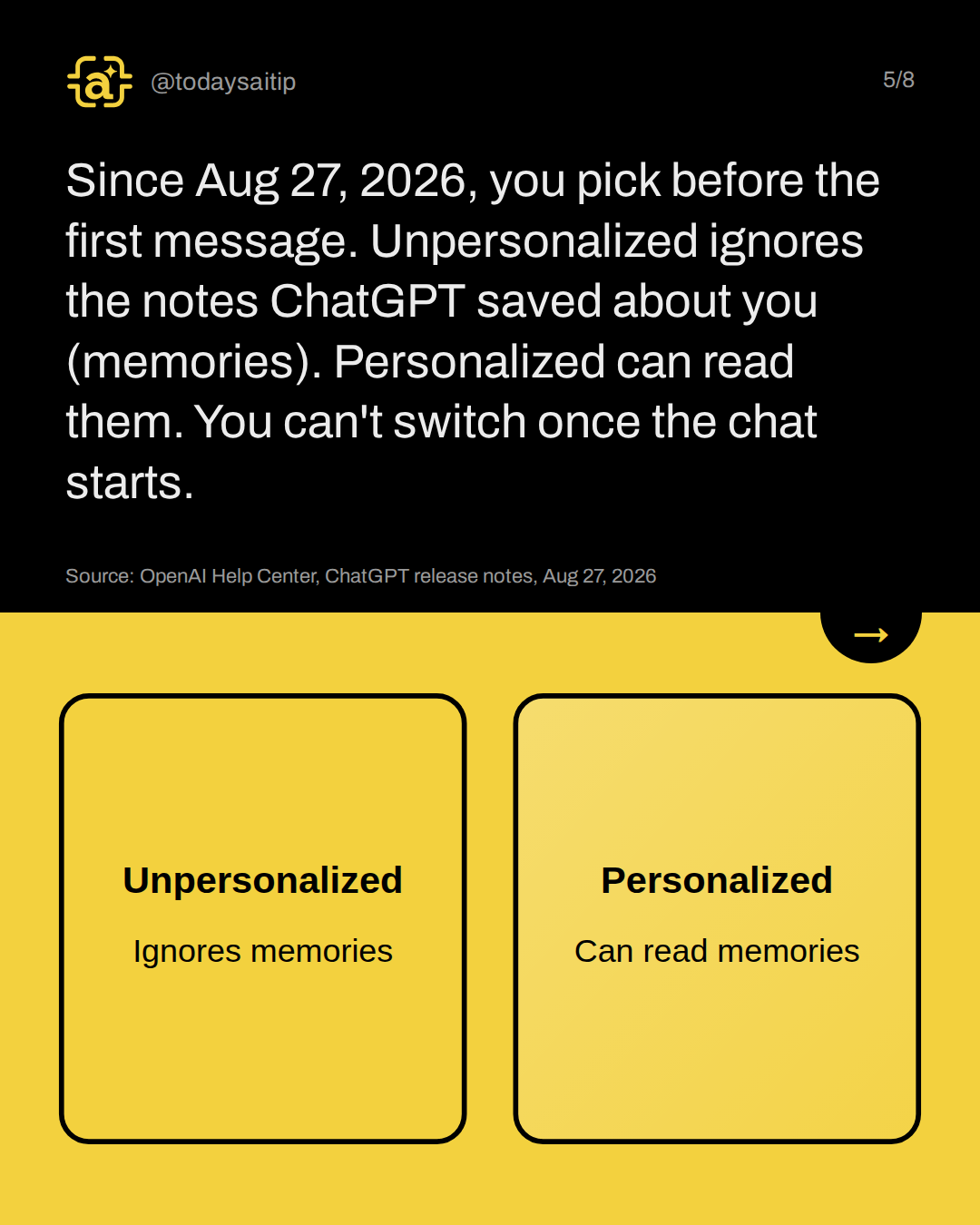
Since Aug 27, 2026, you pick before the first message. Unpersonalized ignores the notes ChatGPT saved about you (memories). Personalized can read them. You can't switch once the chat starts.
Source: OpenAI Help Center, ChatGPT release notes, Aug 27, 2026
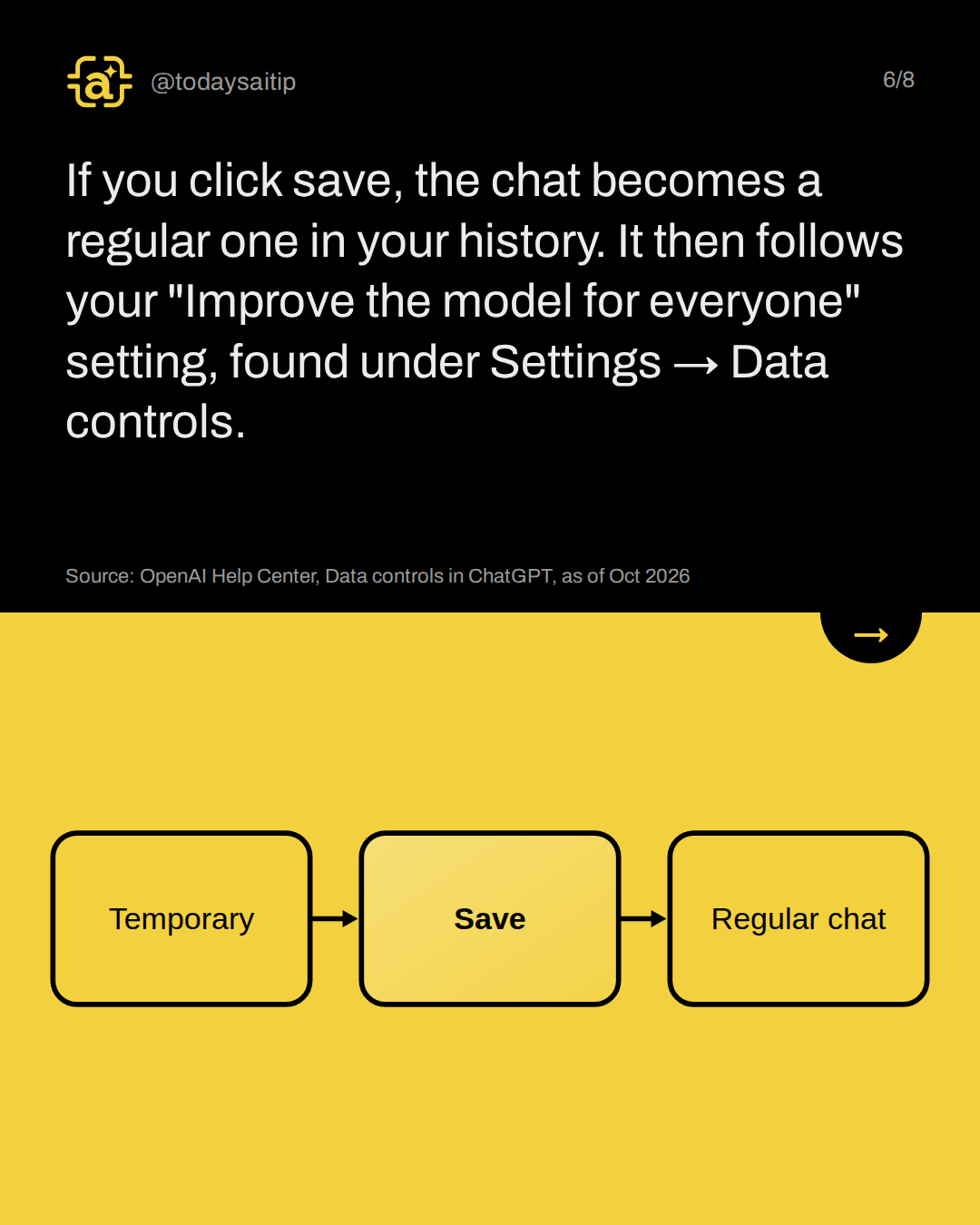
If you click save, the chat becomes a regular one in your history. It then follows your "Improve the model for everyone" setting, found under Settings → Data controls.
Source: OpenAI Help Center, Data controls in ChatGPT, as of Oct 2026
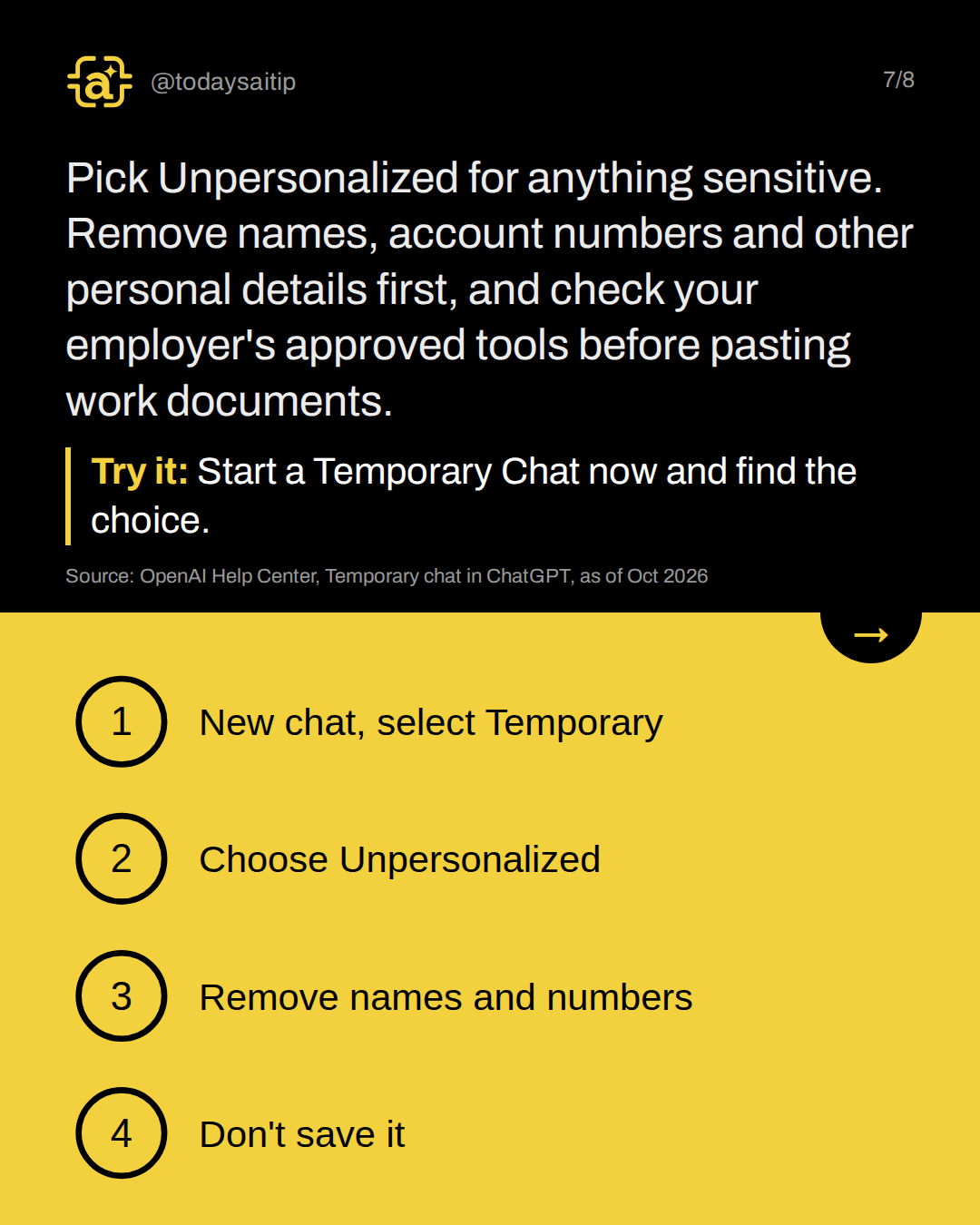
Pick Unpersonalized for anything sensitive. Remove names, account numbers and other personal details first, and check your employer's approved tools before pasting work documents.
Try it: Start a Temporary Chat now and find the choice.
Source: OpenAI Help Center, Temporary chat in ChatGPT, as of Oct 2026
Sources and assumptions
- OpenAI Help Center: Temporary chat in ChatGPT (opened via r.jina.ai reader; help.openai.com returns 403 to direct fetches): Stays out of chat history; 'A temporary chat is not used to improve OpenAI models while it remains temporary, whether or not you choose personalization'; 'OpenAI may keep a copy of a temporary chat for up to 30 days for safety purposes'; 'Open a new chat. Select Temporary. Choose Personalized or Unpersonalized before you send your first message'; Unpersonalized 'Does not use memory, custom instructions, or plugins'; Personalized 'Can use your existing memories, custom instructions, and plugins'; 'neither option creates or updates memories while the chat remains temporary'; 'you cannot change personalization after the conversation starts'; saving converts it to a regular chat that 'follows your account's personalization and model-improvement settings'; eligible files may be saved to Library when you save the chat (checked 2026-10-31)
- OpenAI Help Center: ChatGPT release notes, Aug 27, 2026 entry: Personalized temporary chats launched Aug 27, 2026: 'Personalized temporary chats can use your memories, custom instructions, and plugins to tailor responses. They do not create new memories and remain out of your chat history unless you save them.' Non-personalized is the default. Covers Free, Go, Plus and Pro. (checked 2026-10-31)
- OpenAI Help Center: Chat and file retention in ChatGPT: 'Temporary chats don't appear in your chat history unless you save them'; may be kept up to 30 days for safety; 'If you save a temporary chat, it becomes a regular chat and follows the retention rules for saved chats'; deleted chats are scheduled for permanent deletion within 30 days unless de-identified or kept longer for security or legal obligations (checked 2026-10-31)
- OpenAI Help Center: Data controls in ChatGPT: The training setting is called 'Improve the model for everyone' and lives under Settings → Data controls; temporary chats 'do not appear in your chat history [and] are not used to improve OpenAI models' while they remain temporary (checked 2026-10-31)
- Notebookcheck: ChatGPT: Temporary chat can now use your saved memories (Aug 29, 2026): Press confirmation: opt-in, temporary chats 'start non-personalized by default', the choice is fixed once the chat starts, 30-day retention applies either way (checked 2026-10-31)
Assumptions:
- Covers the consumer ChatGPT app (Free, Go, Plus, Pro) as described on OpenAI's help pages on 2026-10-31. Business and Enterprise workspaces can have different retention and admin rules.
- OpenAI's help pages were read through a text reader proxy because help.openai.com returns 403 to direct fetches. The wording above is quoted from those reads.
- 'Unpersonalized is the default' comes from the release notes and Notebookcheck. The FAQ itself doesn't say which option is pre-selected, so slides should say 'choose Unpersonalized', not rely on the default.
- We did not run Temporary Chat ourselves: this is an app feature taught from official documentation only, marked 'as of Oct 2026'. No ai-test outputs are in the record.
The short version
- Temporary Chat stays out of your history
- It isn't used for training while temporary
- OpenAI may keep a copy up to 30 days
- Choose Unpersonalized before you start
- Saving makes it a regular chat