 Today's AI Tip
Excel formula broken? Paste the formula, not “it’s broken.”

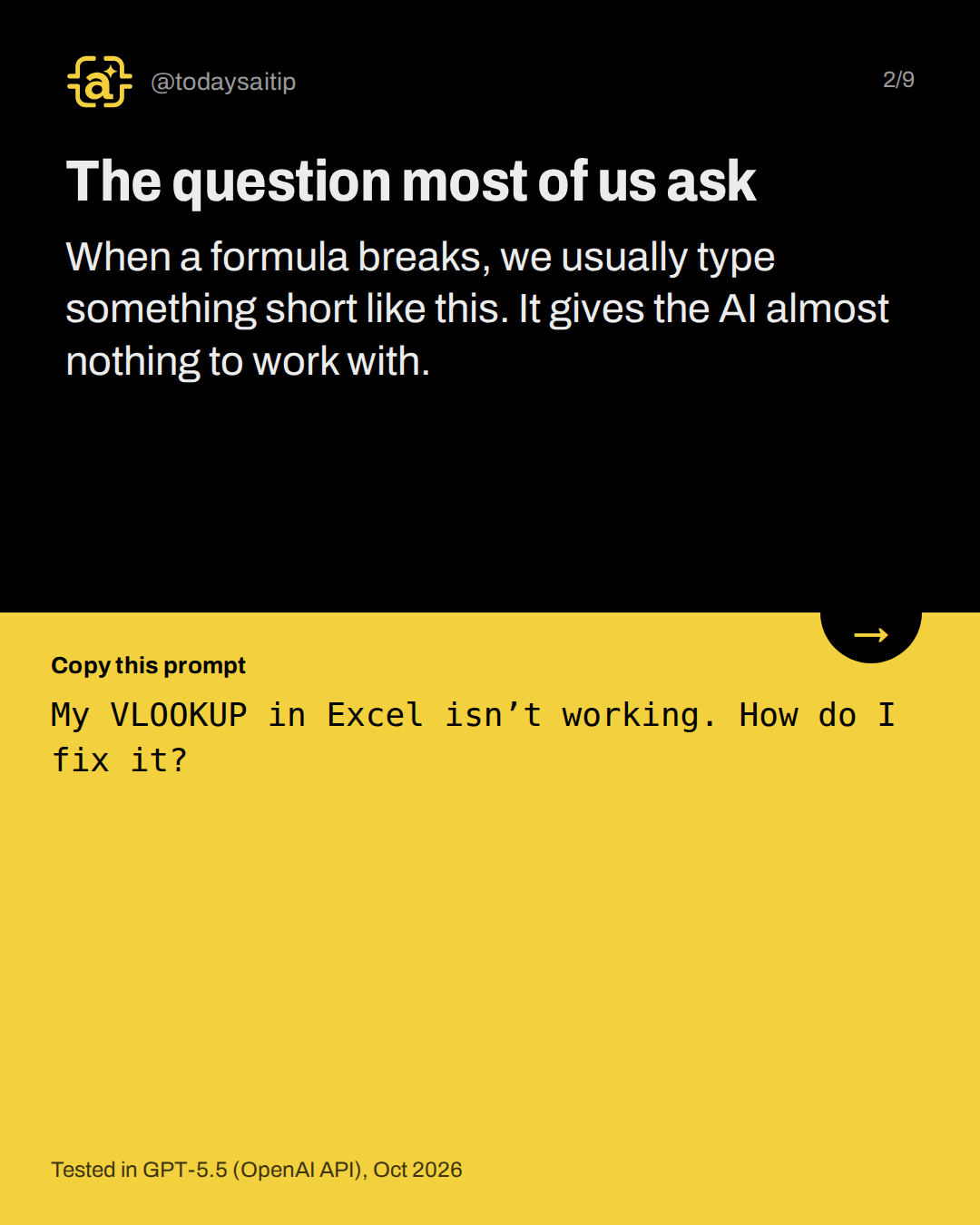
The question most of us ask
Tested in GPT-5.5 (OpenAI API), Oct 2026
When a formula breaks, we usually type something short like this. It gives the AI almost nothing to work with.
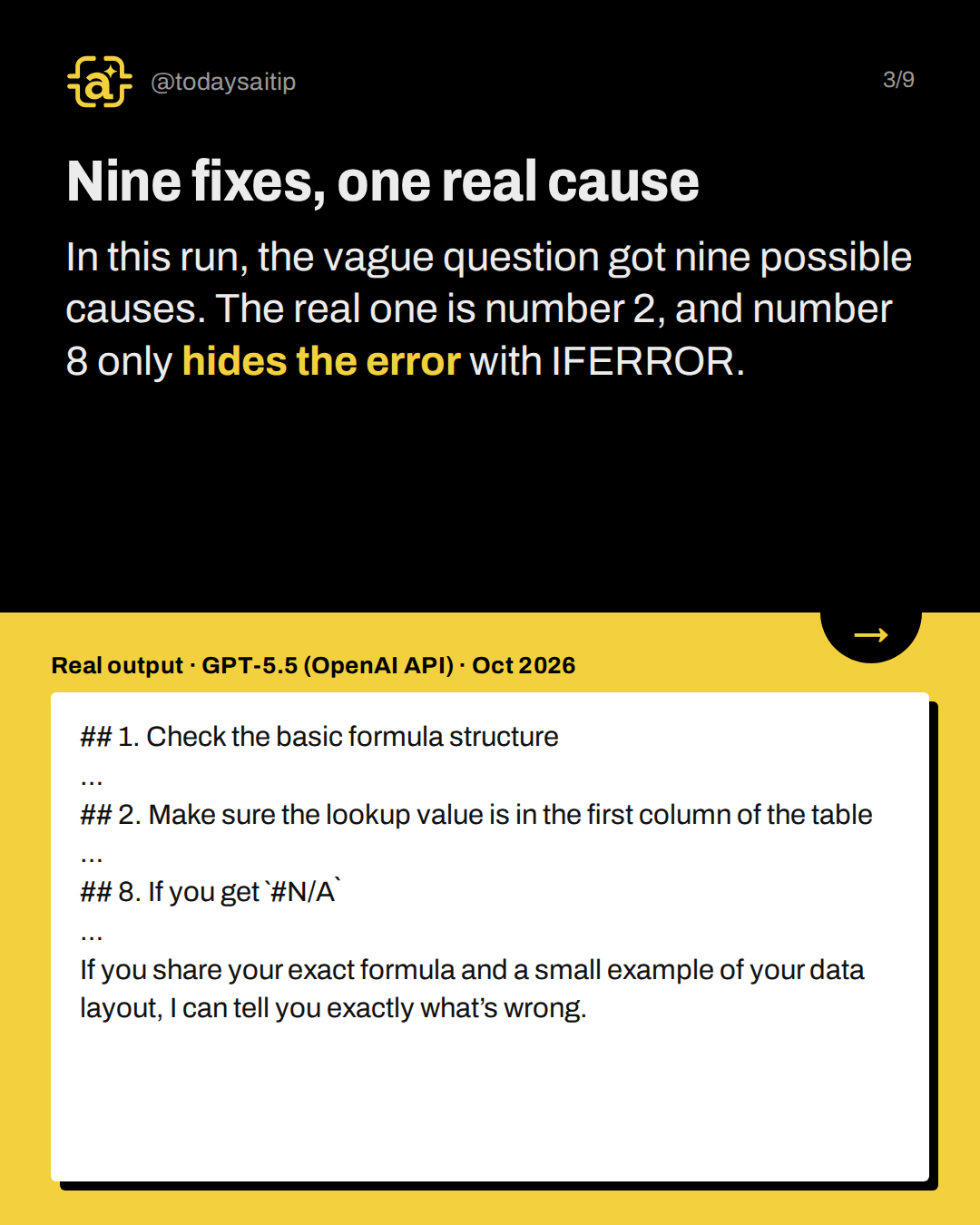
Nine fixes, one real cause
Real output · GPT-5.5 (OpenAI API) · Oct 2026
In this run, the vague question got nine possible causes. The real one is number 2, and number 8 only hides the error with IFERROR.
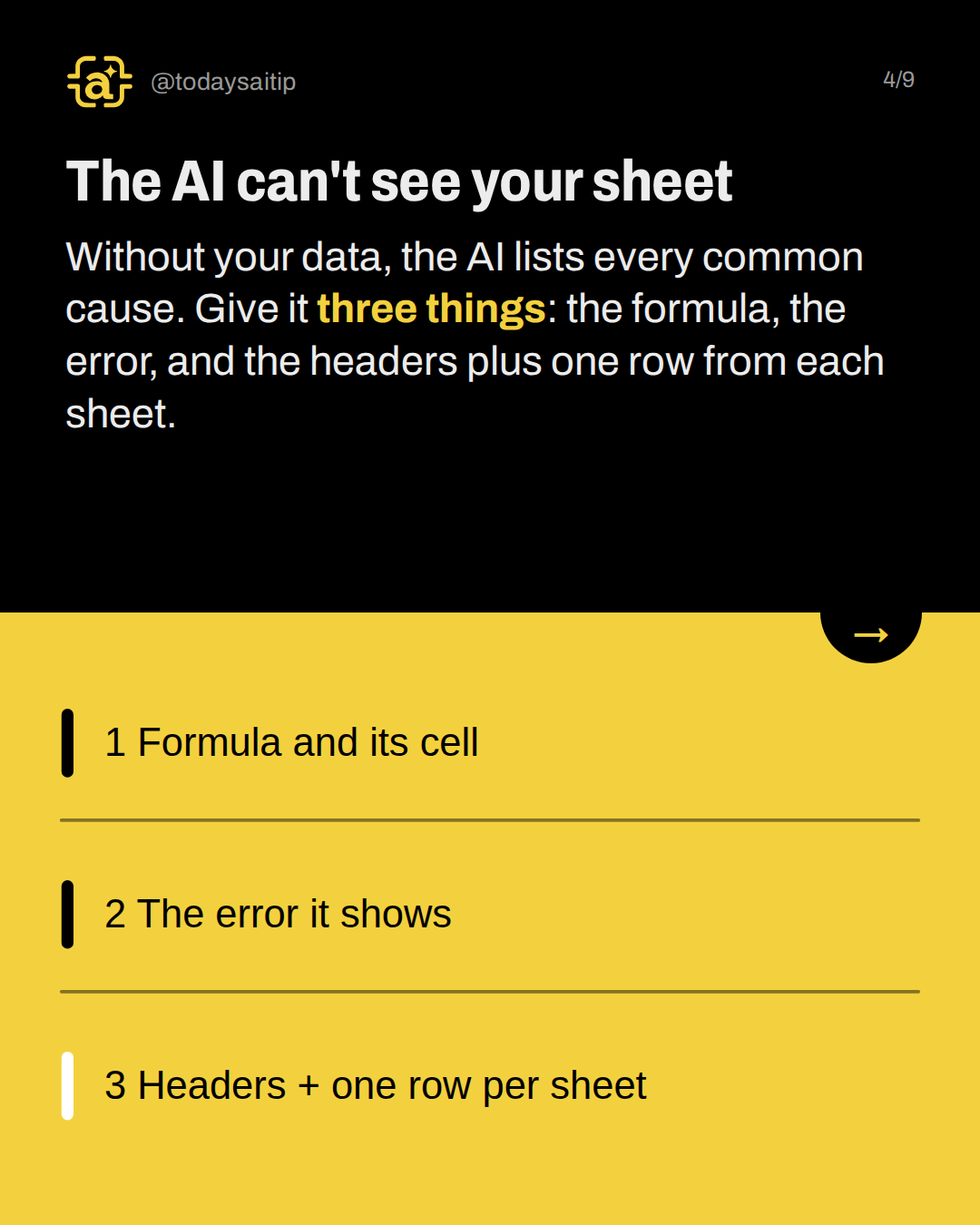
The AI can't see your sheet
Without your data, the AI lists every common cause. Give it three things: the formula, the error, and the headers plus one row from each sheet.
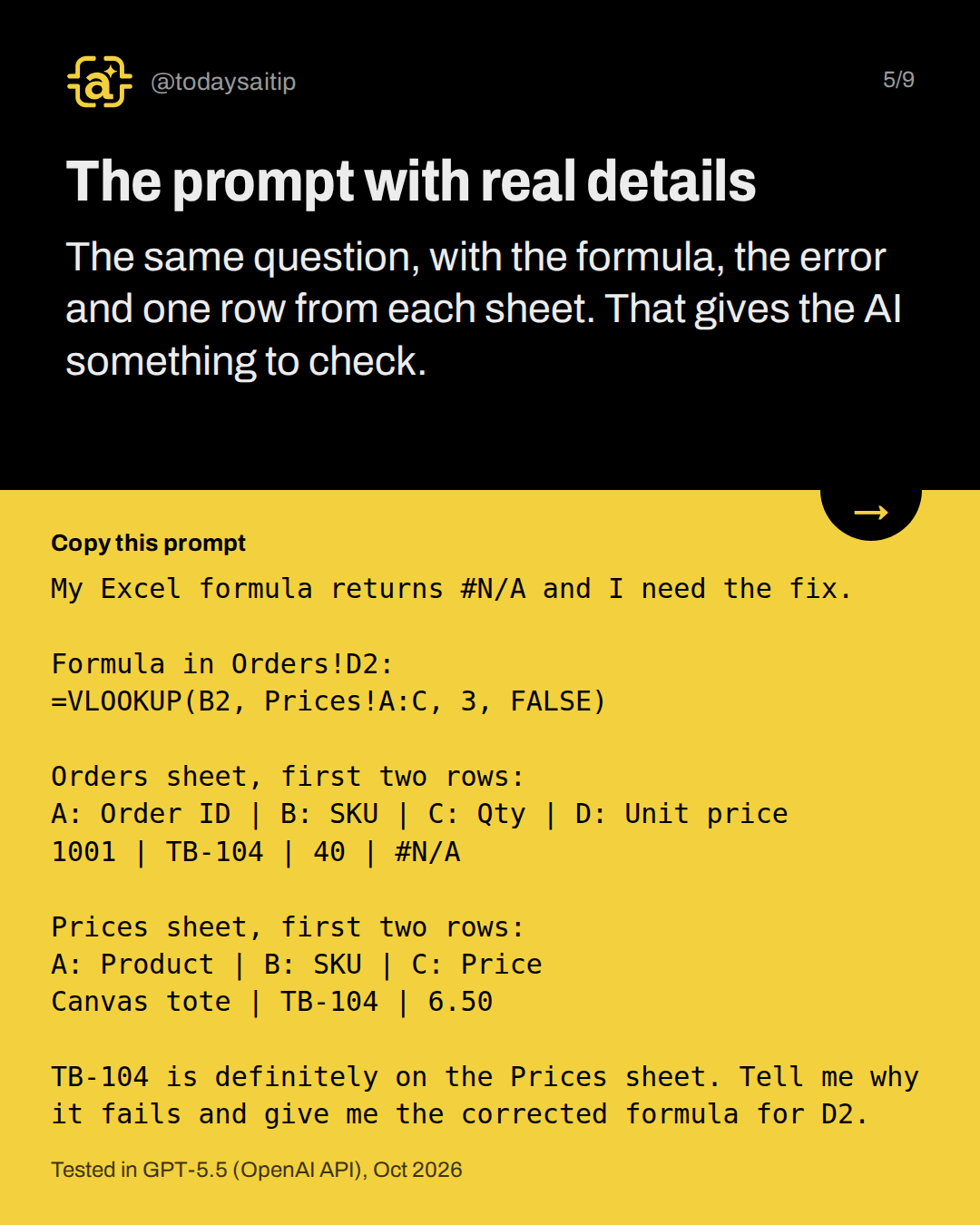
The prompt with real details
Tested in GPT-5.5 (OpenAI API), Oct 2026
The same question, with the formula, the error and one row from each sheet. That gives the AI something to check.
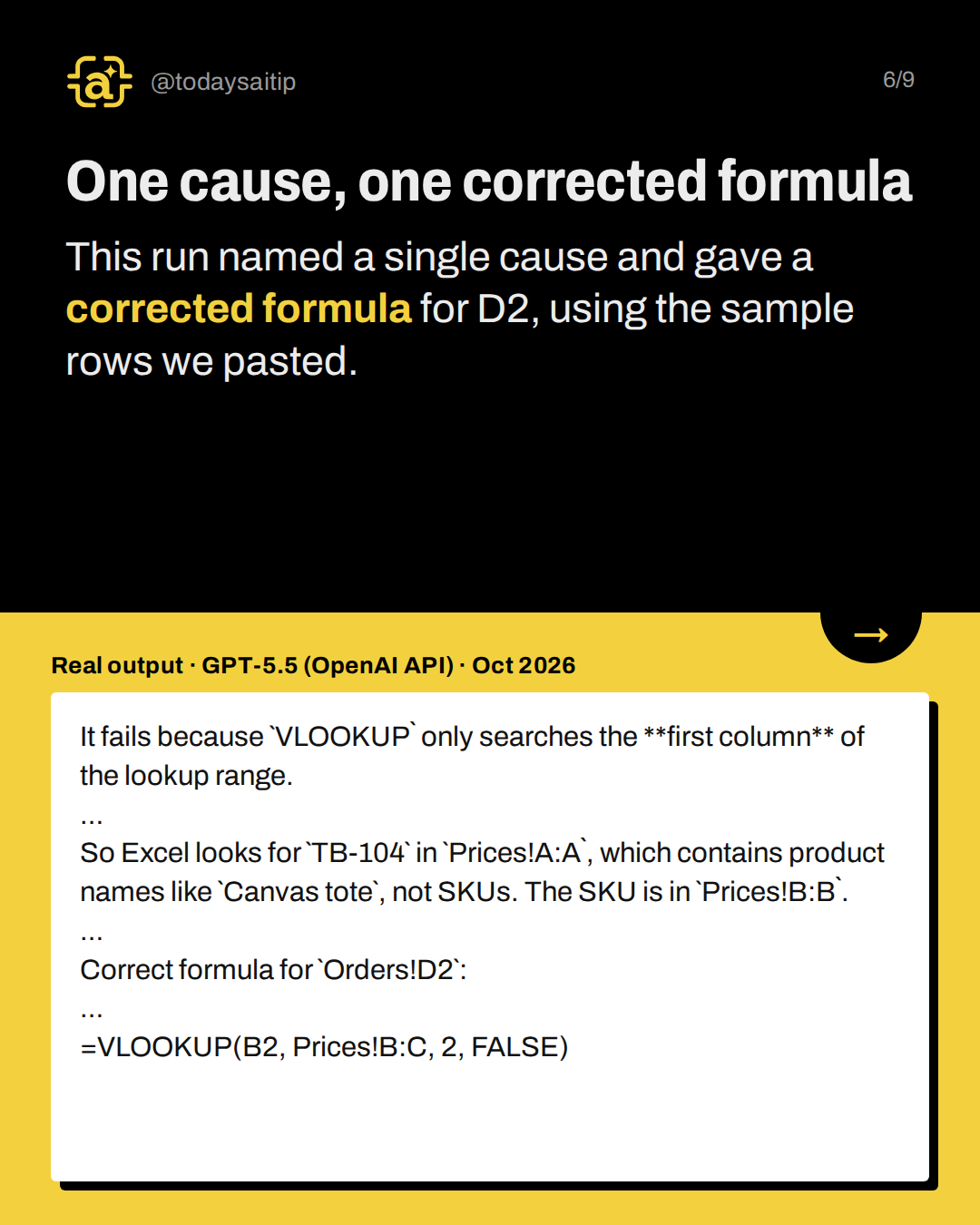
One cause, one corrected formula
Real output · GPT-5.5 (OpenAI API) · Oct 2026
This run named a single cause and gave a corrected formula for D2, using the sample rows we pasted.
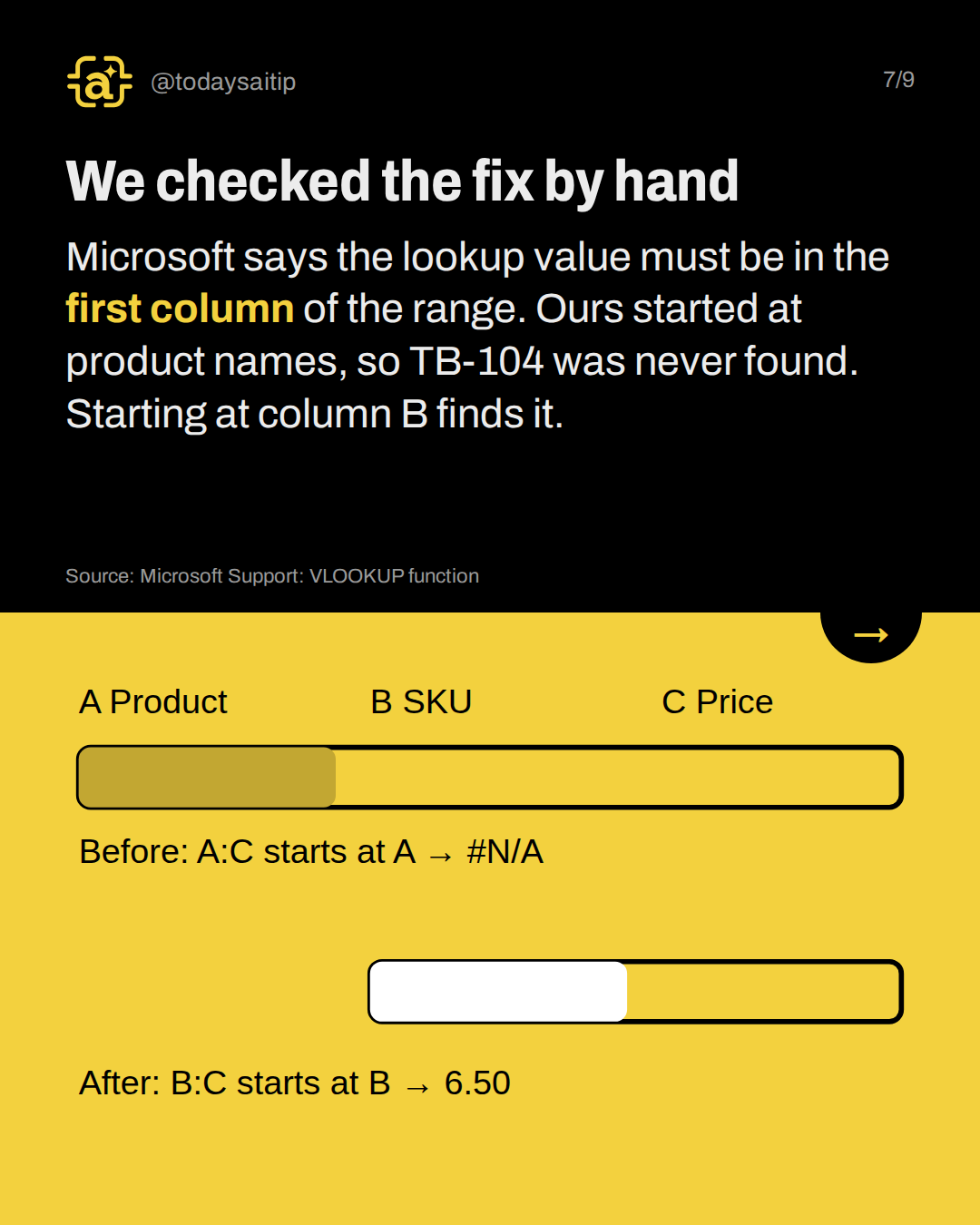
We checked the fix by hand
Microsoft says the lookup value must be in the first column of the range. Ours started at product names, so TB-104 was never found. Starting at column B finds it.
Source: Microsoft Support: VLOOKUP function
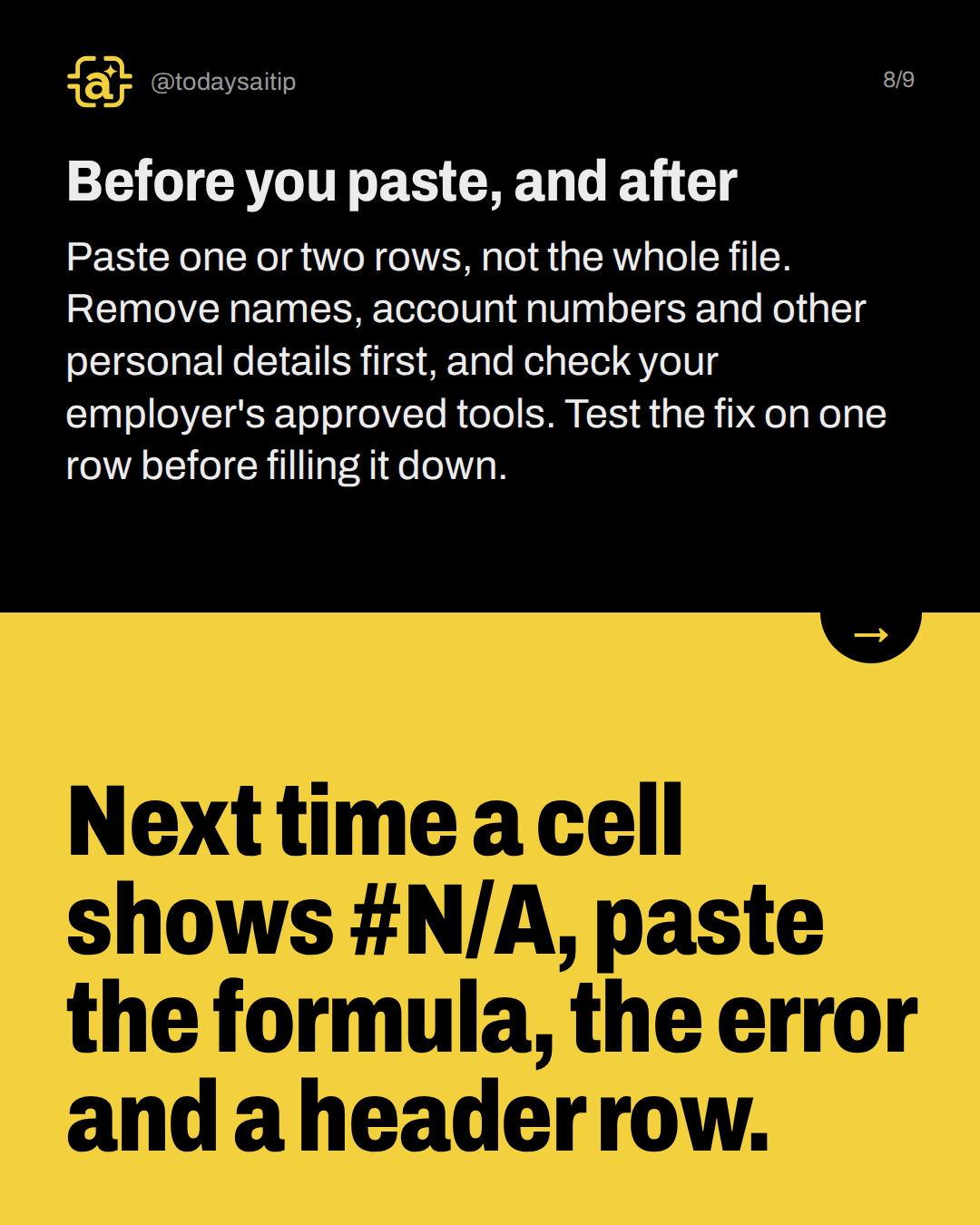
Before you paste, and after
Paste one or two rows, not the whole file. Remove names, account numbers and other personal details first, and check your employer's approved tools. Test the fix on one row before filling it down.
Try it: Next time a cell shows #N/A, paste the formula, the error and a header row.
Sources and assumptions
- Microsoft Support: VLOOKUP function: "The value you want to look up must be in the first column of the range of cells you specify in the table_array argument"; col_index_num starts with 1 for the left-most column of table_array; with FALSE, an exact value that isn't found returns #N/A; XLOOKUP is described as an improved version that works in any direction (checked 2026-10-16)
- Microsoft Support: How to correct a #N/A error: Other common #N/A causes Microsoft lists (incorrect value types, extra spacing, approximate vs exact match), matching the generic causes in the vague answer (checked 2026-10-16)
- Anthropic: Prompting best practices (Claude Platform Docs): "Think of Claude as a brilliant but new employee who lacks context on your norms and workflows. The more precisely you explain what you want, the better the result." This is background for the mechanism slide only; the test itself ran in GPT-5.5 (checked 2026-10-16)
Assumptions:
- The workbook is fictional: an Orders sheet (Order ID, SKU, Qty, Unit price) and a Prices sheet (Product, SKU, Price) with one sample row each; TB-104 = Canvas tote at $6.50.
- Both prompts were run once in GPT-5.5 via the OpenAI API (engine/ai-test.js, Oct 2026), not in the ChatGPT app. The Claude runs failed in the research environment, so there is no Claude output and the slides must not name Claude as tested.
- The fix was checked by hand against Microsoft's documented VLOOKUP exact-match rules on the sample rows, not by recalculating in Excel: the original range A:C searches column A (product names), where TB-104 doesn't appear, so it returns #N/A; the fixed range B:C searches column B (SKU), finds TB-104 and returns column 2 = C = 6.50.
- Results vary from run to run; another run of the vague prompt may list a different number of causes.
The short version
- A vague question got nine possible causes.
- Give it the formula and the error.
- Add headers plus one row per sheet.
- Test the fix on one row first.