 Today's AI Tip
Editing with AI? Ask it to mark every sentence it changed.
What most of us do
We paste the email, ask for something clearer, and copy the result back. Then we can't see what moved, so a reworded rule or date can slip through unnoticed.
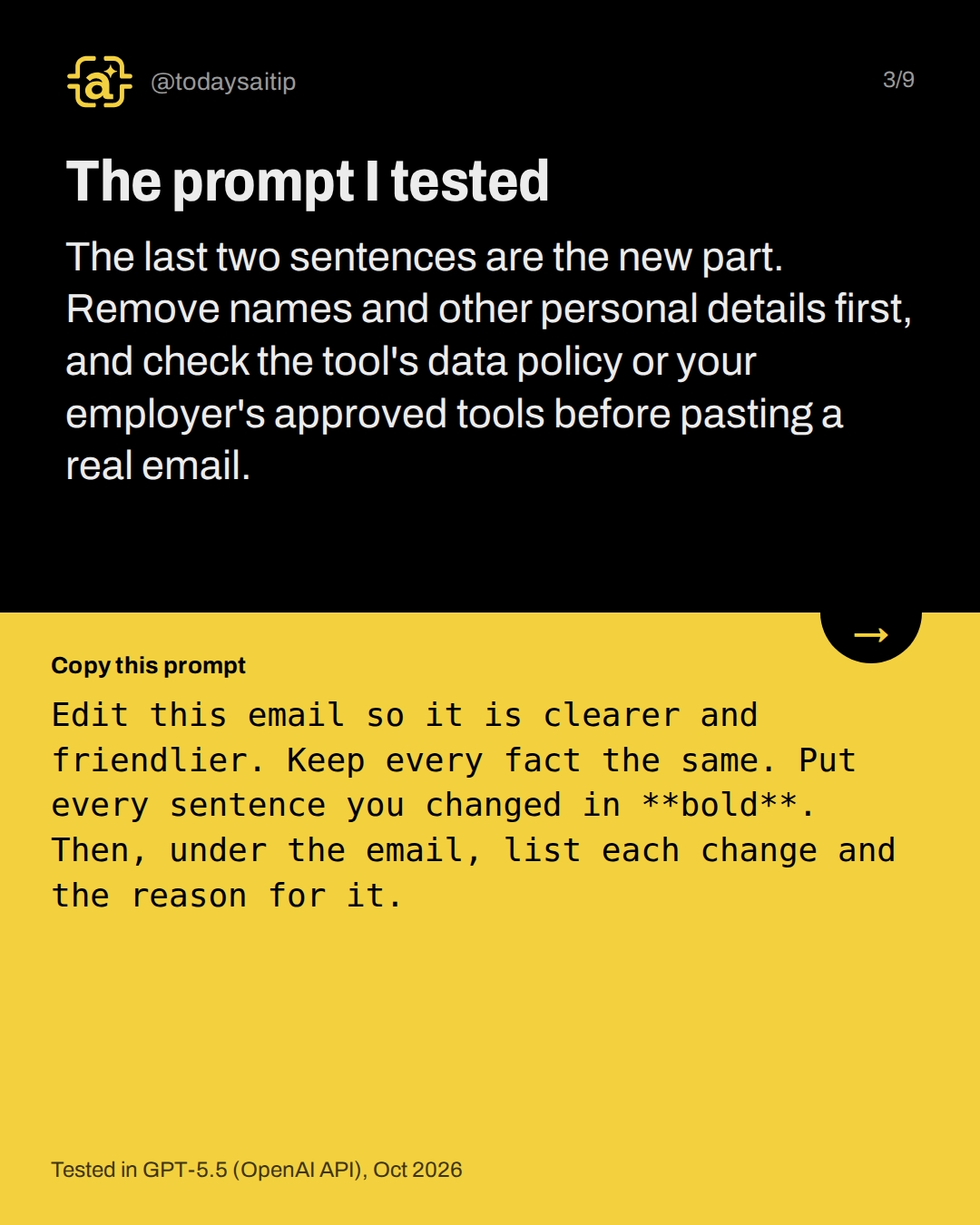
The prompt I tested
Tested in GPT-5.5 (OpenAI API), Oct 2026
The last two sentences are the new part. Remove names and other personal details first, and check the tool's data policy or your employer's approved tools before pasting a real email.
The sample email I used
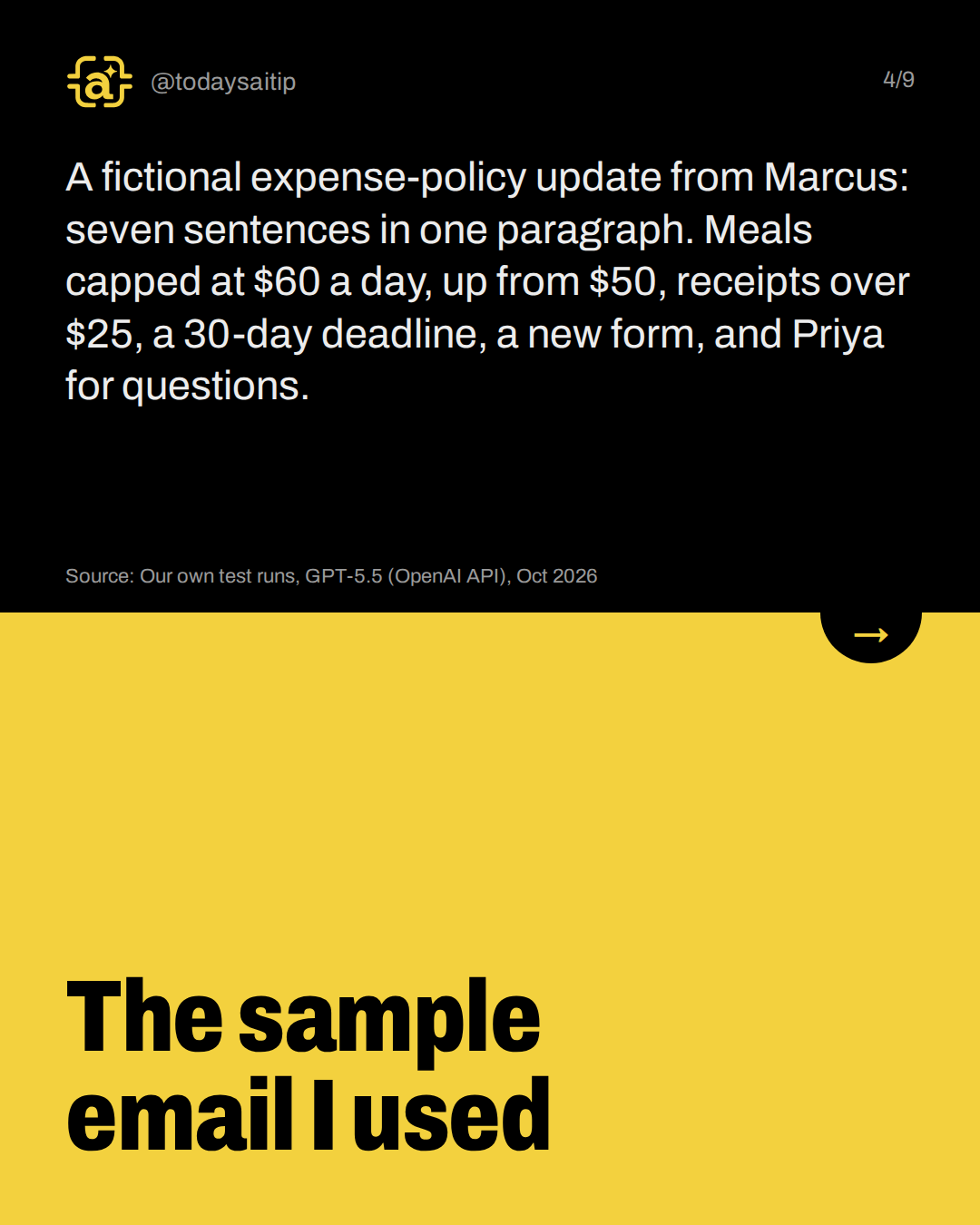
A fictional expense-policy update from Marcus: seven sentences in one paragraph. Meals capped at $60 a day, up from $50, receipts over $25, a 30-day deadline, a new form, and Priya for questions.
Source: Our own test runs, GPT-5.5 (OpenAI API), Oct 2026
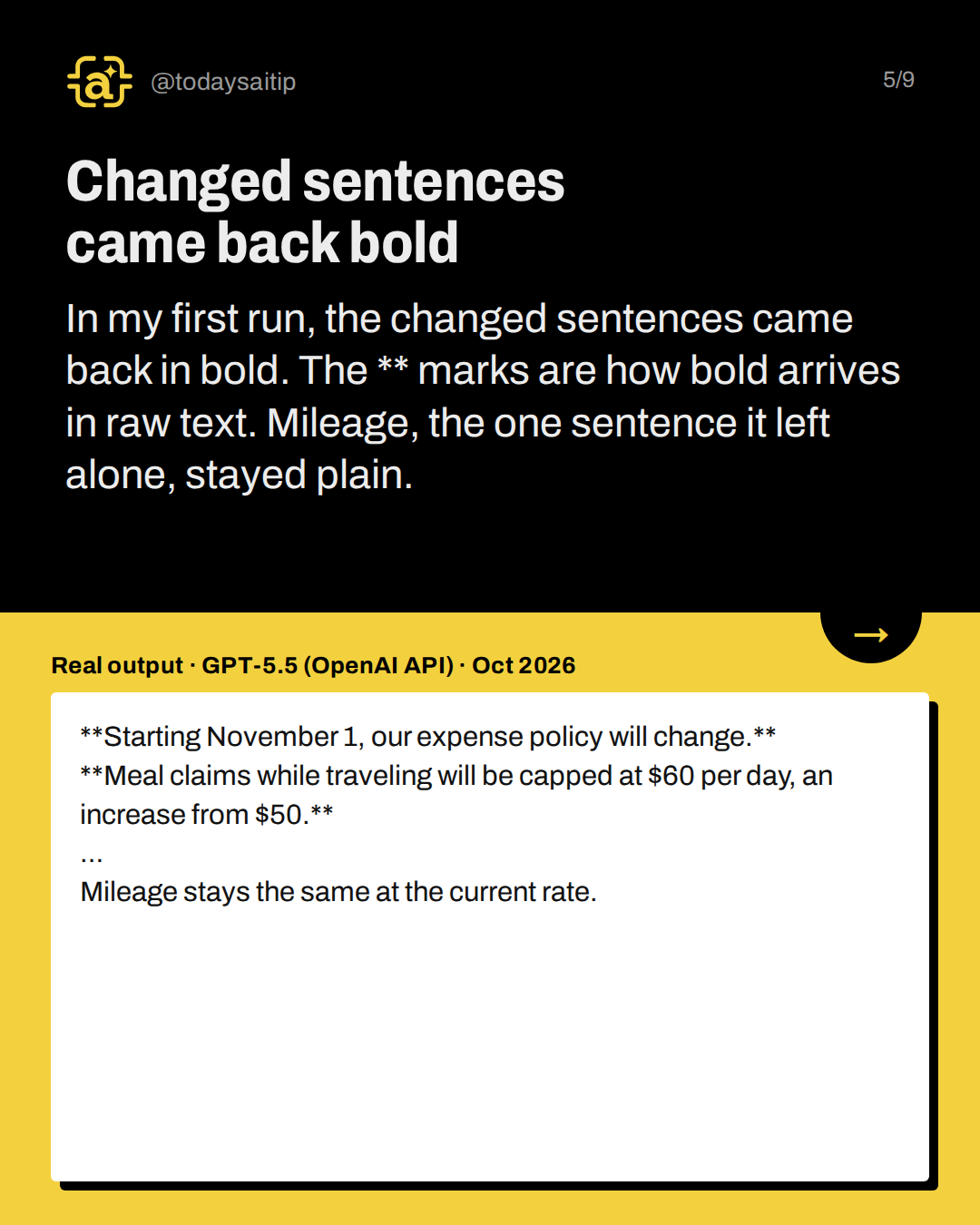
Changed sentences came back bold
Real output · GPT-5.5 (OpenAI API) · Oct 2026
In my first run, the changed sentences came back in bold. The ** marks are how bold arrives in raw text. Mileage, the one sentence it left alone, stayed plain.
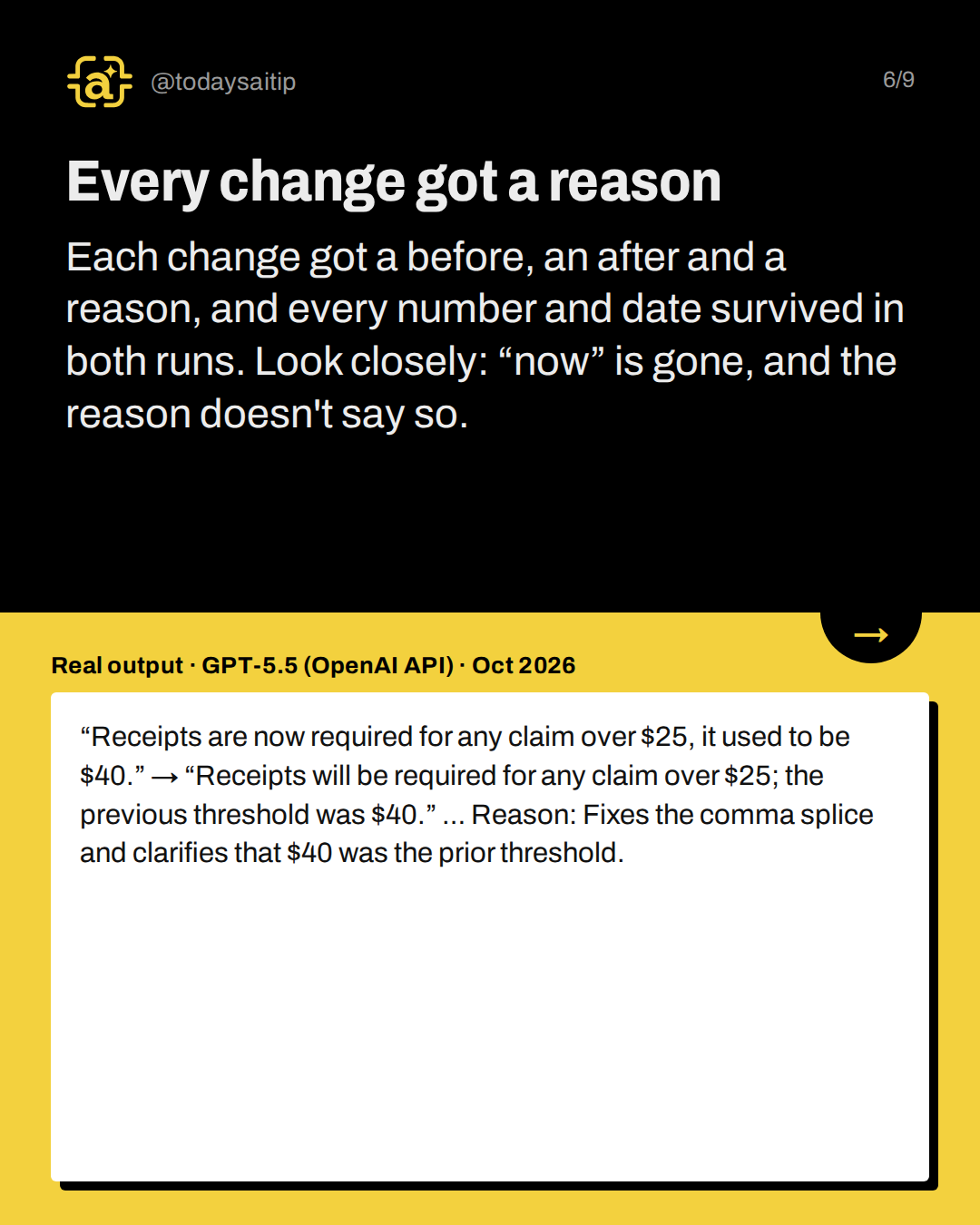
Every change got a reason
Real output · GPT-5.5 (OpenAI API) · Oct 2026
Each change got a before, an after and a reason, and every number and date survived in both runs. Look closely: “now” is gone, and the reason doesn't say so.
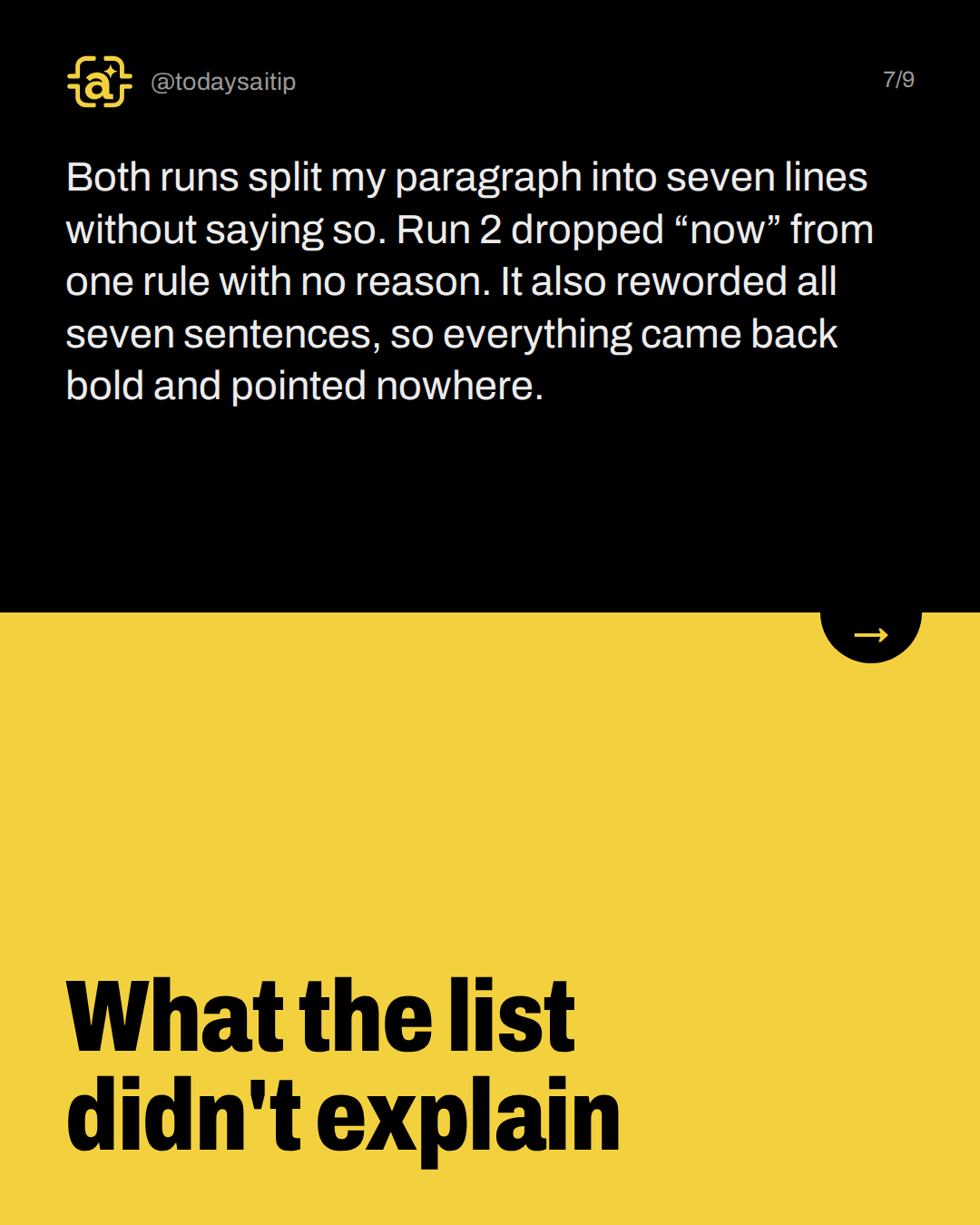
What the list didn't explain
Both runs split my paragraph into seven lines without saying so. Run 2 dropped “now” from one rule with no reason. It also reworded all seven sentences, so everything came back bold and pointed nowhere.
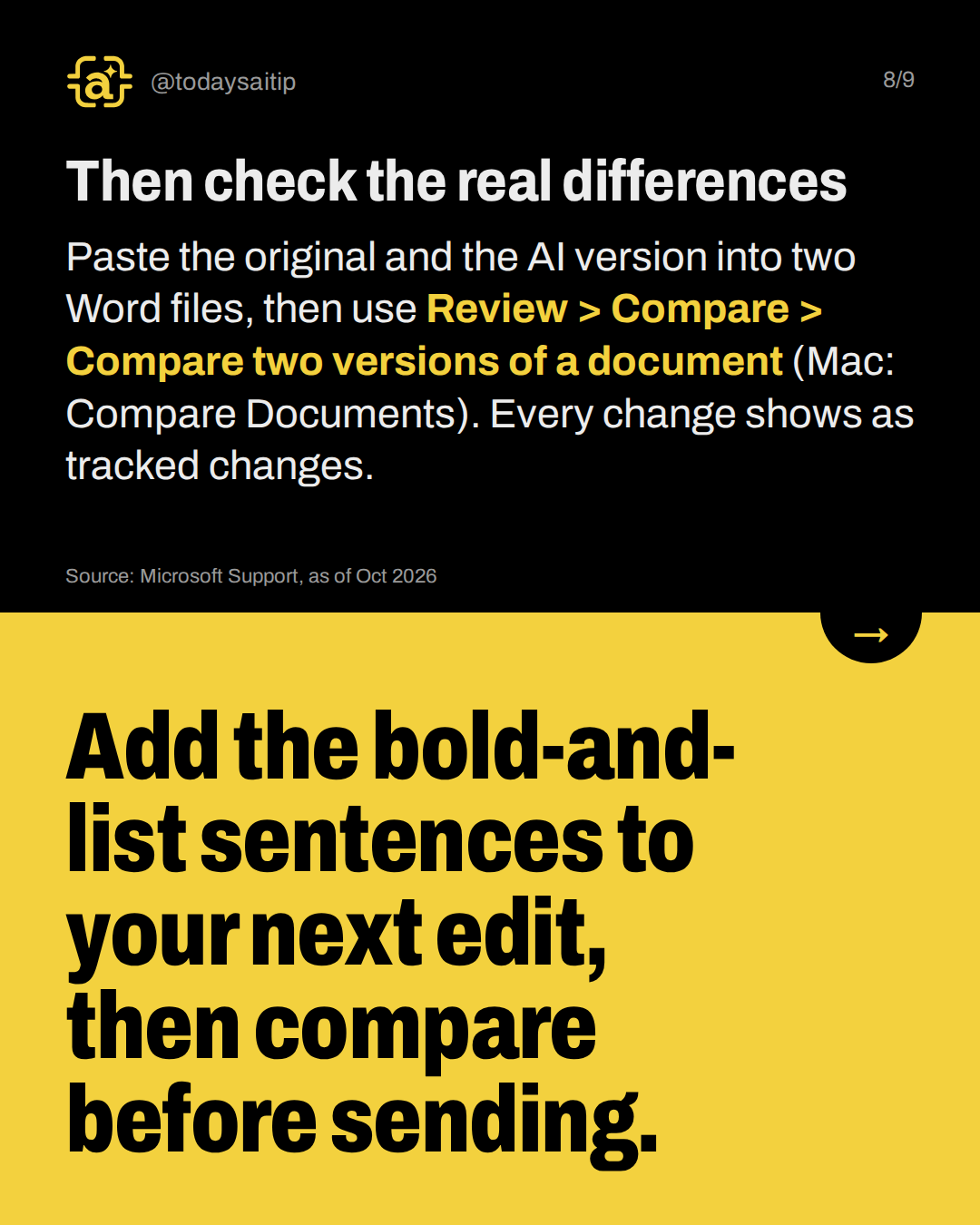
Then check the real differences
Paste the original and the AI version into two Word files, then use Review > Compare > Compare two versions of a document (Mac: Compare Documents). Every change shows as tracked changes.
Try it: Add the bold-and-list sentences to your next edit, then compare before sending.
Source: Microsoft Support, as of Oct 2026
Sources and assumptions
- Microsoft Support: Compare document differences using the legal blackline option: Word for Microsoft 365 / 2024 / 2021: Review tab > Compare group > Compare > 'Compare two versions of a document (legal blackline)'; it shows a new third document with changes in the revised document shown as tracked changes (checked 2026-10-14)
- Microsoft Support: Compare and merge two versions of a document (Word for Mac): Word for Mac: Review > Compare > Compare Documents; 'The original copy remains untouched. Revision marks show any differences introduced by the revised copy.' (checked 2026-10-14)
- Our own test runs: record.tests ids mark-changes-1 and mark-changes-2 (GPT-5.5 via OpenAI API, 2026-10-15T02:02Z): Every output quote, the bold marking, the change lists, and the gaps found by a line-by-line comparison with the original email (checked 2026-10-14)
Assumptions:
- The tested tool is GPT-5.5 via the OpenAI API, not the ChatGPT app. Slides must say 'GPT-5.5 (OpenAI API), Oct 2026' and make no Claude claim. The Claude runner failed in this research session (failed entries with null output are in tests.json).
- Two runs of the same prompt and email (mark-changes-1, mark-changes-2). Results can vary run to run, so slides should say 'in my two runs', not 'always'.
- The audit was a manual sentence-by-sentence comparison of each output against the original. A helper diff script could not be written in this session. The 7 body sentences and the subject line are short enough to check by eye, and every claim on slide 7 can be seen in the recorded outputs.
- The paragraph-split finding: the original body is one paragraph, and both outputs put each sentence on its own line (markdown line breaks ' \n'). In a plain-text paste this shows as separate lines.
- The prompt itself contains literal **bold** asterisks. The prompt card must show them verbatim rather than render them as accent styling.
- The sample email (Marcus, Priya, the expense rules) is fictional.
- The tests.json file also holds the GPT-5.5 runs for the rejected bullets-vs-sentences idea (ids bullets-1/2, sentences-1/2). They are not used in this post.
The short version
- Ask for bold on every changed sentence.
- Ask for a before, after and reason list.
- In my two runs, every number survived.
- The list missed the paragraph split.
- Run Compare before you send.