 Today's AI Tip
Checking expenses with AI? Make it quote the rule first.

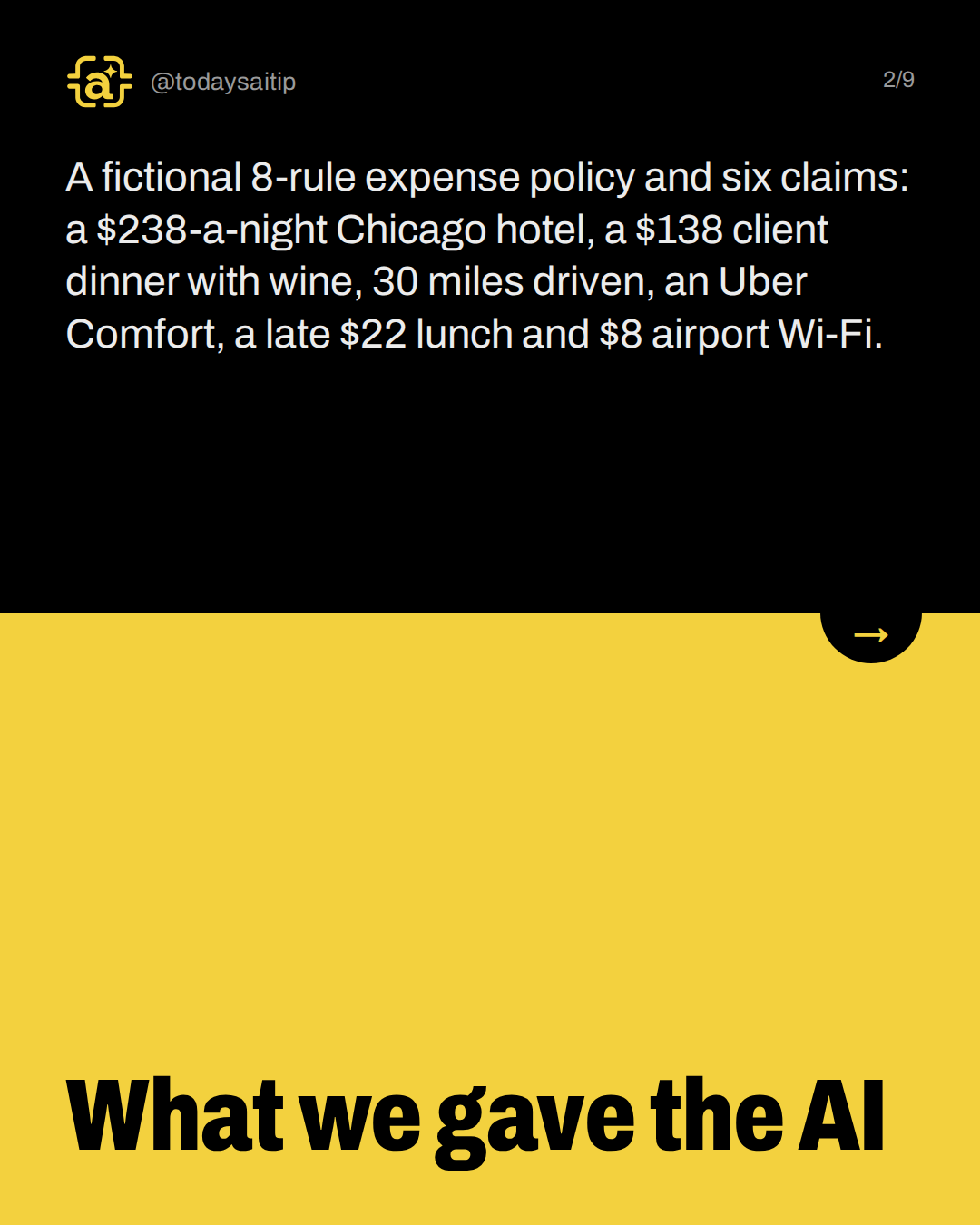
What we gave the AI
A fictional 8-rule expense policy and six claims: a $238-a-night Chicago hotel, a $138 client dinner with wine, 30 miles driven, an Uber Comfort, a late $22 lunch and $8 airport Wi-Fi.
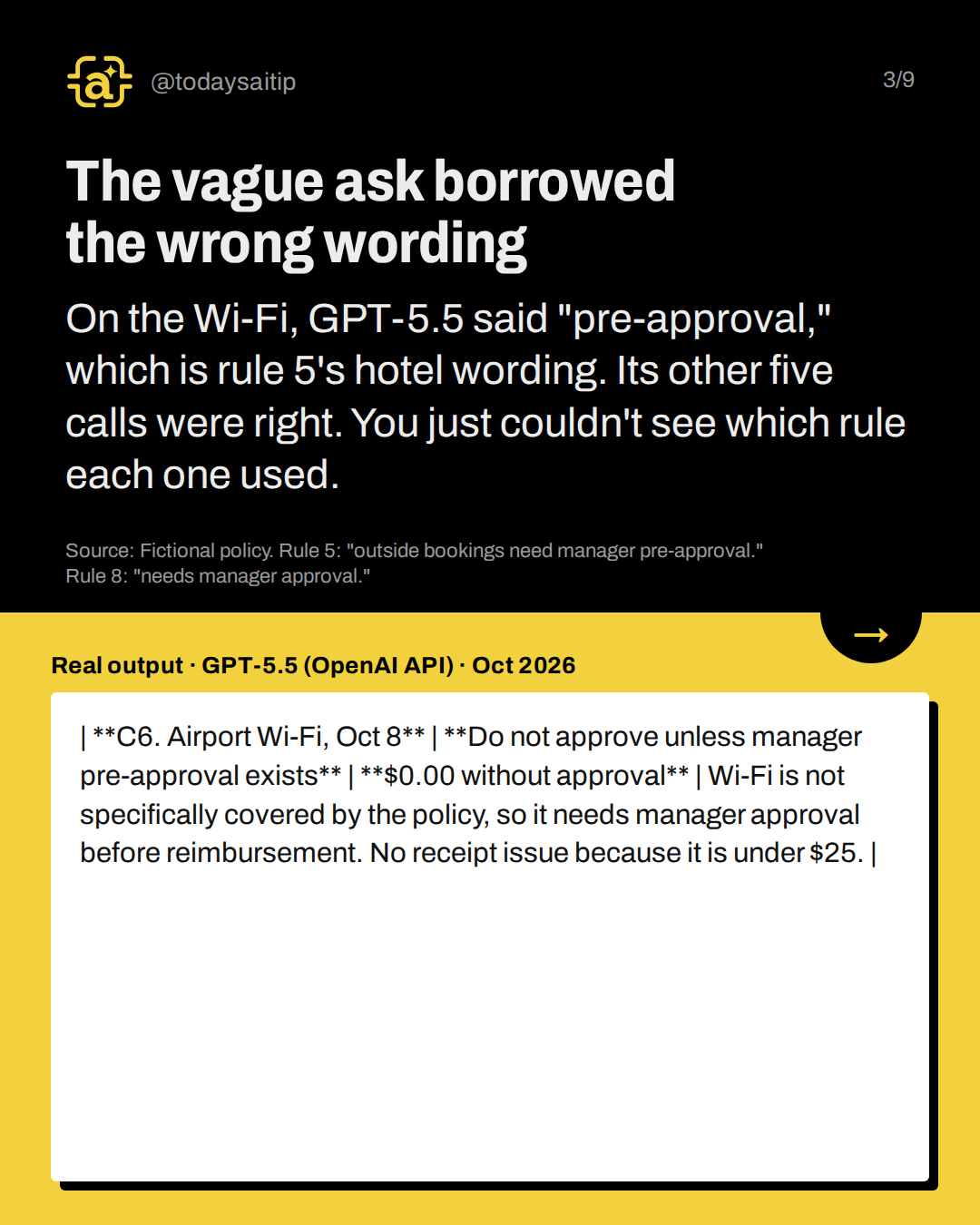
The vague ask borrowed the wrong wording
Real output · GPT-5.5 (OpenAI API) · Oct 2026
On the Wi-Fi, GPT-5.5 said "pre-approval," which is rule 5's hotel wording. Its other five calls were right. You just couldn't see which rule each one used.
Source: Fictional policy. Rule 5: "outside bookings need manager pre-approval." Rule 8: "needs manager approval."
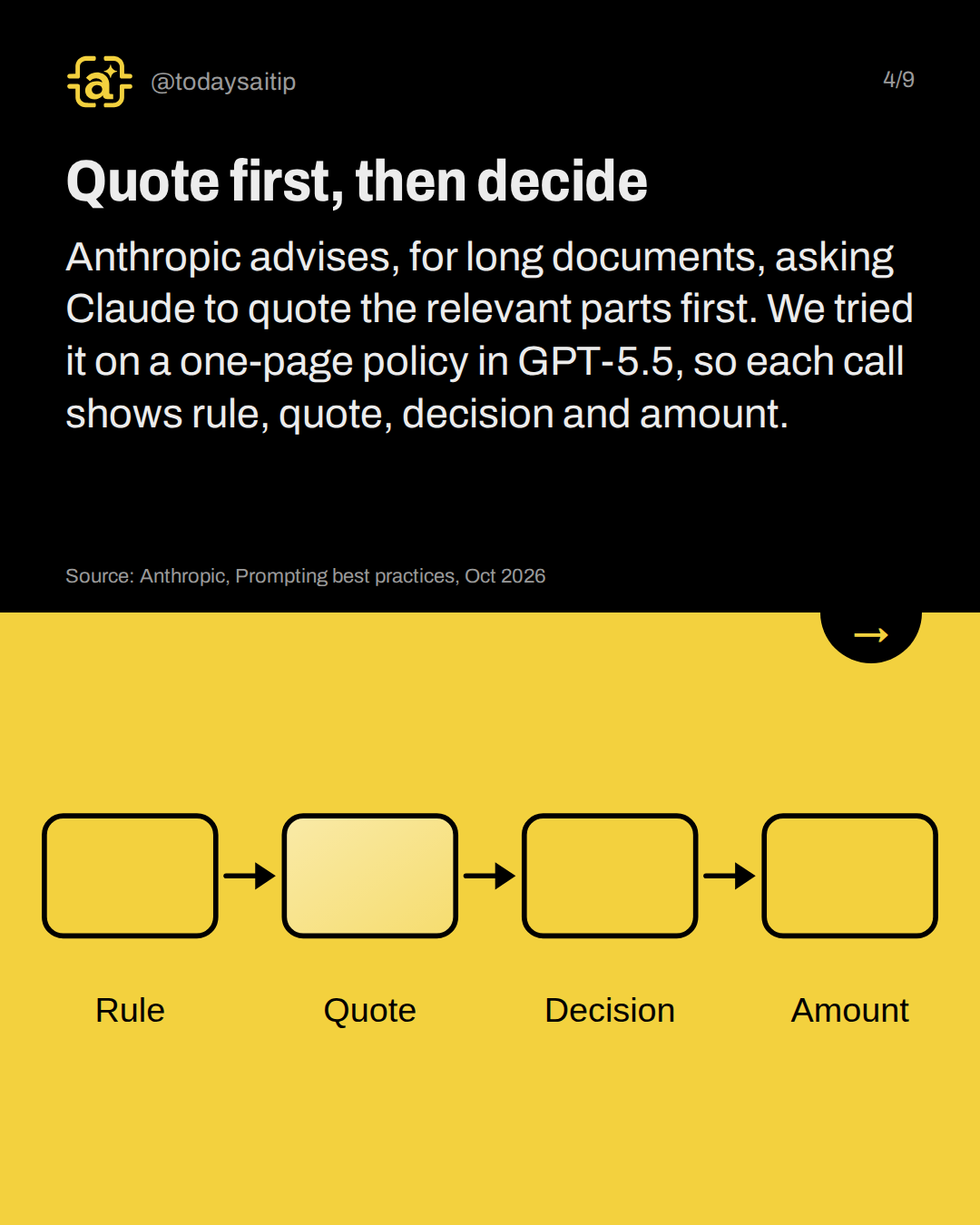
Quote first, then decide
Anthropic advises, for long documents, asking Claude to quote the relevant parts first. We tried it on a one-page policy in GPT-5.5, so each call shows rule, quote, decision and amount.
Source: Anthropic, Prompting best practices, Oct 2026
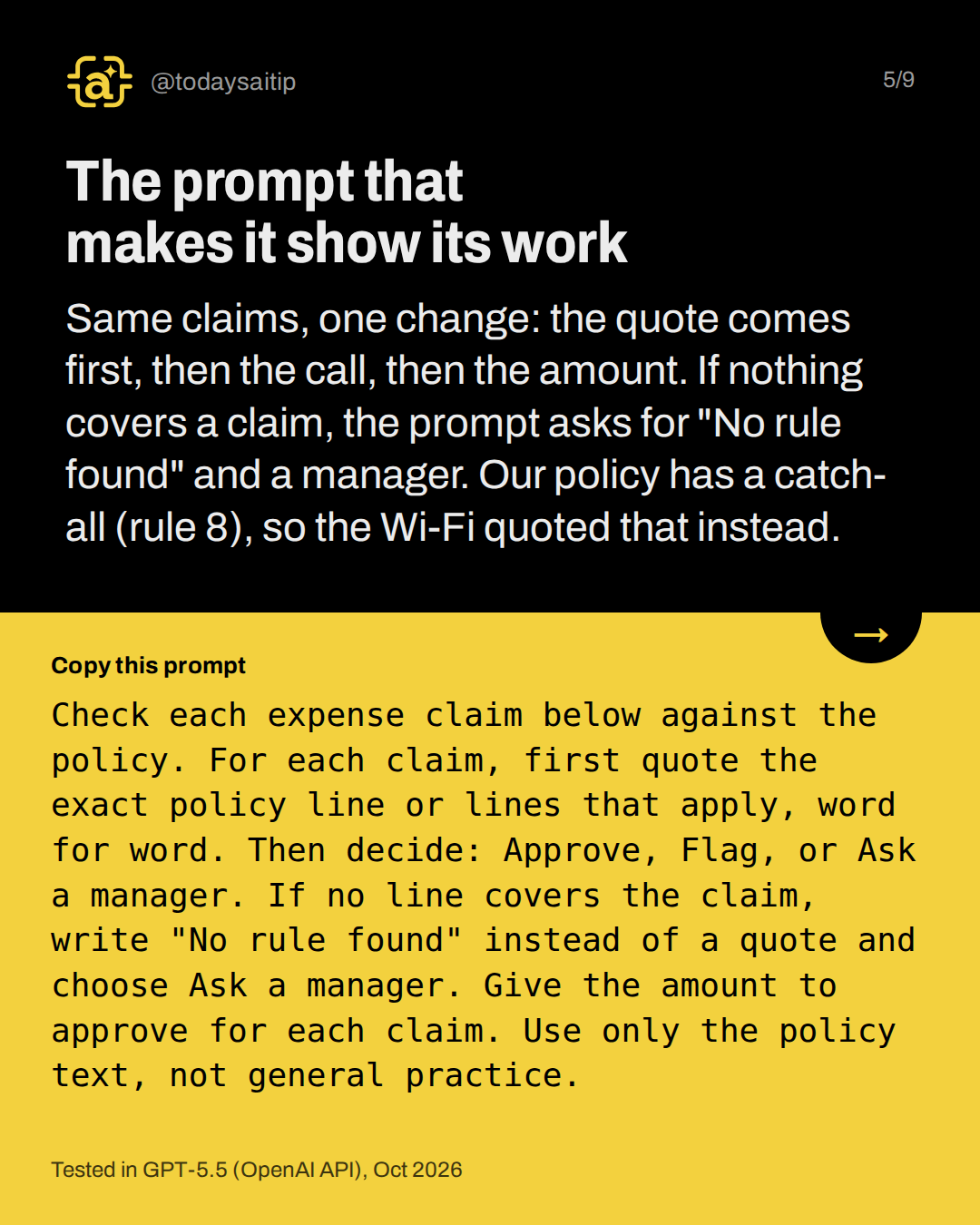
The prompt that makes it show its work
Tested in GPT-5.5 (OpenAI API), Oct 2026
Same claims, one change: the quote comes first, then the call, then the amount. If nothing covers a claim, the prompt asks for "No rule found" and a manager. Our policy has a catch-all (rule 8), so the Wi-Fi quoted that instead.
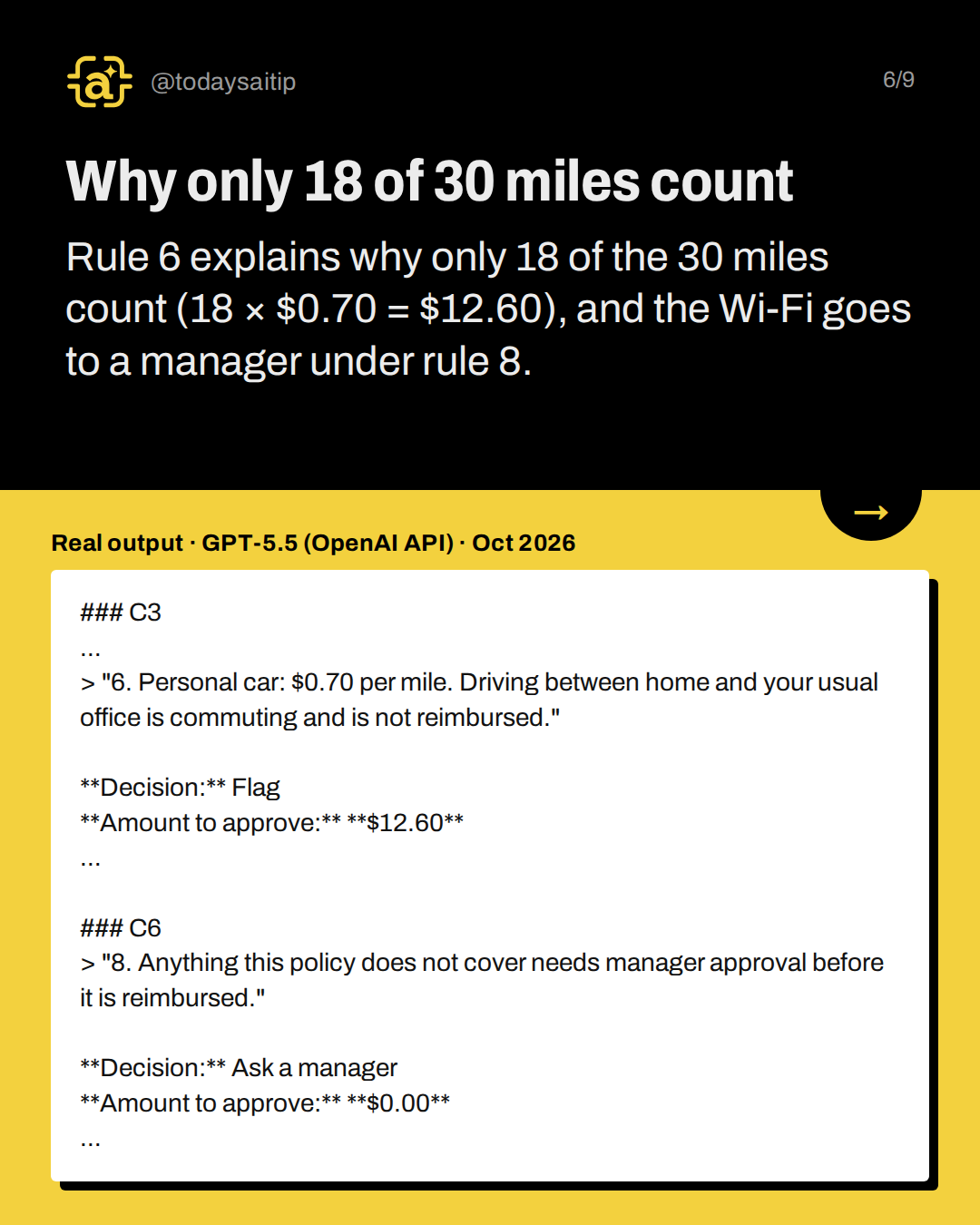
Why only 18 of 30 miles count
Real output · GPT-5.5 (OpenAI API) · Oct 2026
Rule 6 explains why only 18 of the 30 miles count (18 × $0.70 = $12.60), and the Wi-Fi goes to a manager under rule 8.
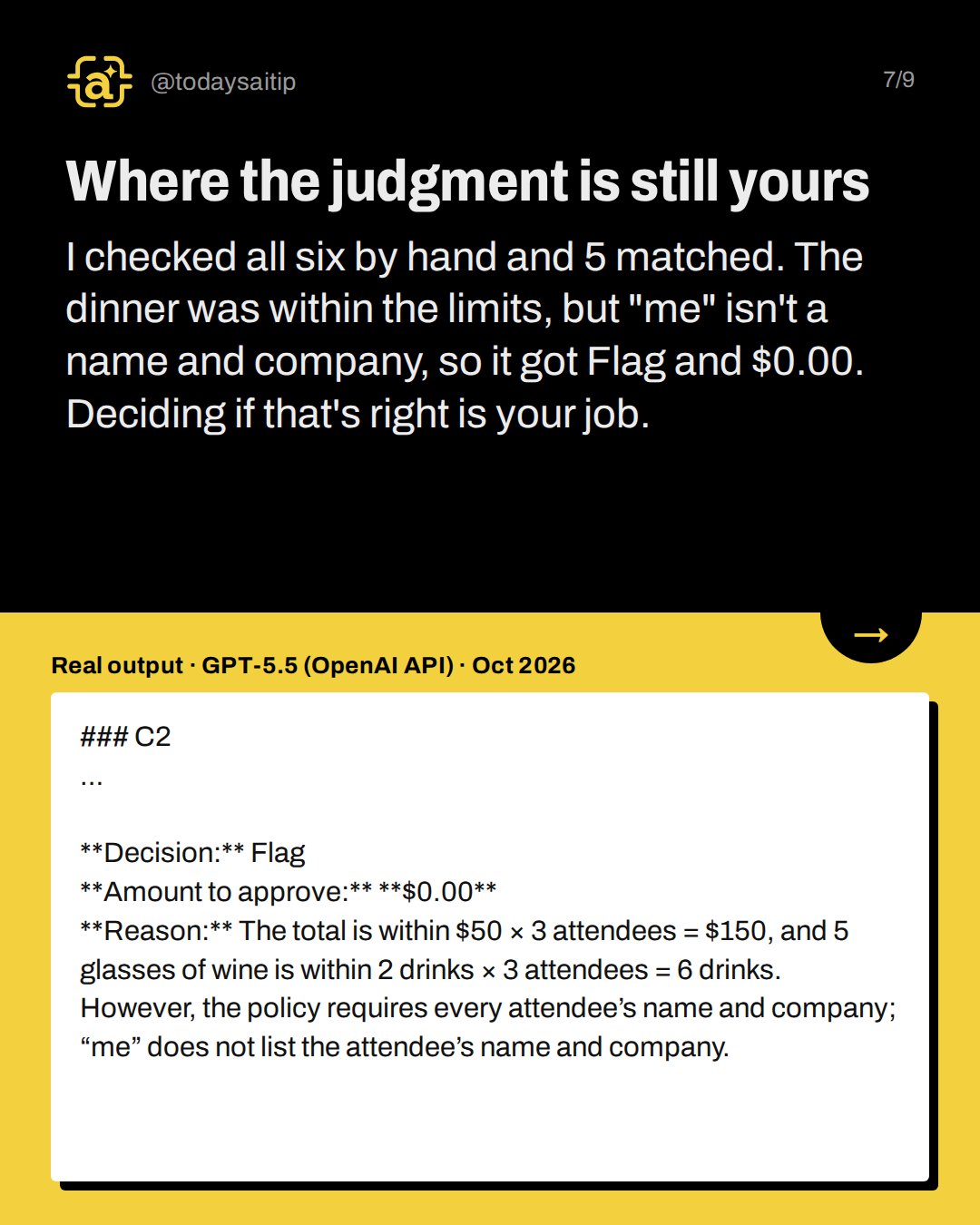
Where the judgment is still yours
Real output · GPT-5.5 (OpenAI API) · Oct 2026
I checked all six by hand and 5 matched. The dinner was within the limits, but "me" isn't a name and company, so it got Flag and $0.00. Deciding if that's right is your job.
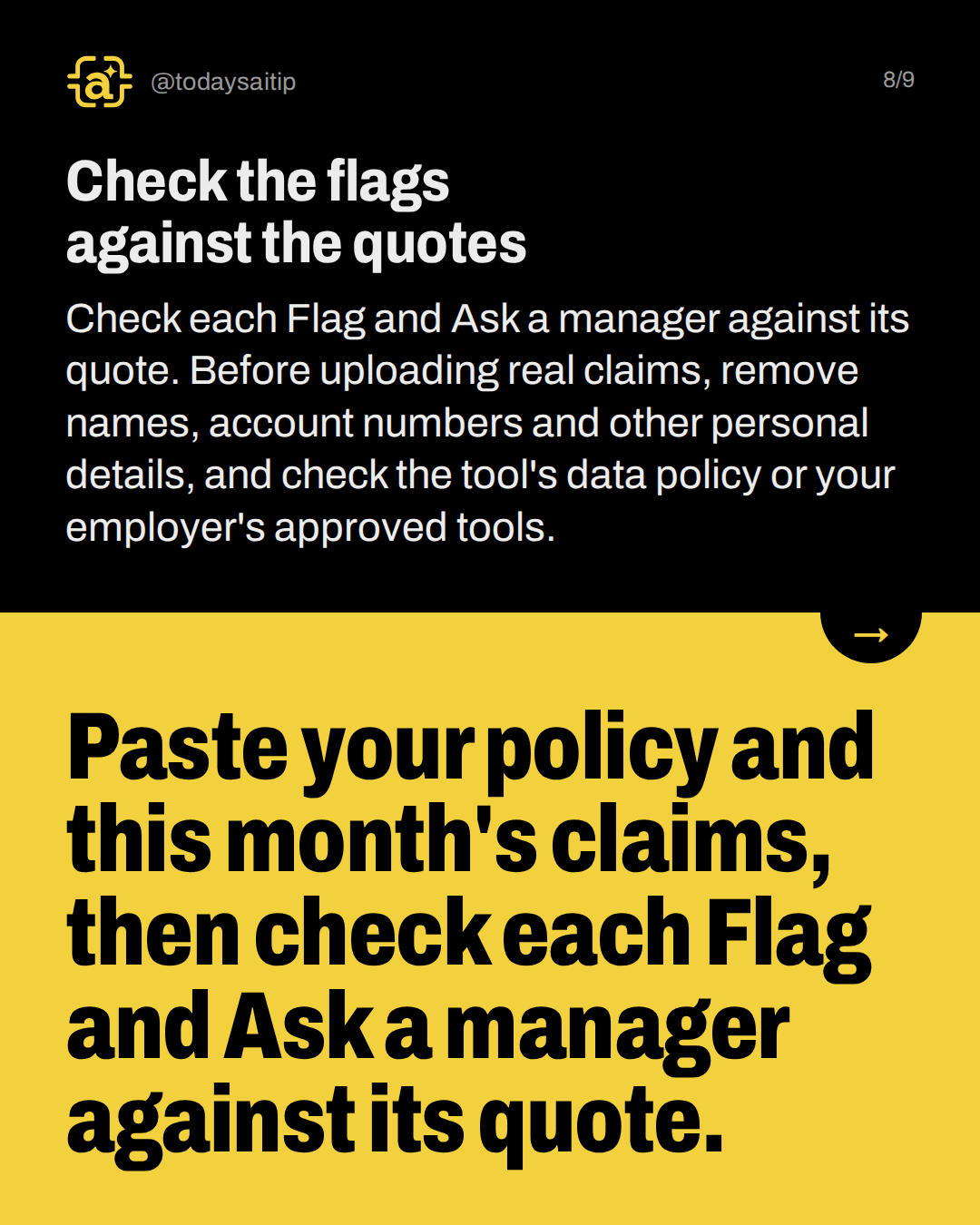
Check the flags against the quotes
Check each Flag and Ask a manager against its quote. Before uploading real claims, remove names, account numbers and other personal details, and check the tool's data policy or your employer's approved tools.
Try it: Paste your policy and this month's claims, then check each Flag and Ask a manager against its quote.
Sources and assumptions
- Anthropic, Prompting best practices (Claude Platform Docs), long context section: Verbatim: "Ground responses in quotes: For long document tasks, ask Claude to quote relevant parts of the documents first before carrying out its task. This helps Claude focus on the relevant content and ignore the rest of the document." Its example asks the model to put quotes in <quotes> tags and then work 'based on these quotes'. (checked 2026-10-16)
Assumptions:
- The policy (Brightline Studio) and all six claims are fictional, written for this test. Dana Ruiz, Sam Okafor and Corvid Labs are invented.
- Both runs used GPT-5.5 through the OpenAI API (engine/ai-test.js, ran 2026-10-17 UTC, i.e. Oct 2026), not the ChatGPT app, and not Claude. The two Claude Sonnet 5.5 entries in tests.json failed with no output (the CLI couldn't be called from the research sandbox). Do not cite them, and do not say the prompt was tested in Claude.
- The quote-first technique comes from Anthropic's Claude docs. On the slides, attribute the technique to that doc, and say the test ran in GPT-5.5 only.
- The audit is my own hand check against the fictional policy. Treat C2 (whether 'me' counts as a named attendee) as a judgment call, not a model error. The vague run said approve $138 once the name is added; the quote-first run said Flag with $0.00.
- Claim totals: claimed $706.00 (476 + 138 + 21 + 41 + 22 + 8). The quote-first run approved $452.60 (440 + 12.60), with C6 sent to a manager.
- Both runs were mostly right. The post must not claim the vague prompt failed badly. Its one clear slip was the C6 'pre-approval' wording borrowed from rule 5. The point of quoting is that you can check each call quickly.
The short version
- Ask for the quote before the decision.
- No rule covers it? It goes to a manager.
- Check every Flag and Ask a manager against its quote.
- The quote shows the rule; you make the judgment.