 Today's AI Tip
Paste [CLIENT], not your client's name. Then make AI keep it.
![Paste [CLIENT], not your client's name. Then make AI keep it.](https://media.carouselcdn.com/ai-tools/2026-10-09-a/01.png)

What most of us paste
The usual move is pasting the real email, with the client's name, company and account number, and typing “make this more polite.” The chat then holds details the edit never needed.
![Tag it, paste it, swap back. Replace each detail with a bracketed tag like [CLIENT], [COMPANY], [ACCT-1] and [ME]. Paste the tagged email, then find-and-replace the real details back afterward.](https://media.carouselcdn.com/ai-tools/2026-10-09-a/03.png)
Tag it, paste it, swap back
Replace each detail with a bracketed tag like [CLIENT], [COMPANY], [ACCT-1] and [ME]. Paste the tagged email, then find-and-replace the real details back afterward.
Try it: Use one tag per detail, written the same way each time.
![Plain prompt moved the account tag. With only “clearer and more polite” as the prompt, every tag survived. But [ACCT-1] jumped into the subject line, so after the swap-back your real account number sits in the subject.](https://media.carouselcdn.com/ai-tools/2026-10-09-a/04.png)
Plain prompt moved the account tag
Real output · GPT-5.5 (OpenAI API) · Oct 2026
With only “clearer and more polite” as the prompt, every tag survived. But [ACCT-1] jumped into the subject line, so after the swap-back your real account number sits in the subject.
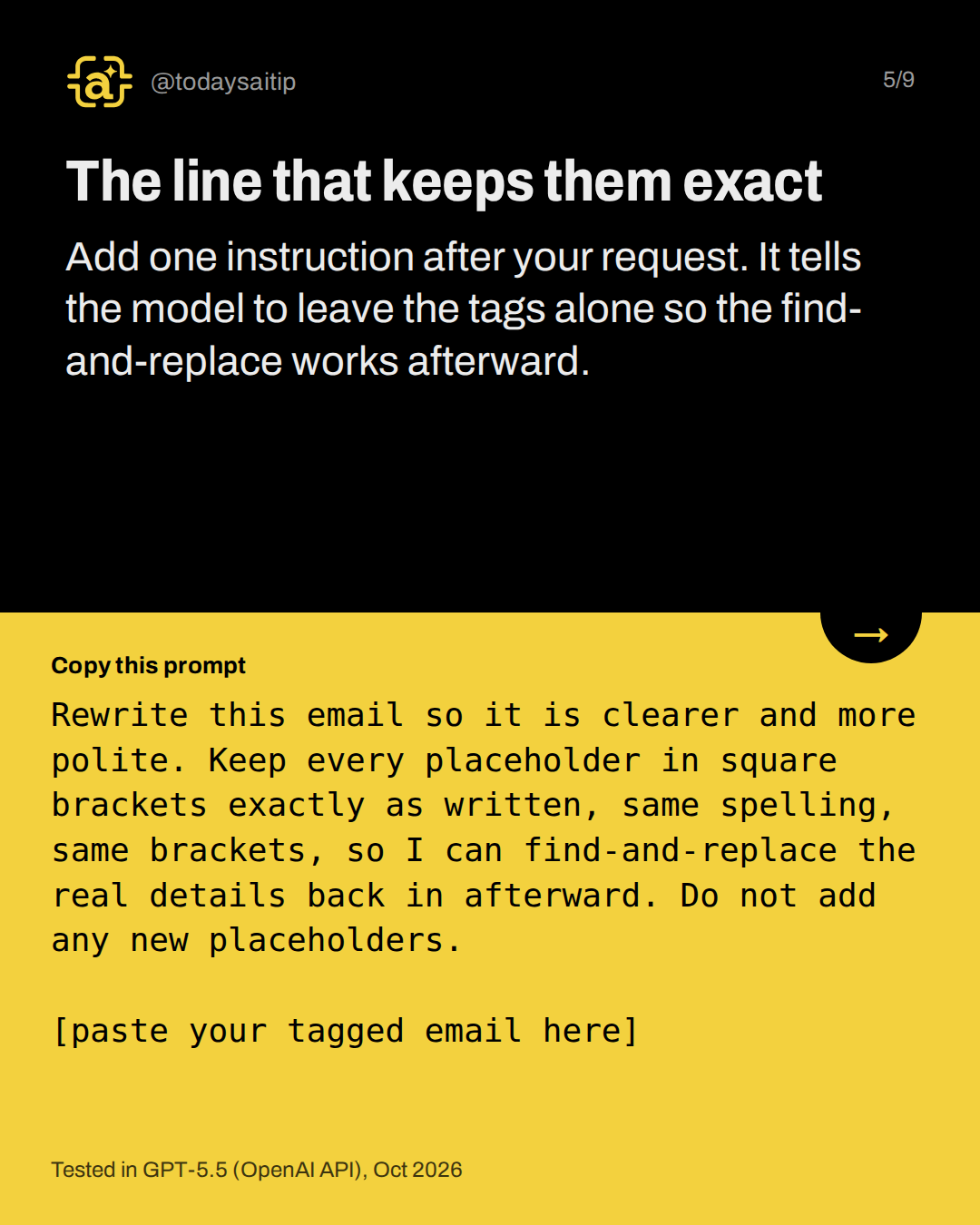
The line that keeps them exact
Tested in GPT-5.5 (OpenAI API), Oct 2026
Add one instruction after your request. It tells the model to leave the tags alone so the find-and-replace works afterward.
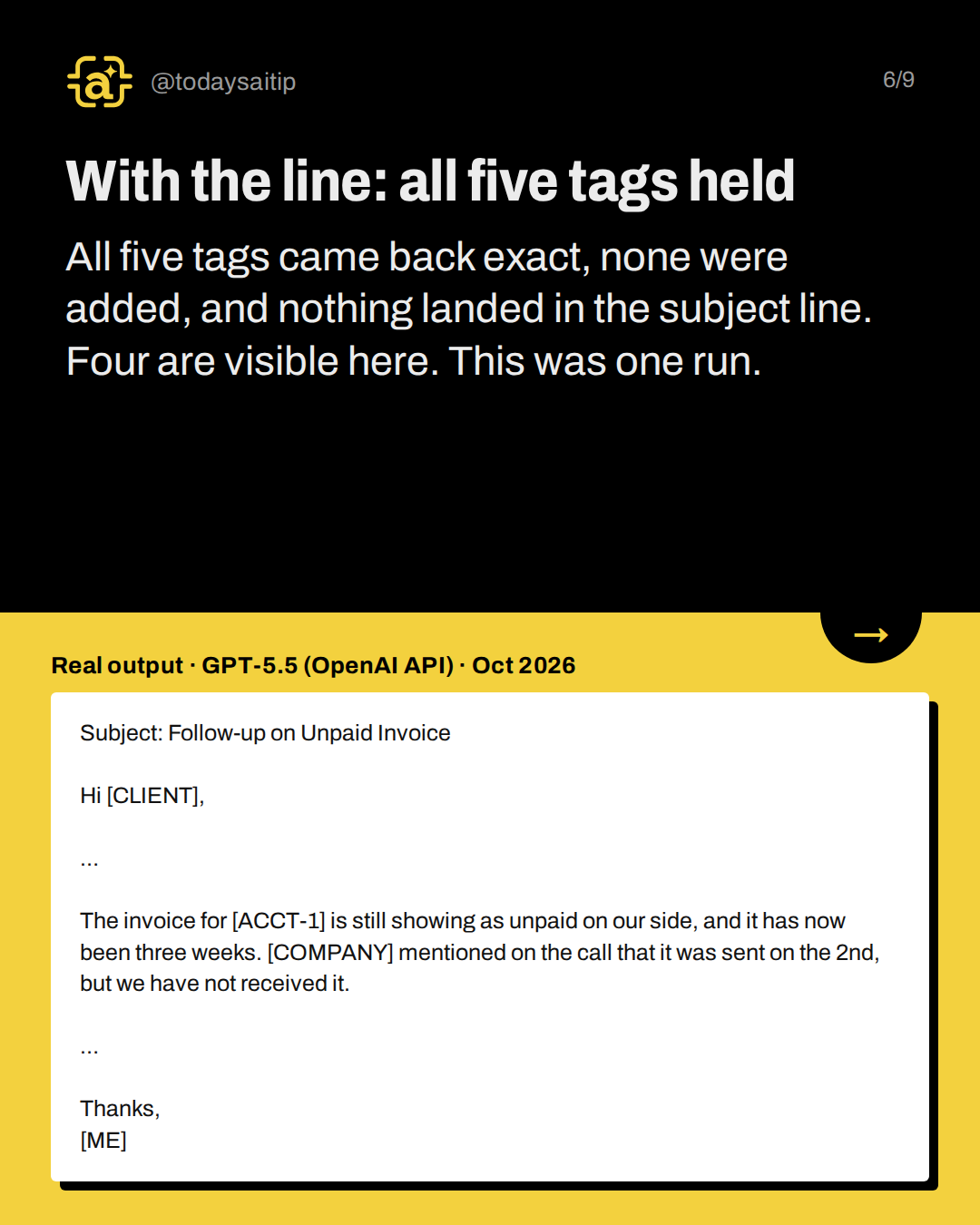
With the line: all five tags held
Real output · GPT-5.5 (OpenAI API) · Oct 2026
All five tags came back exact, none were added, and nothing landed in the subject line. Four are visible here. This was one run.
![One good run isn't a guarantee. A second plain run put [ACCT-1] in the subject line again. Search for “[” and read every line it lands on. A tag hides [CLIENT], but a unique amount or date can still point to them.](https://media.carouselcdn.com/ai-tools/2026-10-09-a/07.png)
One good run isn't a guarantee
A second plain run put [ACCT-1] in the subject line again. Search for “[” and read every line it lands on. A tag hides [CLIENT], but a unique amount or date can still point to them.
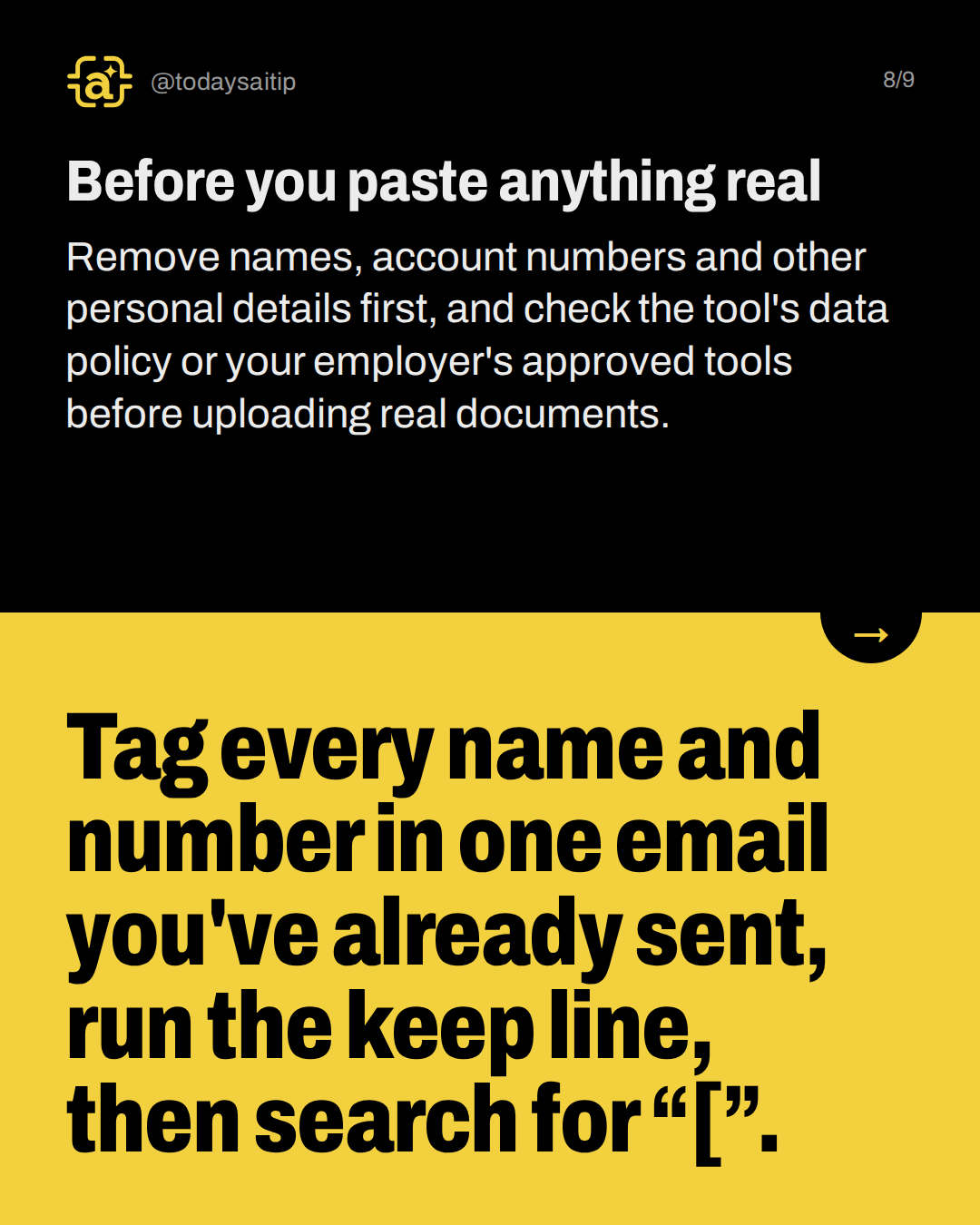
Before you paste anything real
Remove names, account numbers and other personal details first, and check the tool's data policy or your employer's approved tools before uploading real documents.
Try it: Tag every name and number in one email you've already sent, run the keep line, then search for “[”.
Sources and assumptions
- Anthropic, Updates to Consumer Terms and Privacy Policy (Aug 28, 2025): The change applies to Claude Free, Pro and Max. Users choose whether chats are used for model training. Retention is five years if they allow it and 30 days if they don't, and both apply to new or resumed chats. Existing users had until October 8, 2025 to accept. It does not apply to Claude for Work, Government, Education or API use. (checked 2026-10-08)
- Claude Privacy Center, Is my data used for model training? (last updated March 16, 2026): Free/Pro/Max chats are used for training if the user allows it (the Model Improvement setting under Privacy Settings), if a chat is flagged for safety review, or if the user joins a program like Trusted Tester. Incognito chats are not used for training even with Model Improvement on. (checked 2026-10-08)
Assumptions:
- The sample email, names and tags are fictional. No real client data was used.
- All outputs shown come from GPT-5.5 via the OpenAI API (label 'GPT-5.5 (OpenAI API)', Oct 2026), not the ChatGPT app. The Claude runs (ids 'plain' and 'keep') failed because the claude CLI was unavailable in this session, so their output is null in tests.json. They must not be quoted, and the post must not say it was tested in Claude.
- Each prompt ran once (the plain prompt twice). The keep line worked in one run, which shows it can help. It does not prove it always works.
- The retention and training details on the sources are for Claude consumer plans only. OpenAI's help and policy pages returned 403 and could not be opened, so the slides make no OpenAI training or retention claims and use only the brief's generic privacy instruction.
- The ran_at timestamps are UTC (2026-10-09T02:00Z), which is still 2026-10-08 locally. Label the slides Oct 2026.
The short version
- Swap names and numbers for [TAGS] first.
- Add the keep line to your prompt.
- Search for “[” before replacing anything.
- Placeholders hide names, not the situation.